

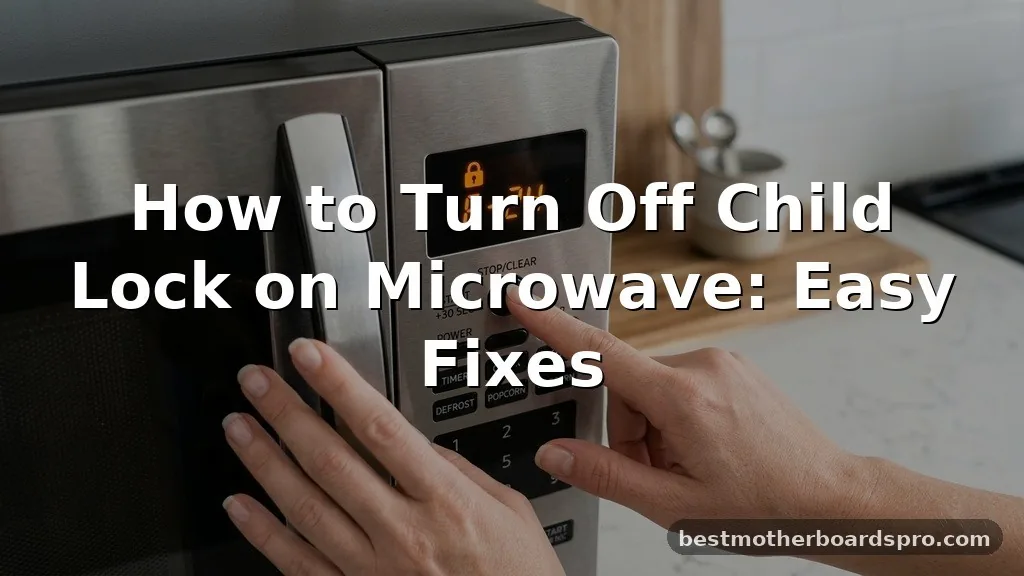
Discovering your microwave is unresponsive right when you need to heat up lunch is incredibly frustrating, especially when it’s just the safety feature acting up. If you are struggling with how to turn off child lock on microwave systems, you are certainly not alone.
Many modern kitchen appliances come equipped with this function to prevent accidental operation, but the buttons to disable it aren’t always intuitive. Whether you see a flashing “L,” “Loc,” or just a complete lack of response from the keypad, this guide provides the clarity you need to get your appliance back to normal without needing a technician.
Identifying Why Your Microwave Is Locked
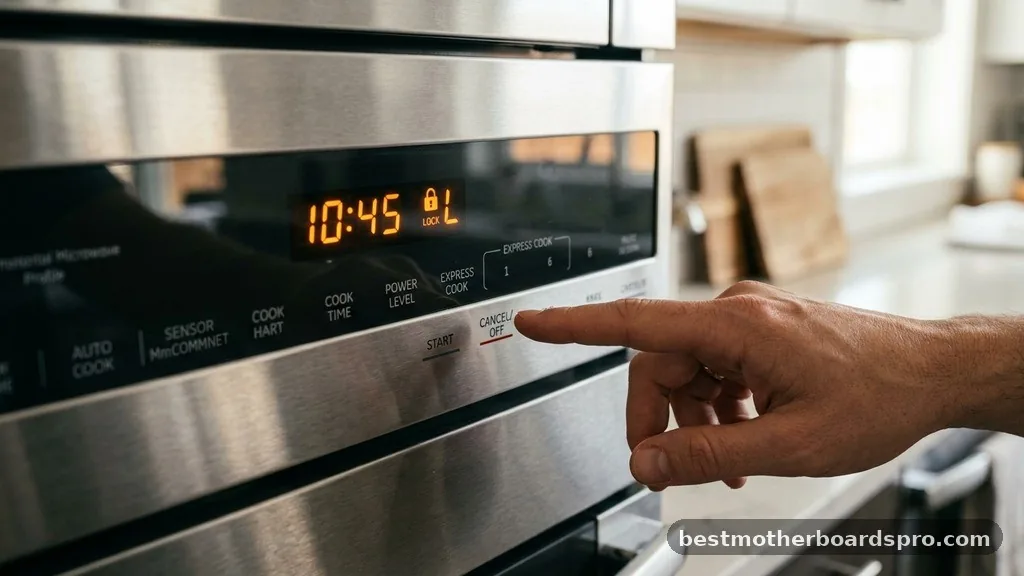
Most microwaves feature a safety lock to stop them from starting when empty or when children are playing near the unit. When this mode is active, the control panel typically ignores all input, making it seem as if the microwave is broken. You might see a specific icon or text on the display, but sometimes it just looks like a frozen screen.
The primary purpose of this feature is to prevent accidental activation during cooking cycles or cleaning. Because manufacturers prioritize safety, these locks are often hidden behind a combination of button presses rather than a dedicated “Lock/Unlock” switch. Understanding that your device is likely functioning exactly as designed—just in a restricted state—is the first step toward resolving the issue.
Common Methods to Deactivate Control Locks
While every brand varies, most manufacturers use a few standard button combinations to engage or disengage the lock. If you aren’t sure which one your model uses, try these common sequences.
- Press and hold the “Stop/Clear” button for three to five seconds.
- Hold the “Start” button down for several seconds until the display changes.
- Look for a “Lock” or “Child Lock” button on the keypad; press and hold it for three seconds.
- Try pressing the “0” or “1” key while holding the “Stop” button.
- Check if holding the “Clock” button down performs the function.
If you hear a beep during this process, it is a good sign that the system is registering your input. Keep your finger on the button consistently, as a quick tap usually won’t trigger the unlock sequence.
Brand-Specific Unlock Procedures
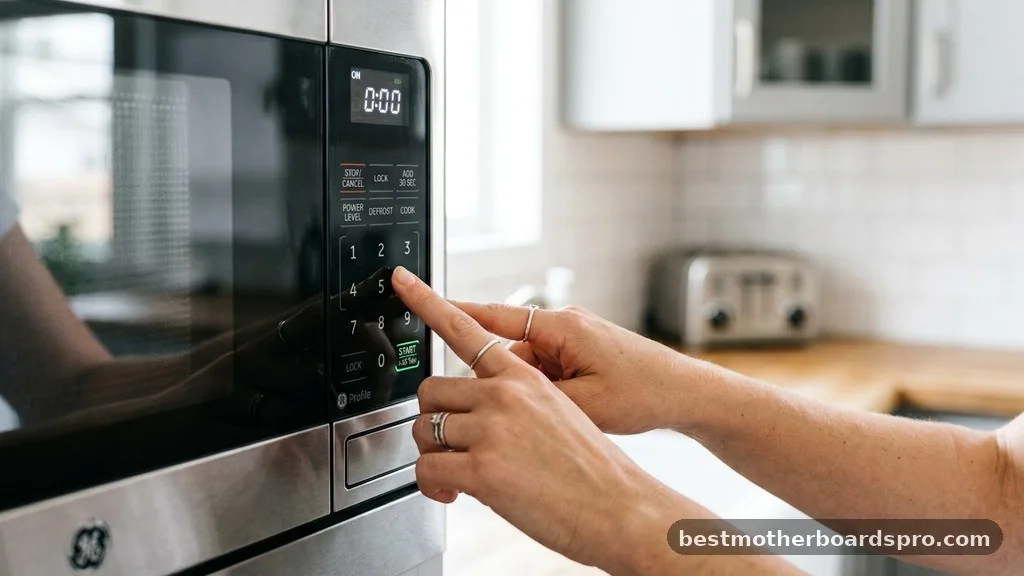
Different brands have distinct programming for their door lock features. While the universal “Stop/Clear” method works for many units, others require a more specific touch.
| Brand | Common Unlock Method |
|---|---|
| Samsung | Press and hold “Stop/Clear” + “0” for 3 seconds. |
| Whirlpool | Hold “Cancel” or “Control Lock” for 3-5 seconds. |
| Panasonic | Press “Start” three times in quick succession. |
| GE | Hold “Cancel/Off” for 3 seconds. |
| Frigidaire | Press and hold “Stop” or “Clear” until the light turns off. |
Always refer to your specific model number if these general steps fail. You can usually find this information on a sticker inside the door open area or on the back of the appliance.
Troubleshooting When the Lock Won’t Clear
If you have tried the button combinations and the microwave remains unresponsive, the issue might be more than just a simple lock. Sometimes, a power surge or a minor electrical hiccup can cause the control board to hang.
Try a hard power reset by unplugging the unit from the wall outlet. Leave it disconnected for at least one minute to allow the capacitors to discharge.
Once you plug it back in, the system should reboot, and the lock might clear automatically. If the display remains blank or the buttons still don’t work, the issue could be a faulty control panel or a broken membrane switch.
Addressing Hidden Topical Gaps
One common frustration people face is the “False Lock” scenario. Sometimes, the microwave isn’t actually in child lock mode, but a button is stuck or a sensor believes the door is still open.
If your open button feels sticky or the display shows an error code, the control panel might be misinterpreting your input. Gently clean the edges of the keypad with a slightly damp cloth to ensure no food debris is holding a button down.
Additionally, ensure the door is latching properly. If the microwave detects that the door is not fully closed, it will often disable the start button to ensure safety, which can easily be mistaken for a child lock.
FAQ Section
Why does my microwave keep locking itself?
Some microwaves are designed to activate the child lock automatically after a period of inactivity. This is a factory setting meant to protect the unit. If yours does this frequently, check your user manual to see if you can disable the “Auto-Lock” feature in the settings menu.
Can I use the microwave if the child lock is stuck on?
If the software lock is active, you cannot use the microwave for cooking. If the lock is a physical latch issue, it is unsafe to attempt to bypass it, as the microwave needs a closed circuit to operate safely. You should resolve the software or hardware fault first.
What if I lost my manual and don’t know the button code?
Most manufacturers host digital versions of their manuals on their official websites. Search for your model number, which is usually located on a label inside the door. Once you find the manual, look for the “Control Lock” or “Child Safety” section to find the exact button sequence.
Does unplugging the microwave reset the child lock?
Unplugging the microwave for a few minutes will reset the internal memory of the control board. This often clears error states and can effectively disable a stuck child lock, returning the display to its default state. It is one of the most effective ways to troubleshoot persistent unresponsive controls.
Final Thoughts on Appliance Control
Dealing with a locked kitchen appliance is usually a matter of finding the right sequence rather than a sign of a broken machine. By systematically trying the common button combinations or performing a hard power reset, you can typically resolve the issue in just a few minutes.
Remember that these features are there to keep your home safe, so once you figure out how to turn off child lock on microwave controls, you’ll be able to toggle it back on whenever you need extra peace of mind. If you continue to experience issues despite these steps, checking your manufacturer’s website for model-specific instructions is the best way to move forward with your repair.
