


Many PC builders spend weeks obsessing over their CPU and GPU choices, but they often treat the motherboard as an afterthought. It is common to wonder how much the motherboard actually affects performance, especially when you are trying to squeeze every frame out of your hardware. While the board itself doesn’t possess a clock speed or a core count, it acts as the central nervous system for every other component in your machine.
If the foundation is flawed, your high-end parts might struggle to reach their full potential. Understanding whether the motherboard affects performance requires looking past the marketing jargon and focusing on how it manages power delivery, heat, and data throughput for your system.
The Role of VRMs in Power Delivery
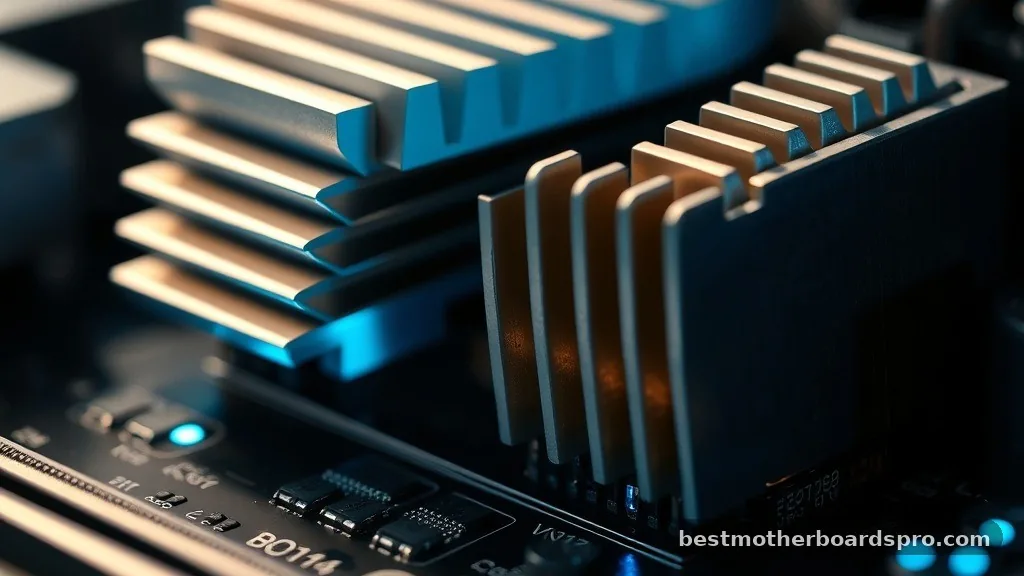
The most direct way a motherboard influences system speed is through its Voltage Regulator Modules, or VRMs. These components convert the raw power from your power supply into the stable, clean voltage that your processor demands.
If you pair a top-tier, power-hungry CPU with a budget-tier motherboard, the VRMs might overheat under heavy loads. When these modules get too hot, the motherboard will force the CPU to throttle its clock speed to prevent physical damage.
This thermal throttling is a silent killer for performance. You might notice your frame rates dipping during long gaming sessions or rendering tasks, even if your CPU cooler is top-of-the-line.
A higher-end board usually features larger heatsinks and better-quality power phases, which keep the CPU running at its boost clock for longer periods. If you are building a machine for heavy workstation tasks or overclocking, the quality of the power delivery is non-negotiable.
Data Throughput and Storage Speeds
Your storage performance is another area where the motherboard can dictate your experience. Modern NVMe SSDs rely on PCIe lanes provided by the chipset or the CPU directly.
If you are using an older motherboard, it might be limited to PCIe 3.0 speeds, which effectively caps the transfer rates of a modern PCIe 4.0 or 5.0 drive. While you won’t notice this difference while browsing the web, it becomes quite apparent during large file transfers or loading massive game assets.
Furthermore, the layout of the motherboard determines how many high-speed slots you have available. Some budget boards share bandwidth between the primary M.2 slot and the secondary PCIe slots.
If you populate both, the system might automatically drop the speed of one, creating a bottleneck that affects your overall system responsiveness. Always check the manual to ensure your components aren’t fighting for the same lanes.
Expansion Slots and GPU Communication
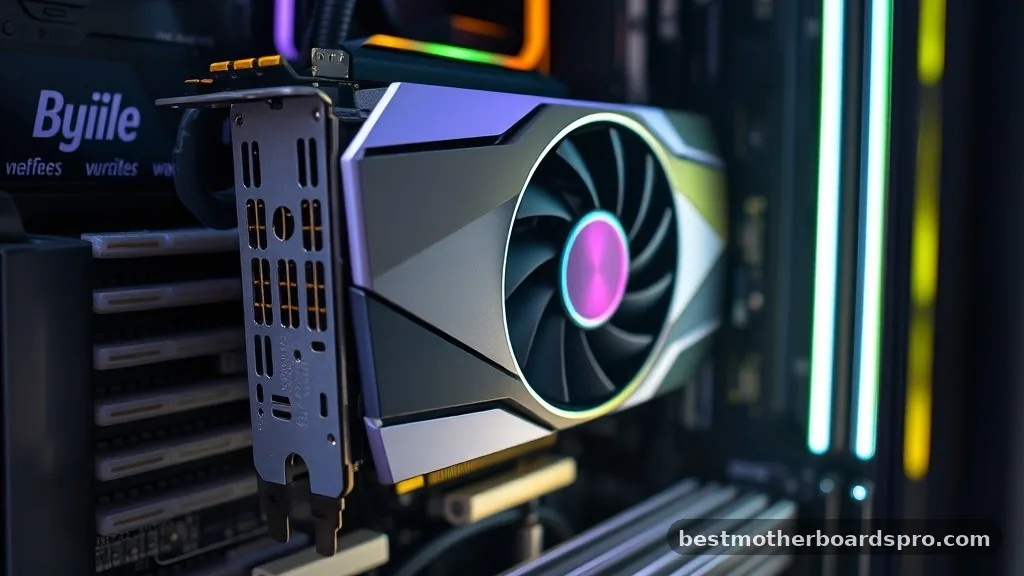
People often ask if the motherboard limits their graphics card performance. In most cases, the answer is no, provided the PCIe slot is physically compatible. A PCIe x16 slot will provide enough bandwidth for almost any modern GPU, whether it is a budget card or a flagship model.
However, if your motherboard is extremely old, it might be restricted to an older PCIe generation. This can create a minor bottleneck for the latest graphics cards that require the massive bandwidth of PCIe 4.0 or 5.0.
| Feature | Impact on Performance | Common Bottleneck |
|---|---|---|
| VRM Quality | High (Thermal Throttling) | CPU Clock Stability |
| PCIe Version | Low to Medium | GPU/SSD Bandwidth |
| RAM Topology | Medium | Memory Overclocking |
| Chipset Features | Low | I/O Connectivity |
Does the Motherboard Matter for Gaming
For the average gamer, the motherboard is rarely the primary source of performance loss. If you are running a mid-range CPU and a single GPU, almost any reliable board from a reputable manufacturer will allow those parts to perform exactly as intended.
The differences usually manifest in the form of extra features, such as better audio chips, more USB ports, or integrated Wi-Fi. These things improve your quality of life but don’t add raw frames per second to your games.
However, if you are chasing the absolute best performance, the motherboard becomes a factor in how well you can tune your system. Premium boards often have better BIOS support for memory overclocking and stability profiles. If you want to push your RAM to its rated XMP or EXPO speeds, a motherboard with a robust memory trace layout will be much more stable than a cheap entry-level model.
Addressing Common Topical Gaps
There are several areas where misinformation often clouds the decision-making process for builders. Here are the specific factors that clarify the actual impact of your board choice:
- BIOS Optimization: A well-supported motherboard receives regular updates that improve compatibility with newer RAM kits and CPUs. This is often more important than the hardware specs themselves.
- Thermal Management: Beyond VRMs, the physical layout affects airflow. A cramped motherboard design might trap heat near your GPU, causing it to run hotter and hit its thermal limit faster.
- Integrated Peripherals: While not direct performance, the quality of your Ethernet or Wi-Fi controller can impact your online gaming experience, leading to packet loss that feels like “lag” or low performance.
- Future-Proofing: A motherboard with a robust chipset allows you to upgrade your CPU later without needing to reinstall your operating system or swap out other core components.
FAQ
How can I tell if my motherboard is causing performance issues?
You can check for performance issues by monitoring your CPU and GPU temperatures under load. If your clock speeds drop significantly while temperatures are high, your VRMs may be throttling. Additionally, check your BIOS for any warnings or errors related to power delivery or memory stability.
Is it worth replacing a motherboard for a performance boost?
Generally, no. Replacing a motherboard is a labor-intensive task that rarely yields a direct increase in speed unless your current board is failing or severely limiting your CPU’s power consumption. You are usually better off investing that money into a better GPU or more RAM.
Does the motherboard affect GPU performance?
Only if the motherboard uses an outdated PCIe generation that limits the bandwidth of your graphics card. For most modern setups, even a budget motherboard provides sufficient lanes for a GPU to run at its full potential, provided it has a proper x16 physical slot.
Will a new motherboard make my PC faster?
A new motherboard itself does not increase raw processing speed. However, it can improve overall system stability, allow for better memory overclocking, and provide faster connectivity for modern SSDs, which can make the computer feel more responsive and efficient during demanding tasks.
Final Thoughts on Motherboard Selection
When you consider whether the motherboard affects performance, it is helpful to view it as the foundation of your build. While it won’t make a slow CPU fast, a poor choice can certainly hold back high-end hardware through thermal throttling or bandwidth limitations.
Most users will find that a mid-range board offers the perfect balance of stability and features without unnecessary costs. If you are not planning to overclock or run high-end workstation components, focus your budget on the parts that directly impact your frame rates, like the graphics card and processor.
If you find yourself stuck choosing between a flashy, expensive board and a functional, reliable one, always prioritize the manufacturer’s reputation for BIOS support. A stable system that runs consistently will always outperform a temperamental, high-end board that requires constant troubleshooting. Building a PC is a personal project, and choosing the right base ensures you spend more time enjoying your games and less time fighting with hardware quirks.
