

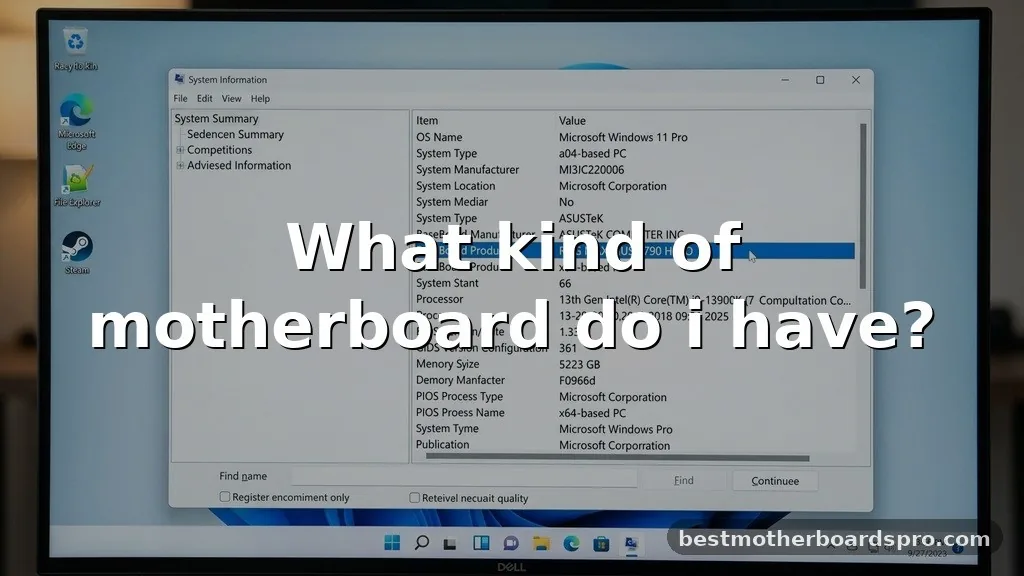
Figuring out what kind of motherboard do i have is a common hurdle when you’re planning a PC upgrade or troubleshooting hardware issues. Whether you need to check for driver updates, verify RAM compatibility, or determine if your current board supports a new processor, identifying the specific hardware sitting inside your case is essential.
Fortunately, you don’t need to open your computer or dig through old boxes to find this information. Several built-in tools within your operating system make the process straightforward, allowing you to extract technical details in just a few clicks or commands.
Using System Information to Find Your Board
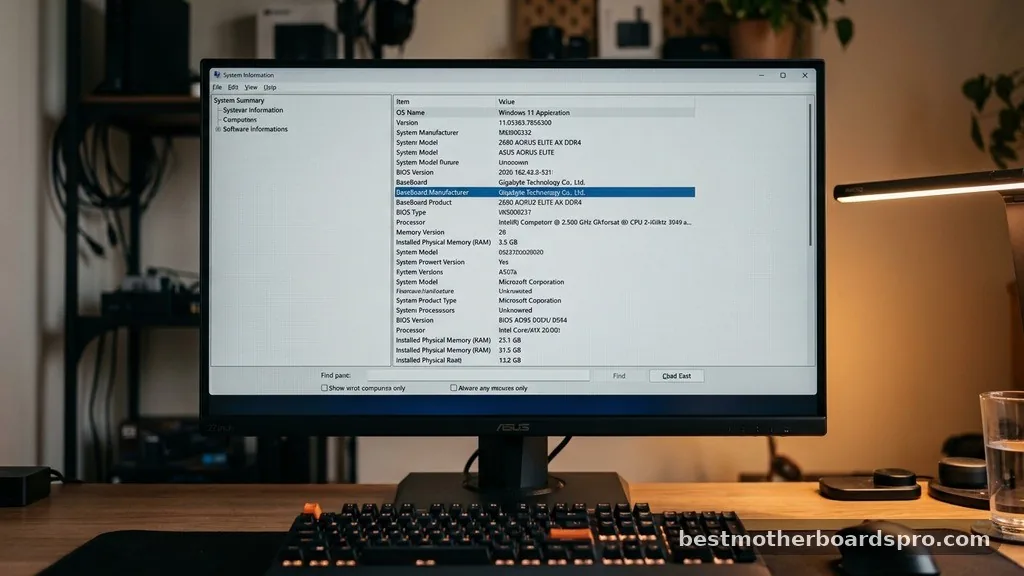
The fastest way to identify your hardware on a Windows machine is through the built-in System Information utility. This tool aggregates data directly from your hardware and firmware to give you a clear readout of your machine’s specifications.
To get started, press the Windows key on your keyboard and type “System Information” into the search bar. Once the application opens, look for the “System Summary” section in the left-hand pane. In the right-hand column, scroll down until you see the labels “BaseBoard Manufacturer,” “BaseBoard Product,” and “BaseBoard Version.”
These fields will reveal exactly what kind of motherboard do i have, providing you with the manufacturer name and the specific model number. This is often the most reliable method because it pulls data directly from the board’s firmware.
Checking via the Command Prompt
If you prefer a more direct approach, or if you are comfortable using the command line, the Command Prompt (CMD) offers a quick way to extract this data without navigating through graphical menus. This method is particularly useful if you are managing multiple machines or prefer keyboard-driven navigation.
Open the Command Prompt by typing “cmd” in your Windows search bar and pressing Enter. Once the terminal window appears, type the following command and press Enter:
wmic baseboard get product,Manufacturer,version,serialnumber
The system will return a concise list showing your motherboard’s manufacturer and the specific model. If you are curious about the serial number for warranty purposes, this command will display that as well. It’s a clean, efficient way to see your hardware details without any unnecessary clutter.
Inspecting the BIOS or UEFI
When your operating system isn’t booting correctly, or you want to see hardware data before installing Windows, the BIOS or UEFI interface is your best friend. This environment exists independently of your OS, acting as the primary bridge between your hardware and the software you run.
To access this, restart your computer and repeatedly press the key designated by your manufacturer to enter the setup menu—usually Del, F2, F10, or F12. Once you are inside the BIOS/UEFI interface, look for a “System Information,” “Main,” or “About” tab.
Most modern boards display the motherboard model and version prominently on the front page of this screen. While the interface varies significantly between brands like ASUS, MSI, and Gigabyte, the location of this data remains fairly consistent across the industry.
Physical Inspection of the Board
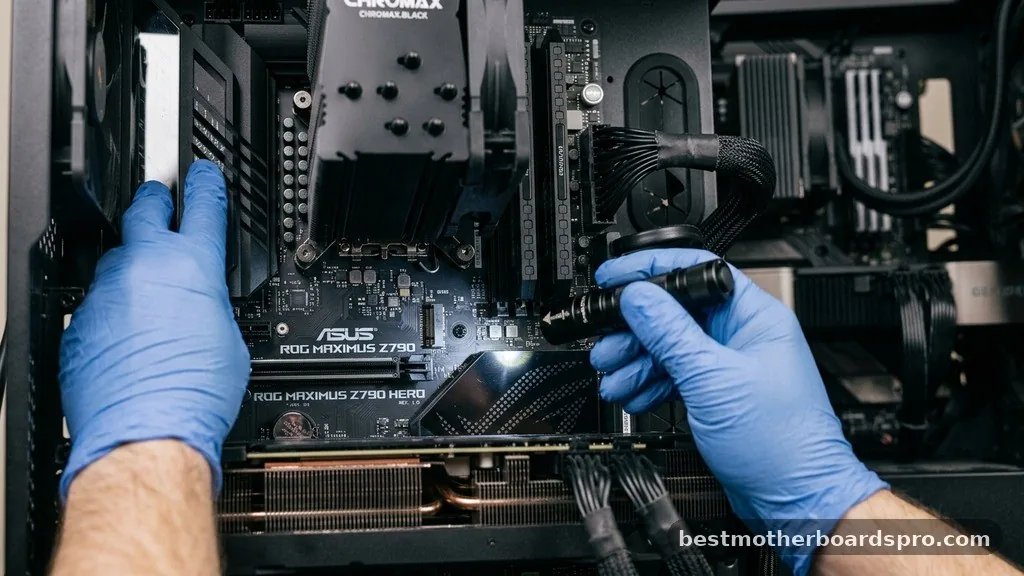
Sometimes, software utilities fail to report the correct model due to custom OEM builds, especially in pre-built systems from companies like Dell or HP. In these cases, you might need to perform a physical inspection of the board to see what kind of motherboard do i have.
Before opening your PC, always power it down and unplug the power cable. Remove the side panel of your case and use a flashlight to scan the surface of the motherboard. Manufacturers almost always print the model name and number directly onto the PCB (printed circuit board).
Look near the RAM slots, the PCIe slots, or the area surrounding the CPU socket. If you see a series of numbers and letters, try searching that string online; it will almost certainly lead you to the product page on the manufacturer’s website.
Comparing Common Motherboard Factors
When identifying your board, it helps to understand the physical and functional differences between standard consumer options. The table below highlights key attributes you might encounter during your search.
| Factor | Description | Common Examples |
|---|---|---|
| Form Factor | The physical size and layout of the board. | ATX, Micro-ATX, Mini-ITX |
| Socket Type | The interface connecting the CPU to the board. | LGA 1700, AM4, AM5 |
| Chipset | The logic controlling data flow. | Z790, B650, X670 |
Addressing Common Identification Gaps
Many users struggle when their computer is a “pre-built” model, where the manufacturer uses proprietary parts. If you are trying to find out what kind of motherboard do i have in a pre-built system, you might find that the BIOS reports a generic “System Board” name rather than a retail model number. In these instances, your best bet is to visit the support page of your computer’s manufacturer (e.g., Lenovo or Acer) and enter your serial number.
* Visit the official support site for your computer brand.
* Locate the “Detect My Product” or “Search by Serial Number” feature.
* Once the system identifies your specific build, browse the “Specifications” or “Parts List” section.
* The motherboard will be listed there with its proprietary part number, which you can then cross-reference for upgrades.
Frequently Asked Questions
Will BIOS tell me what motherboard I have?
Yes, the BIOS or UEFI interface is one of the most reliable ways to identify your hardware. When you boot into the BIOS menu, the motherboard model and manufacturer are typically displayed on the main system information screen, providing an accurate reading that doesn’t rely on the operating system.
Can I check my motherboard model without opening the PC?
Absolutely. You can use Windows System Information, the Command Prompt, or third-party software like CPU-Z to gather these details. These digital methods are usually sufficient for identifying the board’s name, version, and serial number without ever needing to touch the internal hardware or remove the side panel.
How do I know if my motherboard is ATX?
You can determine the form factor by checking the board’s dimensions or looking up the specific model number online. A standard ATX board typically measures 12 by 9.6 inches and features a specific layout of mounting holes and expansion slots that distinguish it from smaller Micro-ATX or Mini-ITX variants.
Does a Mac have a motherboard I can identify?
Apple computers use a logic board rather than a standard motherboard. While you can find the model identifier through “About This Mac,” the hardware is proprietary and non-upgradable in the traditional sense, meaning identifying the board is usually only necessary for repair services or specialized software compatibility checks.
Conclusion
Identifying your hardware is a fundamental skill for any computer user. By using the tools already present on your machine, you can quickly find out what kind of motherboard do i have without needing technical expertise or physical tools. Whether you rely on the System Information tool, run a quick command in the terminal, or perform a visual check, having this information at your fingertips empowers you to make informed decisions about future upgrades.
Remember that if your system is a pre-built model, searching by serial number on the manufacturer’s website is often the most accurate path to finding specific hardware details. Once you have identified your board, you can confidently proceed with driver updates or component swaps. Feel free to explore your system settings today to see exactly what powers your PC, and don’t hesitate to dive deeper into your hardware specifications as you grow more comfortable with your setup.



