

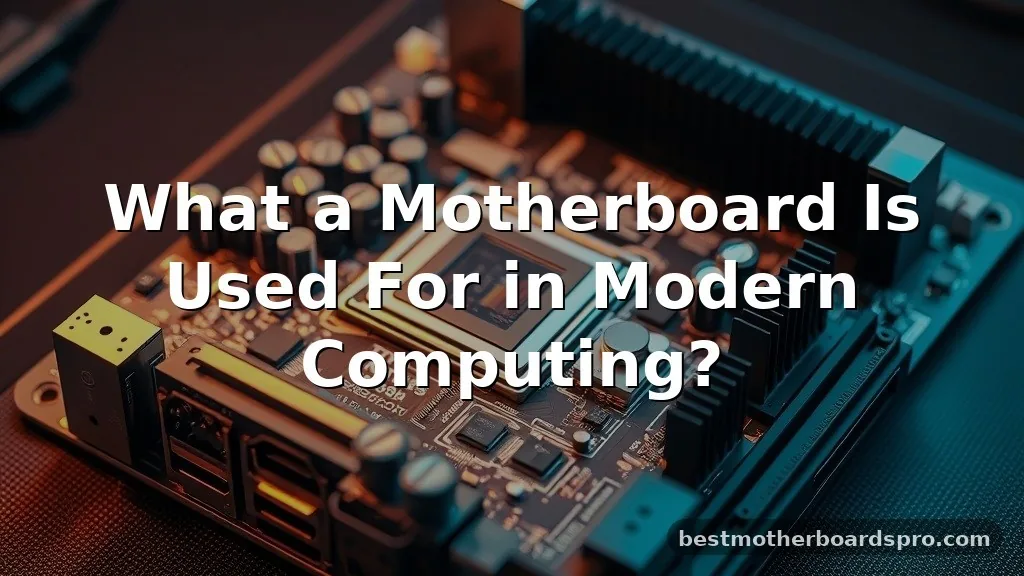
When you crack open a computer case, the largest piece of hardware staring back at you is the motherboard. It acts as the central nervous system for your entire machine, connecting every piece of hardware so they can actually talk to each other.
Understanding what a motherboard is used for helps demystify the complex web of electronics that powers your daily tasks, whether you are browsing the web, editing high-resolution video, or playing the latest games. Without this critical circuit board, your processor would be isolated, and your memory would have no bridge to reach the rest of the system.
The Central Hub of Your Computer
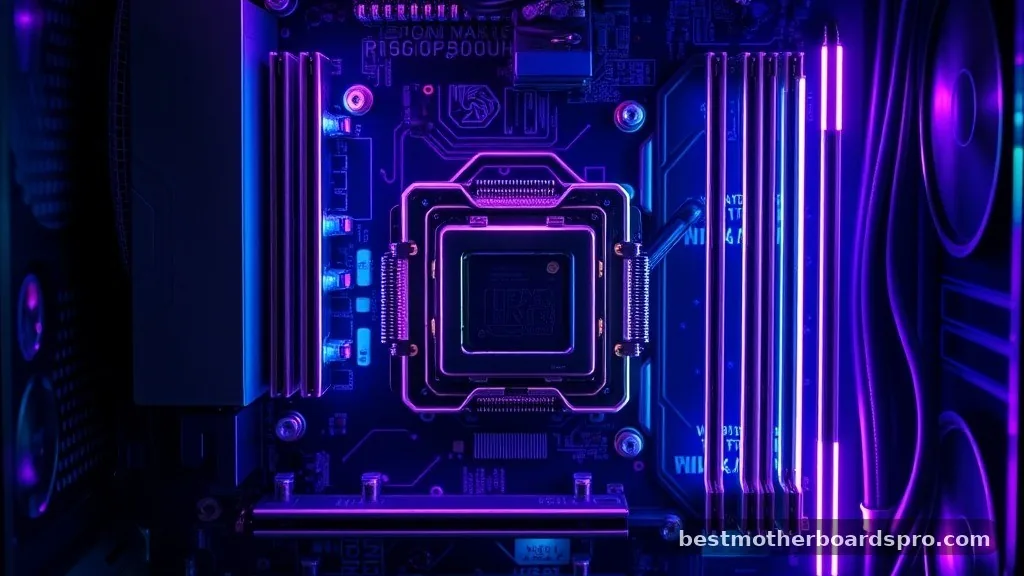
At its core, a motherboard serves as the primary communication platform for every hardware component within your computer. It provides the physical pathways, known as traces, that allow electricity and data to flow between the processor, memory, and storage drives. Think of it as the city infrastructure; without the roads and power grids provided by the board, the individual buildings—your CPU, GPU, and RAM—would be unable to function as a cohesive system.
The design of a motherboard determines the limitations of your machine. It dictates which processor socket you can use, how much memory you can install, and how many expansion cards you can add. When you ask what a motherboard is used for, the most accurate answer is that it acts as the foundation that defines the compatibility and performance ceiling of your entire build.
Core Functions and System Integration
The primary job of the board is to distribute power from the power supply unit to every other component. It takes the raw voltage from the PSU and regulates it through various phases to ensure the CPU and other parts receive clean, consistent electricity. If a board fails to regulate this voltage correctly, your system might crash under load or suffer from permanent hardware damage.
Beyond power distribution, the board manages data traffic. It uses a chipset to coordinate communication between the processor and external devices like keyboards, mice, and external drives. Here is a breakdown of how it handles these essential tasks:
- Power Regulation: It converts power from the PSU into usable currents for the CPU and chipset.
- Data Routing: It facilitates high-speed communication between the processor and high-bandwidth devices like the GPU.
- Hardware Compatibility: It houses the specific socket and slots required for your chosen CPU and memory modules.
- BIOS/UEFI Management: It stores the firmware that initializes your hardware before the operating system even begins to load.
- I/O Handling: It provides the physical ports on the back of the case for connectivity.
Understanding Form Factors and Physical Layout
The physical size and shape of a board are referred to as the form factor. The most common standard is ATX, which balances space for expansion with compatibility for most mid-tower cases. Smaller boards like Micro-ATX or Mini-ITX are used for compact builds, though they often trade away extra expansion slots for their smaller footprint.
When selecting a board, you must match its physical dimensions to your case. A massive E-ATX board simply won’t fit into a case designed for a compact Mini-ITX build. The following table highlights the differences between common form factors to help you understand how size affects your options.
| Form Factor | Typical Use Case | Expansion Slots |
|---|---|---|
| ATX | Standard Desktop / Gaming | High (6-7) |
| Micro-ATX | Budget/Compact Builds | Medium (3-4) |
| Mini-ITX | Small Form Factor PCs | Low (1) |
| E-ATX | Workstations / Enthusiast | Maximum (7+) |
Expansion and Connectivity Slots
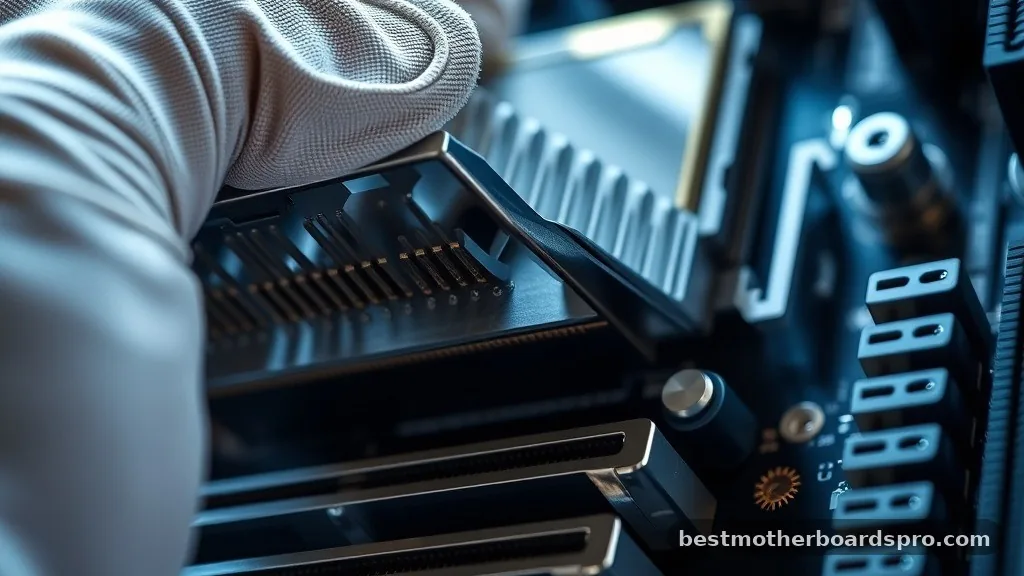
One of the most important aspects of a motherboard is its ability to grow with your needs through expansion slots. The most prominent of these are the PCIe slots, which are used primarily for graphics cards, high-speed network adapters, and sound cards. These slots provide a direct, high-speed line to the processor, ensuring that your GPU can render frames without being bottlenecked by the data bus.
Memory slots, or DIMM slots, are equally vital. They connect your RAM directly to the CPU, allowing the system to access active data almost instantaneously.
Modern boards usually feature multiple channels, allowing you to run memory in parallel to increase bandwidth. If you want to upgrade your computer’s performance later, these slots are the primary points of entry for adding more capacity.
Addressing Topical Gaps in Motherboard Knowledge
Many users wonder if a computer can run without a motherboard. The short answer is no; it is essentially the chassis for the electronic components.
While you could theoretically wire components together with custom cables, it would be impossible to achieve the high-speed signaling required for modern computing. The traces on a multilayer PCB are far too complex for manual wiring.
Another common gap involves the role of the chipset. People often confuse the CPU with the chipset, but they serve different roles.
The CPU is the “brain” that performs calculations, while the chipset acts as the “traffic cop” that tells that data where to go. The board’s chipset determines which features are available, such as overclocking support, the number of USB ports, and support for the latest storage standards like NVMe.
The Role of Firmware and BIOS
Before your operating system starts, your board runs a small program called the BIOS or UEFI. This software is stored on a flash memory chip directly on the board.
Its purpose is to perform a Power-On Self-Test (POST) to ensure your CPU, RAM, and GPU are detected and functioning. If something is wrong—like a missing RAM stick—the board can communicate this to you through diagnostic lights or beeps.
This firmware also lets you customize your hardware settings. You can use it to adjust fan speeds, set memory frequency profiles, or enable security features like TPM. Without this onboard intelligence, your hardware would have no instructions on how to start when you press the power button.
FAQ
Do all motherboards support the same processors?
No, motherboards are strictly tied to specific CPU sockets and chipsets. You must ensure that the socket on the board matches the socket required by your processor. Using an incompatible CPU will result in a physical mismatch, meaning it cannot be installed or powered by the system.
Is it worth replacing a motherboard on an older computer?
Replacing the board is usually only worth it if you are also upgrading the CPU, as modern boards rarely support processors from several generations ago. If your board fails, it is often better to move to a newer platform rather than hunting for expensive, outdated replacement hardware.
What happens if the motherboard fails?
A motherboard failure typically results in a system that won’t turn on, random restarts, or failure to detect connected devices. Because the board connects everything, a failure often renders the entire computer unusable until the board is replaced or repaired by a professional technician.
Does the motherboard affect gaming performance?
While the board itself doesn’t calculate frames, it affects performance by determining how well your other components can communicate. A high-quality board ensures stable power delivery for overclocking and provides the necessary PCIe bandwidth to keep your graphics card running at its maximum potential.
Final Thoughts
Understanding what a motherboard is used for reveals that it is far more than just a mounting surface for parts. It is the sophisticated backbone that manages power, coordinates data, and ensures every component operates in harmony. By choosing the right board for your specific needs, you are essentially setting the foundation for your computer’s reliability and upgrade path.
Whether you are building a budget office rig or a high-end gaming station, the quality of your board will dictate the longevity of the entire system. Take the time to look at the features, connectivity, and build quality before you settle on a choice. If you have questions about which board fits your specific CPU, feel free to reach out and keep the conversation going.
