


When you are ready to assemble your new rig, wondering whether your chassis includes the necessary mounting hardware is a common concern. You might be staring at an empty box, worried about tracking down small parts before you even begin the build. Fortunately, the answer is almost always yes; builders rarely need to buy extra fasteners separately.
Knowing that do pc cases come with motherboard screws is a standard expectation helps you plan your assembly process with confidence. Most manufacturers include a dedicated accessory kit packed with everything required to secure your hardware to the chassis, ensuring you have the right components to get started immediately.
Understanding the Hardware Accessory Box
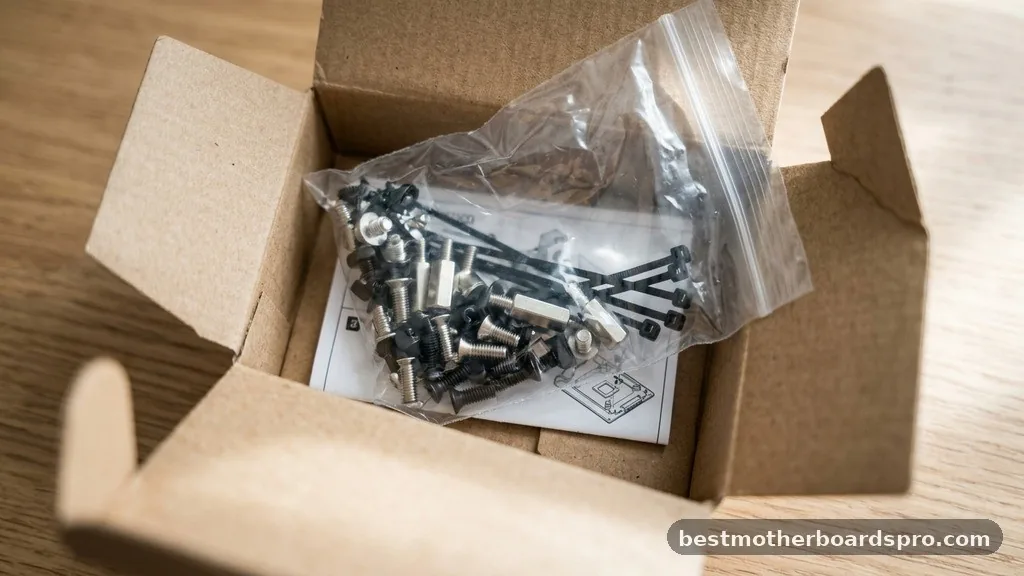
Every reputable chassis manufacturer includes a hardware accessory box or bag tucked inside the drive bays or taped to the interior frame. This kit is the lifeblood of your build, containing all the specialized fasteners needed to secure your core components. You will typically find a variety of small bags containing different thread types, lengths, and head styles, each designed for a specific purpose within the build.
The contents of these kits vary depending on the brand and the complexity of the case. While some budget-friendly enclosures provide only the bare essentials, high-end models often include extra cable ties, specialized washers, and even additional standoff options. Always verify the contents against the provided case manual before you start your assembly to ensure nothing is missing.
Identifying Motherboard Mounting Hardware
Not all screws are created equal, and using the wrong one can lead to stripped threads or, worse, a short circuit on your motherboard. The most critical pieces in your kit are the standoffs and the corresponding screws that secure the board to them.
Standoffs act as small pillars that elevate the motherboard off the metal motherboard tray. This elevation is vital because it prevents the conductive back of the board from touching the metal chassis, which would cause a catastrophic electrical short. Most modern cases arrive with pre-installed standoffs for a standard ATX motherboard, but you may need to adjust them if you are using a smaller form factor like Micro-ATX or Mini-ITX.
The Role of UNC Screws and M3 Threads
Understanding the specific types of fasteners you are dealing with makes the installation process much smoother. In the world of PC building, you will mostly encounter two primary types of threads for your components:
- UNC 6-32 Screws: These are the larger, coarser-threaded screws generally used for securing power supplies, hard drives, and the motherboard standoffs themselves into the chassis.
- M3 Screws: These have a finer thread and are typically used to attach the motherboard directly to the standoffs or to secure optical drives and smaller SSDs.
Always test the fit gently before applying force. If a screw feels like it is resisting, stop immediately. You might be using the wrong thread type for that specific hole, and forcing it will damage the hardware.
What to Do If Hardware Is Missing
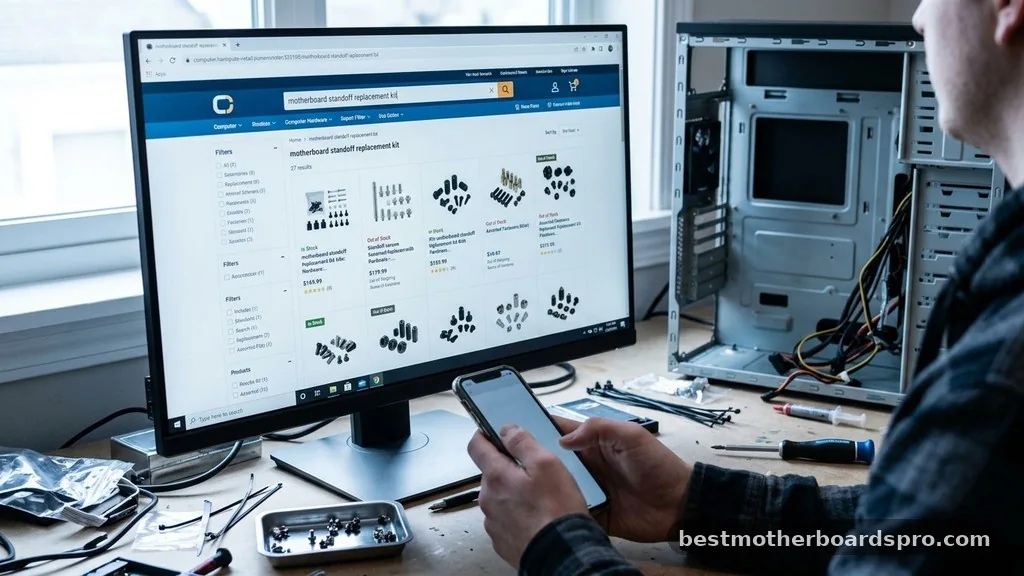
Sometimes, despite a manufacturer’s best efforts, a hardware accessory box might arrive incomplete. If you discover that your case did not include the necessary mounting screws, do not panic. This is an uncommon occurrence, but it is easily solvable through a few strategic steps.
First, check every corner of the packaging. These small plastic bags are notorious for slipping into the folds of cardboard boxes or hiding behind foam inserts.
If you truly cannot find them, check if your motherboard box contains any spare hardware. Occasionally, motherboard manufacturers include extra standoffs or screws to ensure compatibility with a wider range of chassis designs.
If you are still empty-handed, contact the chassis manufacturer’s customer support. They frequently send out replacement hardware kits for free or for the cost of shipping.
Alternatively, you can purchase a universal motherboard mounting kit from most online retailers. These kits are inexpensive and contain an assortment of standoffs and screws that cover almost every standard build scenario.
Comparing Common PC Hardware Fasteners
To help you distinguish between the parts you will encounter during your build, the following table breaks down the most frequent components found in a standard hardware kit.
| Fastener Type | Primary Use | Thread Pitch |
|---|---|---|
| Standoffs | Elevation of the motherboard | UNC 6-32 (chassis side) |
| Motherboard Screws | Securing board to standoffs | M3 |
| PSU Screws | Mounting power supply | UNC 6-32 |
| HDD/SSD Screws | Securing storage drives | M3 or 6-32 (varies) |
Tips for a Successful Motherboard Installation
Installing a motherboard is a delicate process that requires patience and the right tools. A high-quality Phillips head screwdriver is your best friend during this phase. If you have a magnetic screwdriver, it will make the process significantly easier by preventing those tiny screws from falling into hard-to-reach areas of the chassis.
Before you begin, place your case on a flat, non-conductive surface. Ensure that all pre-installed standoffs align perfectly with the mounting holes on your specific motherboard.
If you notice an extra standoff that does not line up with a hole on your board, remove it immediately. Leaving an extra standoff in place can cause a short circuit when the motherboard is powered on.
Using a Standoff Tool
Many premium cases come with a small, specialized standoff tool. This is a simple socket that fits over the hex-shaped standoffs, allowing you to tighten or remove them using your Phillips head screwdriver. If your kit did not include one, a pair of needle-nose pliers can often do the job, though you must be careful not to scratch the motherboard tray finish.
Addressing Topical Gaps in PC Building
Many builders ask if the quality of the screws matters. While most included hardware is sufficient, some budget cases include soft-metal screws that can strip easily. If you find the screws provided feel particularly flimsy, consider upgrading to a set of hardened steel fasteners.
Another common question is whether you should use washers. Most motherboard screws have a built-in flange that acts as a washer.
However, if you are worried about scratching the PCB (printed circuit board) around the mounting holes, you can use small, non-conductive fiber washers. Only use these if the screw is long enough to still reach the threads of the standoff securely.
Frequently Asked Questions
Do PC cases always come with motherboard screws?
Yes, almost every new PC case includes a hardware accessory box containing the necessary motherboard screws and standoffs. Manufacturers understand that these components are essential for the build process, so they include a complete set tailored to the case’s specific layout and thread requirements.
What should I do if my case is missing the motherboard screws?
First, thoroughly inspect all packaging, including foam inserts and hidden crevices in the drive bays. If they are truly missing, contact the manufacturer’s support team for a replacement kit. Alternatively, you can purchase a universal motherboard mounting kit from most major computer component retailers online.
Are motherboard screws universal across all cases?
While most modern cases use standard UNC 6-32 standoffs and M3 screws for the motherboard, there can be slight variations. Some proprietary or older cases might use different thread patterns. Always use the screws provided with your specific chassis to ensure the best fit and avoid damaging the threads.
Do I need a special tool to install motherboard screws?
You generally only need a standard Phillips head screwdriver to install motherboard screws. Some high-end cases include a small standoff tool to help secure the pillars into the chassis tray. Using a magnetic screwdriver is highly recommended to prevent losing small screws inside the case during the installation.
Final Thoughts on Building Your PC
Ensuring you have the correct fasteners is a foundational step in any successful build. While the question of whether do pc cases come with motherboard screws is a common source of anxiety for new builders, the reality is that your chassis will almost certainly arrive with everything you need. By taking a moment to organize your hardware accessory box, identifying the correct threads, and verifying your standoff placement, you can avoid the most common pitfalls of component assembly.
Take your time during the installation phase. Rushing the process often leads to stripped threads or misplaced parts.
If you ever feel uncertain about which screw goes where, refer back to your case manual, as it acts as the definitive guide for your specific model. Happy building, and enjoy the satisfaction of powering up your custom machine for the first time.



