

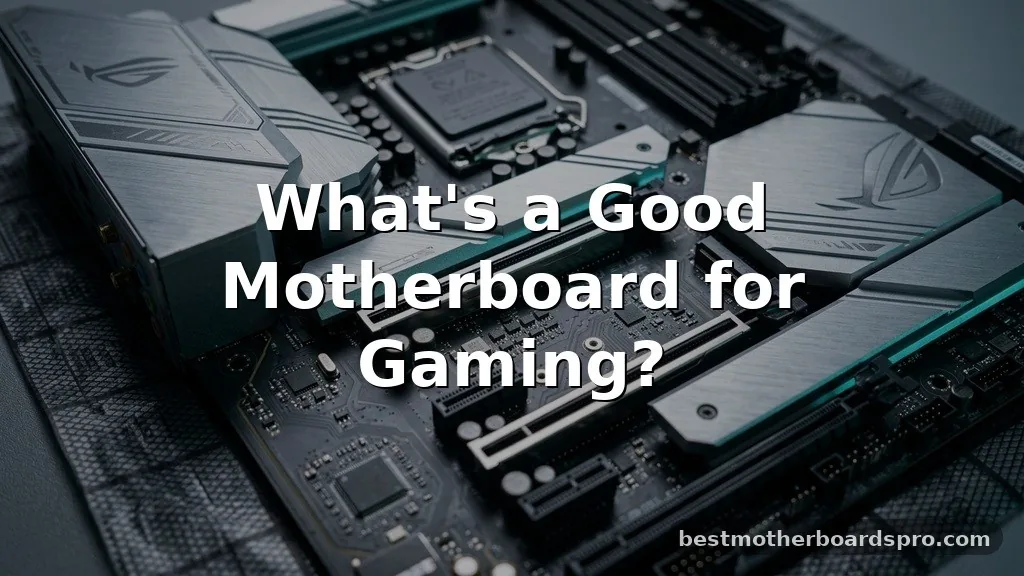
Pinpointing exactly what’s a good motherboard for gaming often feels overwhelming because the market is flooded with options that promise elite performance. You don’t necessarily need the most expensive board on the shelf to achieve a high frame rate, but skimping on the foundation of your build can limit your upgrade path.
A solid gaming motherboard acts as the central nervous system for your components, ensuring that your processor, graphics card, and memory communicate without bottlenecks. By focusing on the specific features that actually impact your experience—like thermal management, expansion slots, and connectivity—you’ll be able to build a rig that remains relevant for years to come.
Core Components of a Reliable Gaming Board
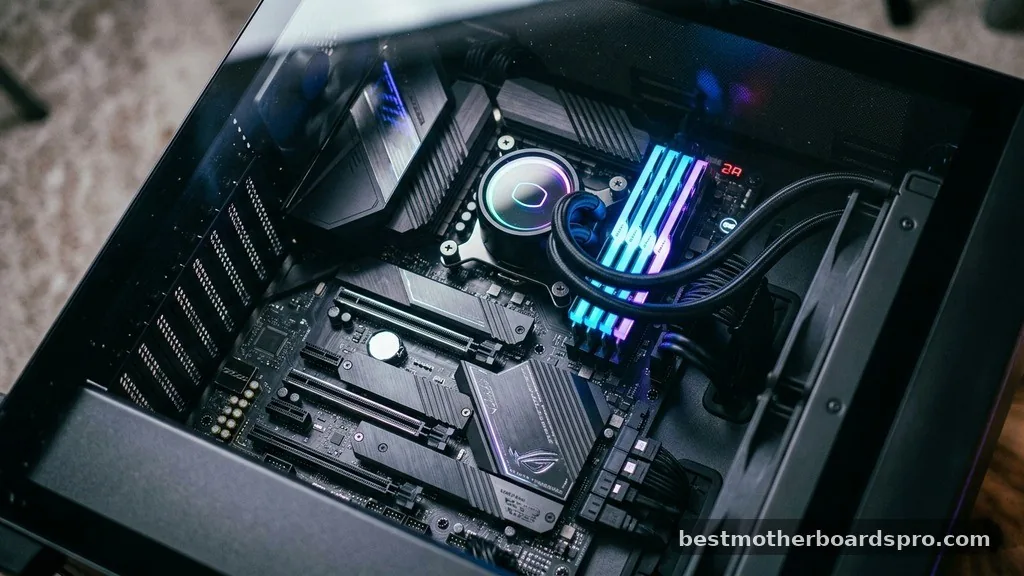
The primary role of your motherboard is to provide stable power delivery to your CPU and facilitate high-speed data transfer between all your hardware. When you’re determining what’s a good motherboard for gaming, look at the VRM (Voltage Regulator Module) heatsinks first. These metal blocks dissipate heat from the power delivery circuits; if they are too small or non-existent, your processor will throttle under heavy load, leading to inconsistent performance during intense play sessions.
Beyond power, you need to consider the physical size of the board. The ATX motherboard remains the gold standard for gaming builds, offering the best balance of expansion slots and ease of installation. If you are aiming for a compact build, ITX boards are excellent, but they often sacrifice PCIe slots and M.2 storage options to fit in smaller cases.
Understanding Chipsets and Processor Compatibility
Your CPU choice dictates the motherboard socket you must purchase. You cannot put an AMD processor into an Intel-compatible board, and even within the same brand, generations often require specific chipsets. Using a board that is mismatched to your processor will prevent your system from booting entirely.
Key Factors for Board Selection
- Socket compatibility: Ensure the socket type (e.g., AM5 or LGA 1700) matches your CPU generation.
- PCIe Gen support: Prioritize PCIe Gen 4 or 5 slots to ensure your modern graphics card and NVMe SSD can operate at maximum speed.
- Memory slots: Check if the board supports the latest DDR standard, as mixing memory types is impossible.
- I/O connectivity: Verify the number of USB ports and the presence of high-speed headers for your front-panel case connections.
Connectivity and Networking Requirements
In the modern gaming landscape, your internet connection is just as vital as your GPU. Many gamers prefer a wired connection for the lowest possible latency, making a high-quality LAN port essential. Look for boards that feature 2.5 Gbps Ethernet, which provides a future-proof foundation for high-speed home networks.
If you cannot run an Ethernet cable to your desk, you need a board with integrated wi-fi. Don’t just settle for any wireless chip; ensure the motherboard includes the latest Wi-Fi 6E or Wi-Fi 7 standards. These versions offer better stability and range, which is critical when you are competing in fast-paced online matches where every millisecond counts.
Expansion and Storage Flexibility
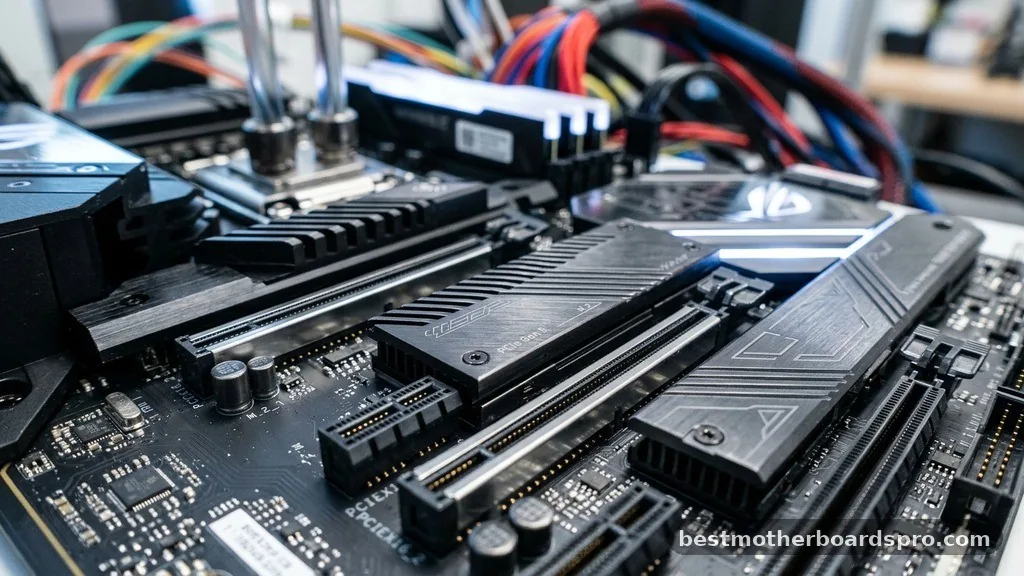
What’s a good motherboard for gaming often comes down to how much room you have to grow. You should look for at least two M.2 slots for high-speed NVMe storage. Games are becoming massive in file size, and the ability to add a second or third drive without needing messy SATA cables is a major quality-of-life improvement.
| Feature | Entry-Level Board | High-End Gaming Board |
|---|---|---|
| PCIe Slots | Limited (1x Gen 3/4) | Multiple (Gen 4/5) |
| M.2 Storage | 1 Slot | 3-4 Slots with Heatsinks |
| Network | 1 Gbps LAN | 2.5+ Gbps LAN & Wi-Fi 7 |
| VRM Cooling | Minimal or None | Robust Heatsinks |
Addressing Common Gaps in Motherboard Knowledge
Many gamers ignore the importance of the BIOS interface. A user-friendly BIOS makes it significantly easier to enable XMP or EXPO profiles for your RAM, which is the single easiest way to boost your system’s performance. Brands like MSI, ASUS, and Gigabyte have refined their interfaces to ensure that even beginners can overclock their hardware or manage fan curves without needing an engineering degree.
Another commonly overlooked aspect is the audio chipset. While many gamers use USB headsets, the onboard audio quality still matters if you use high-impedance studio headphones. Higher-end boards often include isolated audio circuitry and premium capacitors to reduce interference and provide a cleaner sound stage, which can help you hear subtle in-game cues like footsteps more clearly.
FAQ
Do I need an expensive motherboard to get better gaming performance?
No, an expensive board does not directly increase your frame rate. However, a higher-quality board ensures system stability, better thermal management for your components, and more connectivity options. You should spend enough to ensure your CPU is well-powered, but extra budget is better spent on a faster GPU.
Is it better to prioritize Wi-Fi or wired connections?
A wired connection via a LAN port is always superior for gaming because it provides lower latency and more consistent speeds. If you must use wireless, ensure your motherboard includes a modern Wi-Fi 6E or 7 module to minimize the chance of packet loss during your gameplay.
Can I use any RAM with my gaming motherboard?
No, you must match your RAM type to the motherboard. If your board is designed for DDR4, you cannot install DDR5 memory. Always check the motherboard’s official specifications page to confirm which memory generation it supports and what speeds are compatible with your specific processor.
How many M.2 slots are enough for a modern gaming rig?
Having at least two M.2 slots is recommended. One slot will hold your operating system and primary games, while the second slot allows for a dedicated storage drive for your expanding game library. Most mid-range boards offer two or three slots, which is plenty for most users.
Final Considerations for Your Build
Selecting the right hardware for your system doesn’t have to be a gamble. When you consider what’s a good motherboard for gaming, focus on the stability of the power delivery and the availability of high-speed ports that match your current and future needs. Avoid getting distracted by aesthetic features like RGB lighting until you have ensured that the board actually supports the high-speed NVMe drives and fast memory kits you intend to use.
A well-chosen board provides a reliable foundation that allows your CPU and GPU to perform at their peak. Take your time to check the technical specifications, particularly the socket type and the number of available expansion slots.
By investing in a reputable model that covers your connectivity and cooling requirements, you create an environment where your components can operate safely for years. Once you have the foundation set, you can shift your focus to the settings that truly define your competitive edge.



