

Finding the ideal motherboard for Ryzen 7 7800X3D builds is a critical step in ensuring your gaming rig performs at its peak. Because the 7800X3D is one of the most efficient yet powerful processors in the current AMD Ryzen lineup, it doesn’t actually demand an expensive enthusiast-grade board to hit its thermal and clock frequency targets.
Instead, you need a stable platform that provides reliable power delivery, sufficient connectivity for your peripherals, and the right form factor for your chassis. Whether you are looking for a compact micro-ATX setup or a full-featured ATX powerhouse, selecting the right foundation ensures your CPU runs cool and stable under load.
Understanding Chipset Compatibility for the 7800X3D
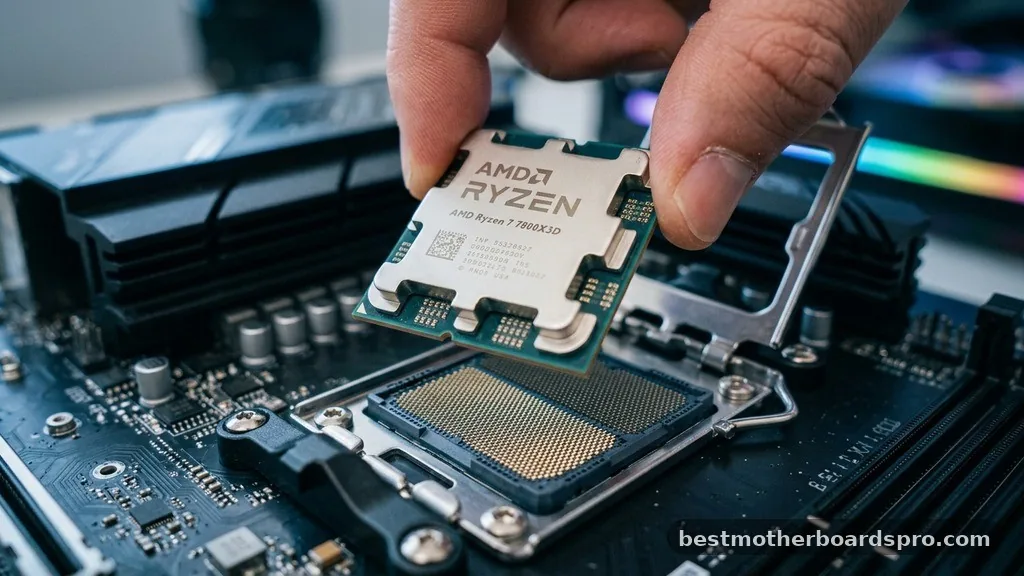
The 7800X3D utilizes the AM5 socket, meaning you have a variety of chipset options including the B650, B650E, X670, and X670E. For most users, the B650 chipset serves as the sweet spot between performance and price.
It offers everything a modern gamer needs, including support for fast DDR5 memory and PCIe Gen 4 storage. Unless you specifically require the extra PCIe lanes provided by the X670 or the PCIe Gen 5 support found on E-series boards, the B650 platform is more than capable of handling the power requirements of this specific CPU.
Power Delivery and VRM Requirements
The 7800X3D is surprisingly efficient, often drawing less power than its non-3D counterparts while gaming. However, the quality of the Voltage Regulator Modules (VRM) on your motherboard remains important for long-term reliability.
Look for boards with a decent heatsink covering the power phases to prevent thermal throttling during long sessions. You do not need extreme overclocking overkill for this processor, as the 3D V-Cache design is sensitive to voltage changes and is generally best left at stock settings or tuned via Curve Optimizer.
Key Features to Prioritise in Your Build
When you’re shopping for a motherboard, connectivity often dictates the user experience more than raw performance. Ensure your chosen board includes enough USB ports for your mouse, keyboard, DAC, and other accessories. If you don’t have an ethernet cable running to your desk, prioritize a model that includes integrated Wi-Fi 6E or Wi-Fi 7 to maintain a stable connection during online matches.
- Memory Slots: Ensure the board supports high-speed DDR5, ideally with EXPO profiles for easier memory tuning.
- Storage Connectivity: Check for at least two M.2 NVMe slots so you can expand your storage without swapping drives later.
- Audio Quality: Look for boards with decent onboard audio codecs if you aren’t using a dedicated sound card or external DAC.
- Form Factor: Match the board size to your case—ATX for standard builds, or mATX/ITX for smaller, space-saving designs.
- BIOS Flashback: This feature allows you to update the BIOS without a CPU installed, which can be a lifesaver if you buy a board with an older firmware version.
Comparing Popular Motherboard Tiers
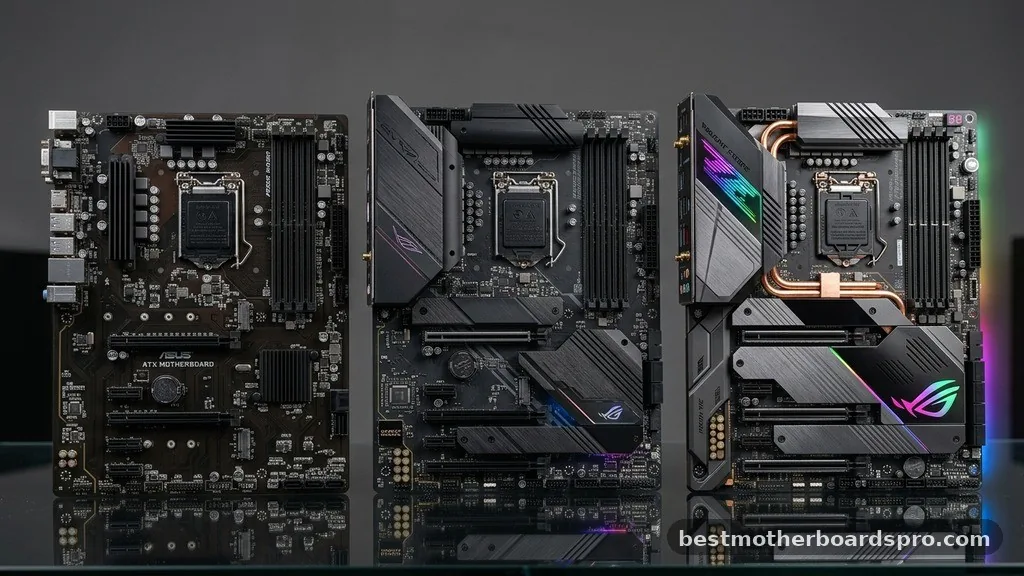
Choosing between different tiers often comes down to budget and specific aesthetic preferences. A mid-range board like the MAG Tomahawk series typically offers a balance of robust cooling and connectivity, while budget-oriented Prime or entry-level boards might strip away some luxuries like extra heatsinks or high-speed LAN controllers.
| Feature | Budget B650 | Mid-Range B650/B650E | Enthusiast X670E |
|---|---|---|---|
| VRM Cooling | Basic | Excellent | Premium |
| PCIe Gen Support | Gen 4 | Gen 4/5 Hybrid | Full Gen 5 |
| Networking | 1Gbps LAN | 2.5Gbps LAN + Wi-Fi | 2.5/10Gbps + Wi-Fi 7 |
| USB Connectivity | Standard | High-speed USB-C | Maximum Ports |
Addressing Common Topical Gaps
One common misconception is that the 7800X3D requires an X670E motherboard to perform correctly. In reality, the X670E chipset is designed for users who need massive amounts of storage or multiple high-end graphics cards, neither of which is typical for a standard gaming build. Another gap is the importance of BIOS updates.
Many users worry about compatibility, but modern AM5 motherboards are designed to receive updates easily. Always check the manufacturer’s support page for the latest BIOS, as these updates often improve memory stability and boot times, which are crucial for the Ryzen 7000 series.
White Aesthetic Builds
If you are building a white-themed gaming rig, you’ll find that motherboard options are more limited but still high-quality. Many manufacturers offer white variants of their popular mid-range boards.
These typically feature white PCB coatings, silver or white heatsinks, and custom software skins. While they might carry a slight price premium over their black counterparts, they are often identical in terms of power delivery and feature sets.
FAQ
Does the Ryzen 7 7800X3D require a high-end X670E motherboard?
No, the 7800X3D does not require an X670E motherboard. A well-built B650 motherboard is more than sufficient to provide the power and connectivity needed for this processor. The X670E chipset is primarily intended for users who need extensive PCIe Gen 5 lanes or massive multi-drive storage arrays.
Is it necessary to update the BIOS on my new motherboard?
Yes, updating the BIOS is highly recommended for AM5 motherboards. New firmware updates often improve DDR5 memory compatibility, reduce boot times, and ensure better stability for the 7800X3D. Most modern boards allow you to update the BIOS easily using a USB flash drive and a dedicated button.
Can I use fast DDR5 RAM with a budget B650 board?
Absolutely, most B650 boards support high-speed DDR5 memory. Look for kits that support AMD EXPO, which allows the memory to run at its rated speed with a single click in the BIOS. Ensure the memory frequency is within the motherboard’s qualified vendor list for the best experience.
Are there specific features I should look for in a gaming motherboard?
For gaming, prioritize a board with reliable VRM cooling to maintain performance, integrated Wi-Fi if you don’t use ethernet, and enough M.2 slots for your game library. 2.5Gbps LAN is a standard feature on most modern boards and is plenty for fast, lag-free online gaming sessions.
Final Considerations for Your Build
When finalizing your selection, remember that the best motherboard for your specific needs is one that balances your budget with the features you actually use. Whether you opt for a feature-rich board or a more modest design, ensure it has the necessary headers for your cooling solution and enough space for your components. By focusing on the essentials—stable power, sufficient connectivity, and modern BIOS support—you can create a reliable system that gets the most out of your hardware.
Taking the time to research the specific board’s layout and reviews on sites like Amazon will help you avoid compatibility headaches. Once you’ve installed your components, you’ll be ready to enjoy the impressive gaming performance that the Ryzen 7 7800X3D delivers.



