


Many PC builders find themselves staring at a pile of components, wondering if they can use DDR4 RAM in a DDR5 motherboard to save a little cash. It is a common question, especially when you are trying to balance the cost of a new build with the performance of the latest hardware. Unfortunately, the short answer is no, you cannot physically or logically mix these memory standards.
The two technologies are fundamentally incompatible, and attempting to force them together will only lead to damaged hardware. Understanding why these standards remain separate is the key to planning your next system upgrade without any costly mistakes.
The Physical and Technical Incompatibility

The primary reason you cannot use DDR4 memory in a DDR5 slot boils down to physical design and electrical signaling. Manufacturers intentionally engineered these interfaces to be mutually exclusive to prevent accidental installation. If you look closely at the gold contacts on the bottom of a memory stick, you will notice that the “key”—the small notch cut into the connector—is located in a different position on each type of RAM.
This physical keying is a safety mechanism. It ensures that a DDR4 module simply will not slide into a DDR5 slot. Even if you were to apply force, the pins would not align with the motherboard contacts.
Beyond the physical shape, the electrical requirements are entirely different. DDR5 operates at a lower voltage and uses a completely different communication protocol, meaning your motherboard’s memory controller is hardwired to speak a language that DDR4 modules simply do not understand.
Comparison of Memory Standards
To see exactly why these two generations of memory cannot coexist, it helps to look at their core specifications. The transition from DDR4 to DDR5 introduced significant changes to power management and data integrity.
| Feature | DDR4 RAM | DDR5 RAM |
|---|---|---|
| Operating Voltage | 1.2V | 1.1V |
| Pin Count | 288 Pins | 288 Pins (Different Layout) |
| Power Management | Motherboard-based | On-DIMM (PMIC) |
| Max Density per Module | 64GB | 256GB |
As shown in the table above, the power management integrated circuit (PMIC) has moved from the motherboard directly onto the RAM stick in DDR5. This change alone makes it impossible for an older board to provide the correct power delivery to a newer module, or vice versa.
Addressing the Memory Controller Gap
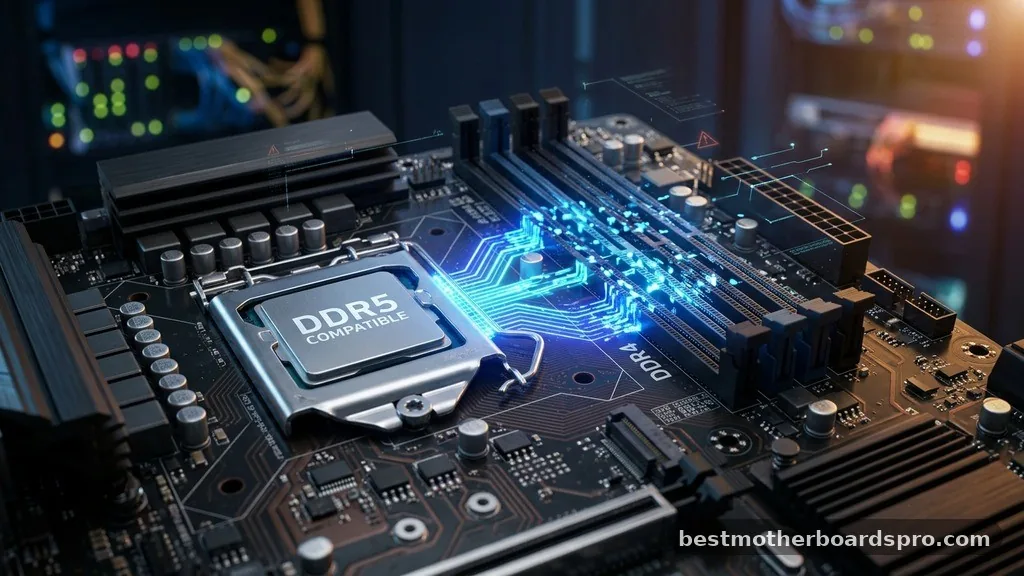
The CPU plays a massive role in whether your system can support a specific type of RAM. When you choose a processor, you are essentially choosing the memory architecture that your system will use. For example, modern platforms like Intel’s 12th, 13th, and 14th generations, or AMD’s AM5 series, are designed to work with specific controllers.
Some Intel motherboards were produced in both DDR4 and DDR5 variants during the transition period. However, this does not mean the board itself is dual-compatible. It means the manufacturer created two distinct versions of the same board.
If you bought the DDR5 version, you are locked into that ecosystem. You cannot flash a BIOS or change a setting to suddenly make that board accept older memory modules. The hardware on the motherboard—specifically the traces and the slots themselves—is physically different.
Why You Cannot Use Adapters
You might come across third-party “adapters” online that claim to allow the use of legacy RAM in newer slots. You should avoid these at all costs.
These devices are generally considered dangerous for your components. Because the memory controller on your processor is physically incapable of translating the signals from an older generation, an adapter cannot magically bridge that technical gap.
Using an unverified adapter risks shorting out your motherboard’s memory slots or even frying your CPU. Since the voltage regulation is handled differently, feeding the wrong power profile into a memory stick can result in permanent, irreversible damage. It is always safer to stick with the memory type that your motherboard was specifically engineered to support from the factory.
Planning Your Build Strategy
If you are currently deciding whether to join the latest platform or stick with a budget-friendly older build, you need to consider the long-term lifecycle of your components. Building a system today is a commitment to a specific memory standard.
- Assess your budget: DDR4 is cheaper, but it marks the end of a platform’s life cycle.
- Consider your performance needs: DDR5 offers significantly higher bandwidth and efficiency, which benefits content creation and high-end gaming.
- Future-proofing: Choosing DDR5 ensures your motherboard will support upcoming CPU generations that may require faster memory speeds.
- Check your motherboard manual: Always verify the exact QVL (Qualified Vendor List) for your board before purchasing memory.
If you already own a DDR5 motherboard, you have to buy DDR5 RAM. There is no way around this hardware limitation. If you find yourself with leftover DDR4 sticks from a previous project, it is better to sell them or use them in a secondary build rather than trying to force them into a modern, incompatible system.
FAQ Section
What happens if I try to force DDR4 RAM into a DDR5 slot?
You will likely damage the pins in the memory slot and potentially harm the motherboard’s power delivery circuits. Because the physical notches do not align, any attempt to insert the module requires excessive force, which usually results in cracked plastic or bent electrical contacts on the board.
Can I run DDR4 and DDR5 RAM at the same time?
No, you cannot run them simultaneously. Motherboards are designed with a specific memory architecture, and the slots are physically different.
You must choose one standard or the other. Using a motherboard that only supports one type prevents you from mixing these memory generations in any capacity.
Is there any way to upgrade a DDR4 motherboard to use DDR5?
There is no way to upgrade a DDR4 motherboard to support DDR5. The memory controller, the physical slots, and the power delivery circuitry are completely different. If you want to move to DDR5, you must purchase a new motherboard that is specifically designed to support that memory standard.
Why does DDR5 cost more than DDR4?
DDR5 costs more because it features more complex technology, including an on-board Power Management Integrated Circuit (PMIC) and significantly higher data transfer speeds. As manufacturing scales up, the price gap continues to narrow, but the advanced engineering required for these modules keeps them at a premium price point.
Conclusion
Navigating the transition between memory generations can be confusing, but the rules regarding compatibility are quite rigid. You cannot use DDR4 RAM in a DDR5 motherboard because they are physically and electrically distinct technologies. Attempting to cross these lines will not only lead to a system that refuses to boot, but it could also cause permanent damage to your expensive components.
When you are planning to get the latest hardware, always ensure your RAM selection matches the specific memory slots provided by your motherboard. By following the manufacturer’s specifications, you ensure a stable, high-performing system that will serve your needs for years to come. If you have any remaining questions about your specific build, checking your motherboard’s official support page is the best way to move forward with confidence.



