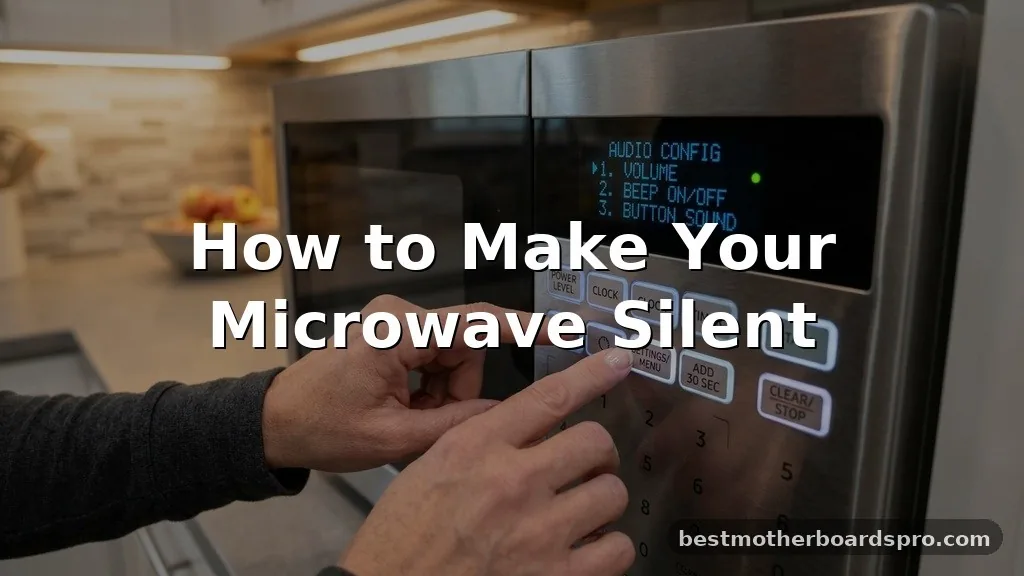
If you’ve ever found yourself tip-toeing through the kitchen at midnight, praying that your leftover pizza won’t trigger a deafening chorus of beeps, you aren’t alone. The sharp, piercing alarm of modern kitchen appliances is often more of a nuisance than a helpful notification, especially when you’re trying to keep the house quiet.
Learning the tricks for making your microwave silent can transform your early morning coffee routine or late-night snack runs into a much more peaceful experience. While not every unit comes with a dedicated off-switch, many models hide these settings behind simple button combinations that most owners never discover.
Understanding Your Microwave’s Audible Alerts
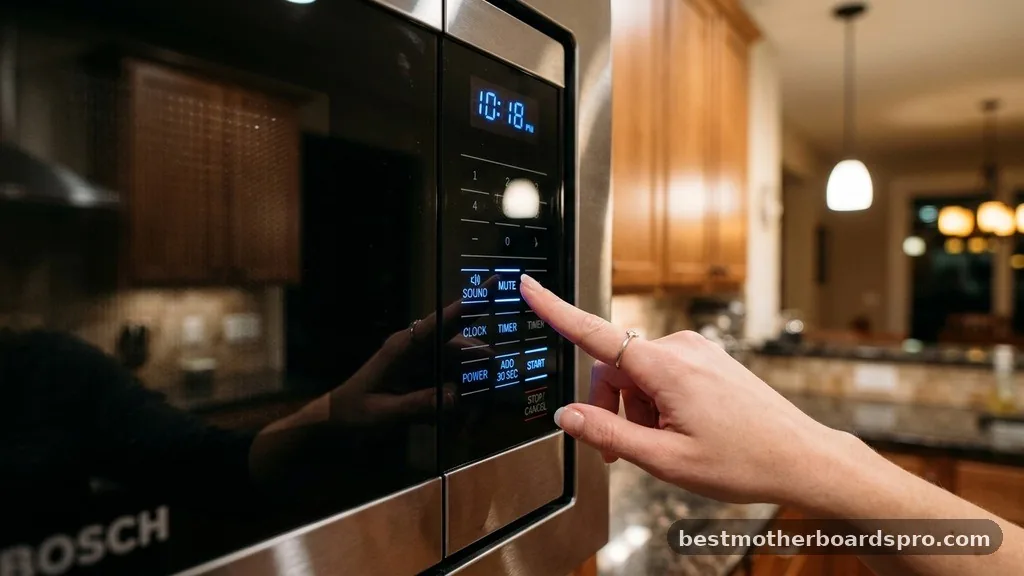
The sound you hear from your microwave comes from a small piezoelectric buzzer or a speaker mounted on the main circuit board. Manufacturers include these sounds to provide feedback, confirming that the appliance has received your input or that a cycle has concluded. Unfortunately, these audible alerts are often set to maximum volume by default, which can feel intrusive in a quiet home.
Most modern microwaves rely on a specific sequence of button presses to modify these settings. Because there is no universal standard across brands like Samsung, Whirlpool, or Panasonic, the method for silencing your unit depends heavily on the specific interface your model uses. Before you start poking at the control panel, it is helpful to understand that you are essentially toggling a software flag within the unit’s operating system.
Accessing Hidden Settings on the Control Panel
The most common way to silence a microwave involves interacting with the existing buttons in a way that triggers a hidden menu. Often, this requires pressing and holding a specific key for several seconds while the unit is in standby mode. You might notice that manufacturers hide these options to prevent accidental changes, meaning the activation sequence often feels like a shortcut or a secret code.
Common Button Combinations to Try
If you want to try making your microwave silent, start by checking your control panel for keys labeled “Sound,” “Mute,” or “Volume.” If those aren’t present, try these common sequences:
- The Number 0 or 1 Trick: Press and hold the 0 or 1 button for three to five seconds while the clock is displayed. This is a common trigger for many LG and Samsung models.
- The Start/Cancel Combo: Press and hold the Stop/Cancel button while simultaneously pressing the Start button.
- The Clock Button: Some units require you to enter the clock settings menu and toggle the sound option from “On” to “Off” using the number pad.
- Volume Control Keys: Look for a dedicated button that features a speaker icon or the word “Vol.” You may need to press it repeatedly to cycle through high, low, and off settings.
Brand-Specific Approaches to Muting
Different brands utilize different internal software, which dictates how the appliance interface handles sound. While a Whirlpool might respond to a long press on the “Cancel” button, a Panasonic unit might require you to navigate into a “Function” or “Setup” menu. Always test these methods while the microwave is plugged in but not actively running a cooking cycle.
| Brand | Common Mute Method | Success Rate |
|---|---|---|
| Samsung | Press and hold “Sound” button or “Eco” + “Stop” | High |
| Whirlpool | Press and hold “Cancel” or “Sound” for 3 seconds | Medium |
| LG | Hold “Lock” or “0” button | High |
| Panasonic | Access “Beep” setting in the “Function” menu | Medium |
What to Do If Your Model Lacks a Mute Function
If your microwave doesn’t have a software-based mute function, you are likely dealing with an older or more basic model that lacks advanced control panel features. In these cases, the audible alerts are hardwired into the system. You cannot disable these sounds through the keypad because the electrical components are designed to buzz every time the timer hits zero or a button is pressed.
However, you can still mitigate the noise through physical modification. Placing a thick mat or a folded towel under the microwave can help dampen the vibrations caused by the internal buzzer, which sometimes makes the sound feel less sharp. While this doesn’t stop the alert entirely, it can take the edge off the high-frequency beeps that travel through your home’s walls.
Addressing Advanced Hardware Modifications
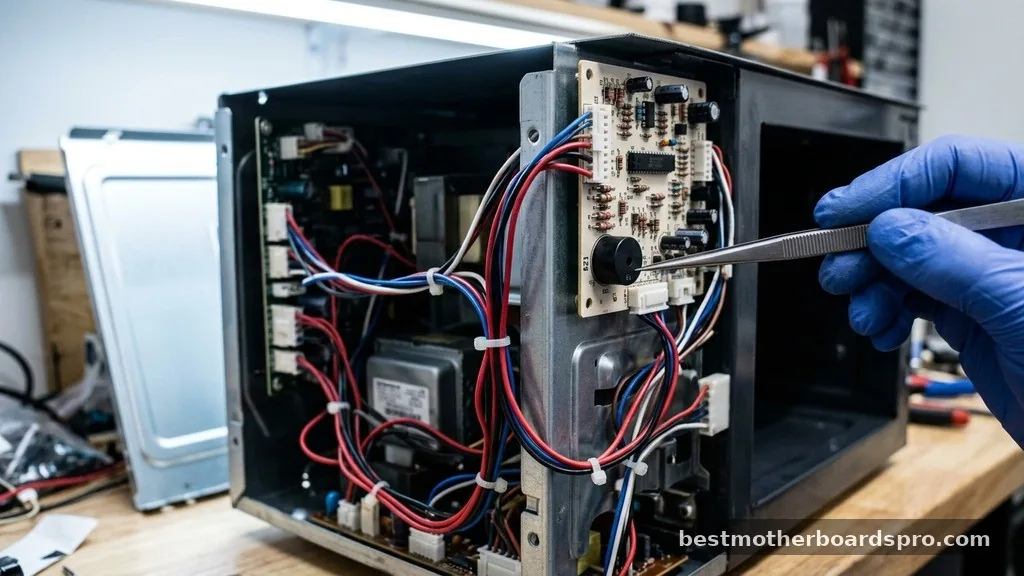
For those who are comfortable with light DIY repairs, there is a more permanent way to address the noise. Opening the outer chassis of the microwave allows you to physically locate the buzzer on the circuit board.
This component is typically a small, circular plastic disc. By placing a piece of electrical tape over the buzzer’s hole, you can significantly reduce the volume without needing to understand complex programming or manufacturer settings.
Please exercise extreme caution if you choose this route. Even when unplugged, a microwave contains high-voltage capacitors that can hold a dangerous electrical charge for a long time.
If you do not have experience working with internal electrical components, it is safer to stick to the software-based methods or simply accept the beeps as they are. Never attempt to bypass safety sensors or interfere with the door interlock switches, as these are critical for preventing radiation leakage.
Topical Gaps: Why Some Microwaves Can Never Be Silent
Many users search for ways to silence their microwave only to find that their specific unit simply doesn’t support the feature. This usually happens because the buzzer is wired in series with the timer relay.
In these designs, the sound is a mechanical byproduct of the timer finishing, rather than a software-controlled alert. Because the buzzer is not connected to the main microprocessor, there is no “off” command to send.
If you find that your appliance falls into this category, it is a hardware limitation rather than a missing feature. Understanding this distinction saves you from wasting time searching for secret menus that don’t exist. When shopping for a new appliance, look for models that explicitly advertise “Sound On/Off” as a feature in the user manual or on the retail packaging.
FAQ Section
Can I disable the beeping on all microwave models?
No, not all microwaves support a silent mode. While many modern digital models include a mute function within their settings, older or more basic units have hardwired buzzers that activate automatically when the cycle ends. If your manual doesn’t mention sound settings, the feature is likely unavailable.
Is it safe to open the microwave to silence the buzzer?
Opening a microwave is dangerous due to high-voltage capacitors that store electricity even when the unit is unplugged. Unless you are a trained professional, you should avoid internal modifications. Sticking to the software-based solutions found in the control panel is the only safe way to manage the noise.
What if the button combinations don’t work for my unit?
If the standard button sequences fail, check your specific model number online. Different revisions of the same model can have varying firmware. Searching for the exact model number followed by “disable beep” often yields the specific sequence required for your unique kitchen appliance interface.
Does a silent microwave still notify me when it’s done?
Most microwaves that offer a mute function will still provide visual feedback. Even if the buzzer is disabled, the screen will typically flash “End” or show a zero on the timer to let you know that your food is ready to be removed from the cavity.
Final Thoughts on Achieving a Quieter Kitchen
Successfully managing the noise level of your kitchen appliances requires a bit of patience and a willingness to explore the hidden settings of your hardware. Whether you find a simple button combination to toggle the sound or decide to live with the factory-set alerts, knowing the limitations of your machine is the first step toward a more peaceful environment. By identifying your specific model’s capabilities, you can determine if making your microwave silent is a quick software fix or a feature you’ll need to prioritize during your next appliance upgrade.
Take a few minutes to check your manufacturer’s documentation, as you might be surprised by how much control you actually have over your device. Enjoy the newfound quiet in your home and the convenience of a customized kitchen experience.