If the piercing sound of your kitchen appliance is driving you crazy, learning how to turn off microwave beep settings can restore peace to your home. Many people find the constant alerts disruptive, especially during early mornings or late-night snack runs.
While some manufacturers hide this function behind non-obvious button combinations, most modern units provide a way to silence or adjust the volume. You don’t have to live with the noise, and this guide will help you identify the methods to mute your device quickly and effectively.
Why Microwaves Beep and Why You Might Want to Stop It
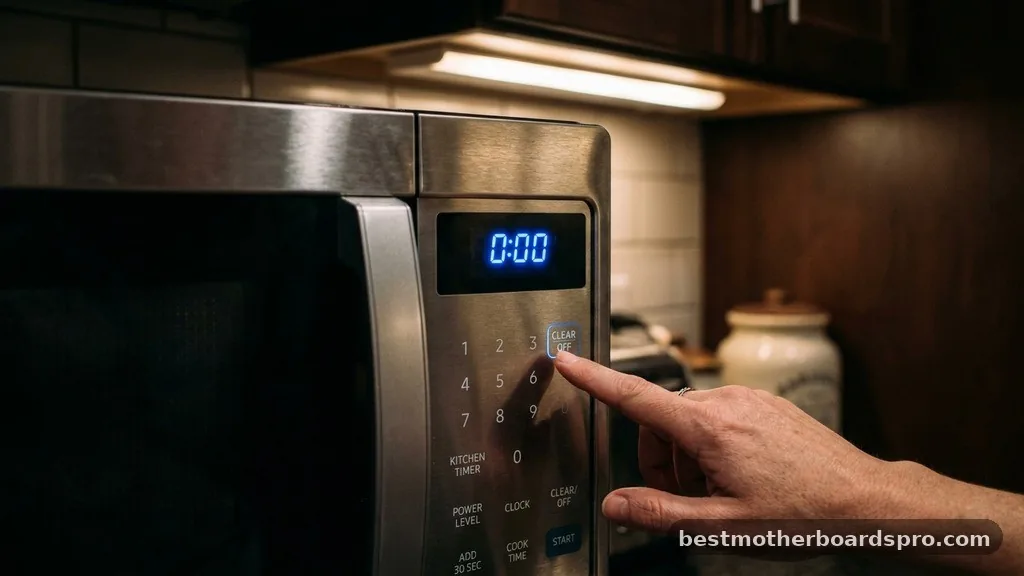
Microwave ovens are designed to provide auditory feedback as a safety and convenience feature. The beep indicates that a cycle has finished, a button press was registered, or there is an error in the system. While this is helpful for cooking, the sound can be intrusive in open-concept floor plans or quiet households.
Manufacturers include these sounds to ensure users don’t forget their food, but the volume is often set to a default that cannot be easily adjusted without digging into the settings. Understanding that this is a programmable feature rather than a permanent hardware limitation is the first step toward a quieter kitchen.
Identifying Your Control Panel Layout
Before you attempt to change the settings, take a moment to look at your unit‘s control panel. Most modern microwaves feature a dedicated button for sound, often labeled as “Sound,” “Volume,” or “Mute.” Sometimes, this functionality is hidden as a secondary function of another button, such as the “0” key, the “Clock” button, or the “Cancel” button.
If you don’t see a clear label, you are likely looking for a hidden toggle. Manufacturers often use long-press commands to prevent accidental changes. This means you might need to hold down a specific key for three to five seconds to enter the configuration menu.
Common Methods for Silencing Your Appliance
The process for silencing a unit varies significantly by brand and model. However, several industry-standard combinations exist that work across many popular appliances. Always refer to your manual if you have it, but you can try these common approaches if the document is missing.
- The Long Press: Hold the number 0 or the Cancel button for 3 to 5 seconds.
- The Sound Menu: Press the User Pref or Settings button and look for a volume toggle.
- The Dual Key Press: Hold down both the Start and Stop buttons simultaneously.
- The Clock/Timer Shortcut: Often, the volume settings are tucked inside the clock adjustment menu.
Brand-Specific Strategies for Muting
Different manufacturers have proprietary interfaces, which can make the process of silencing a unit feel like a puzzle. Below is a comparison of how different brands handle sound management.
| Brand | Typical Method | Secondary Option |
|---|---|---|
| GE | Press and hold 0 | Settings > Sound |
| Samsung | Hold Sound button | Press Cancel + Start |
| LG | Press and hold Stop/Clear | Look for ‘Sound’ label |
| Whirlpool | Hold Cancel button | Check ‘Options’ menu |
Troubleshooting When Standard Methods Fail
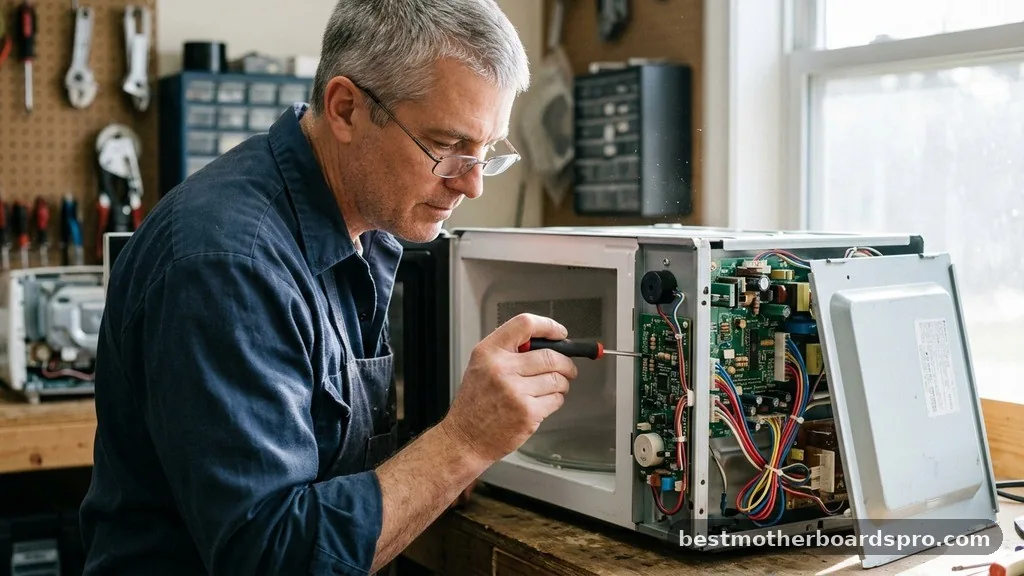
If none of the standard button combinations work, your specific model might not support a silent mode. Some entry-level microwaves are hard-wired to beep, and there is no software toggle to disable the piezo buzzer inside. In these rare cases, you might notice that the beep persists even after attempting every combination.
If you are technically inclined, some users choose to open the microwave chassis to physically disconnect the buzzer. However, this is strongly discouraged for the average user.
Microwaves contain high-voltage capacitors that can remain charged even after you unplug the unit, creating a significant safety hazard. If you cannot find a software-based solution, it is usually better to live with the sound or consider upgrading to a unit that explicitly lists “silent mode” as a feature.
Addressing Topical Gaps: Why Some Microwaves Won’t Mute
A common point of frustration is the realization that some units simply lack the software logic to turn off the sound. This usually occurs in budget models where the control board is simplified to reduce manufacturing costs. If you have cycled through every menu and tried every button combination without success, your unit likely lacks the necessary firmware.
Another gap involves the difference between “silent operation” and “reduced volume.” Some high-end models allow you to toggle between low, medium, and high volume settings rather than a total mute. If your microwave only lets you change the volume, it is likely a safety design choice to ensure you don’t leave food in the unit for too long.
Managing Persistent Beeping Errors
Sometimes a microwave beeps not because a cycle finished, but because it is stuck in an error state. If your unit is chirping continuously or beeping randomly when not in use, this is not a settings issue. It is often a sign of a faulty touch membrane or a moisture-related short circuit.
If your microwave keeps beeping on its own, try unplugging it for ten minutes to perform a hard reset. This clears the temporary memory on the control board. If the issue returns after plugging it back in, you may have a hardware failure that requires professional repair or a replacement unit.
FAQ
Can I turn off the beep on every microwave model?
Not every unit has a silent mode. While many modern appliances include this feature, older or budget-friendly models may not offer a way to disable the alerts. If your manual does not mention a sound or volume setting, the device likely lacks the firmware to mute the internal buzzer.
What should I do if the long-press method doesn’t work?
If holding the 0, Cancel, or Start buttons for five seconds fails, consult your owner’s manual. Search for sections labeled “User Preferences” or “Settings.” If the manual confirms there is no mute function, you may have to accept the alert sounds as a part of the device’s design.
Is it safe to open the microwave to cut the speaker wire?
No, this is extremely dangerous. Microwave ovens contain high-voltage capacitors that hold a lethal electrical charge even when the unit is unplugged. Never attempt to modify the internal hardware of your microwave, as this voids your warranty and poses a severe risk of electric shock or injury.
Why does my microwave beep randomly throughout the day?
Random beeping is usually a sign of a faulty control panel or a stuck button. Moisture or grease buildup behind the touch membrane can cause the sensors to trigger incorrectly. Try cleaning the panel thoroughly or performing a hard reset by unplugging the unit for several minutes.
Maintaining a Quieter Kitchen Environment
Learning how to turn off microwave beep settings can significantly improve your daily kitchen experience. By identifying the specific button combinations for your model, you can effectively manage the noise level of your appliance. Whether you use a long-press on the number pad or navigate through a dedicated settings menu, the goal is to make your kitchen function exactly how you want it to.
If your device doesn’t support a silent mode, remember that these sounds are primarily there for your safety and to prevent forgotten meals. If you find the noise truly unbearable, consider checking the manufacturer’s website for your specific unit’s documentation or looking for a future upgrade that prioritizes quiet operation. Achieving a peaceful home environment is often about these small, manageable adjustments to the technology you use every day.