

When building or upgrading a gaming rig, most enthusiasts obsess over the GPU and CPU, yet many wonder if the foundation of their system, the motherboard, holds hidden potential for higher frame rates. It is a common source of debate whether a motherboard truly influences gaming performance or if it merely acts as a passive bridge for your other components.
Understanding how your choice of board interacts with high-end hardware is essential for anyone looking to squeeze every bit of power out of their machine. While the board itself isn’t a direct source of graphical processing, its design and capabilities can create bottlenecks or enable the full speed of your other parts.
The Role of the Motherboard in Gaming Performance
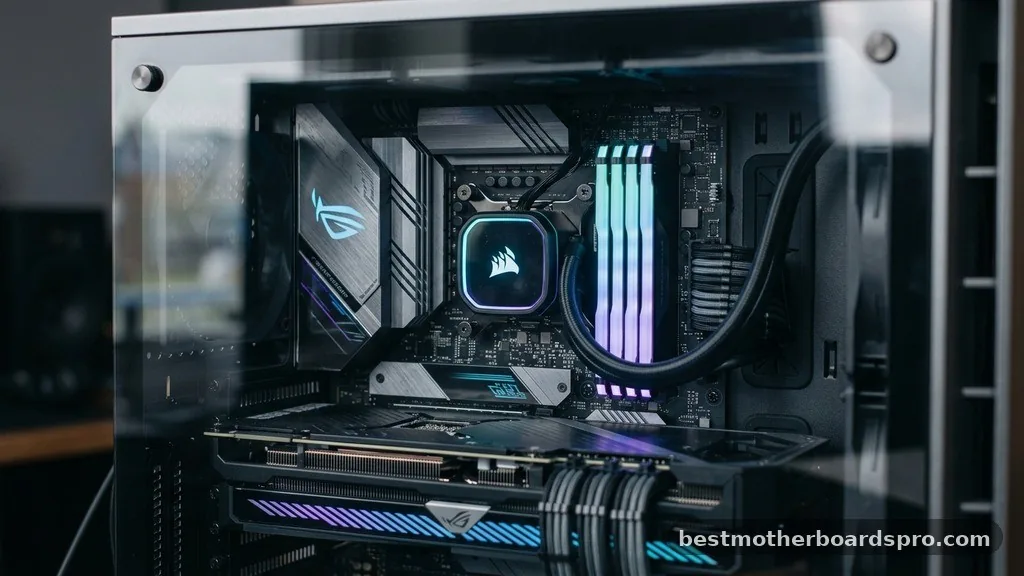
The motherboard is primarily a connectivity hub. It provides the physical slots and electrical pathways required for your CPU, RAM, and GPU to communicate. Unlike a graphics card, which renders frames, or a processor, which handles physics and logic, the motherboard serves as the infrastructure.
If the infrastructure is sound, your high-performance hardware runs as intended. If it is inadequate, you might experience thermal throttling or data transfer limitations that indirectly lower your frame rates.
When discussing whether a motherboard affects FPS, it is important to distinguish between direct influence and indirect constraints. A motherboard does not have a clock speed that dictates how many frames per second a game pushes. However, it manages the power delivery and data lanes that allow your CPU and GPU to maintain their own peak performance.
If your board cannot supply stable power or handle the heat generated by your components, those parts will downclock themselves to prevent damage. This reduction in clock speed is what eventually leads to a drop in gaming performance.
Power Delivery and Thermal Management
One of the most critical aspects of a motherboard is its Voltage Regulator Module, or VRM. The VRM converts the electricity from your power supply into the precise voltage required by your CPU.
High-end processors, especially when pushed to their limits, demand immense amounts of stable power. If the VRMs on a budget motherboard are weak or lack proper cooling, they will overheat during intense gaming sessions.
Once those regulators get too hot, the motherboard will force the CPU to throttle its speed. This behavior is a safety mechanism, but it is also a performance killer. You might notice your frame rates plummet suddenly after twenty minutes of gameplay.
In this scenario, the motherboard is absolutely the culprit behind your FPS issues. Investing in a board with robust heatsinks and quality power phases ensures that your CPU remains at its boost clock for as long as you need it to.
PCIe Lanes and GPU Bandwidth
The connection between your graphics card and the motherboard relies on PCIe lanes. Modern GPUs typically use the PCIe x16 slot.
If your motherboard has an older chipset or a limited number of lanes, it might restrict the bandwidth available to the card. While most modern games rarely saturate the full bandwidth of PCIe 3.0 or 4.0, using an incorrect slot can lead to performance degradation.
Understanding PCIe Generation Support
* PCIe 3.0: Still widely used and sufficient for many mid-range graphics cards.
* PCIe 4.0: Doubles the bandwidth of 3.0, beneficial for high-end cards and fast NVMe storage.
* PCIe 5.0: The latest standard, offering massive headroom for future hardware and ultra-fast SSDs.
If you pair a top-tier GPU with a motherboard that only supports older, slower PCIe generations, you might see a minor hit to your frame rates in bandwidth-heavy scenarios. However, for the vast majority of gaming setups, the difference between a high-end motherboard and a mid-range one regarding PCIe throughput is negligible. The real impact comes from ensuring your hardware is compatible with the latest standards to avoid artificial limitations.
Chipset Differences and Features
The chipset on your motherboard acts as the traffic controller for all the data flowing between the CPU, RAM, and storage devices. Different chipsets offer varying levels of support for features like overclocking, multiple M.2 slots, and high-speed memory profiles. If you are a competitive gamer who relies on low-latency memory, you need a motherboard that supports XMP or EXPO profiles to run your RAM at its advertised speeds.
Running RAM at slower default speeds because your motherboard chipset doesn’t support high-frequency memory will certainly cost you FPS. Many games are sensitive to memory speed and latency. By choosing a board that allows you to easily enable high-speed memory profiles, you are directly ensuring that your system isn’t leaving performance on the table.
| Feature | Impact on FPS | Reasoning |
|---|---|---|
| VRM Quality | High (Indirect) | Prevents CPU thermal throttling during long sessions. |
| RAM Support | Medium | Enables high-frequency profiles that boost minimum frame rates. |
| PCIe Version | Low | Rarely a bottleneck for current gaming GPUs. |
| BIOS Optimization | Low to Medium | Ensures stability and better hardware compatibility. |
Overclocking Potential
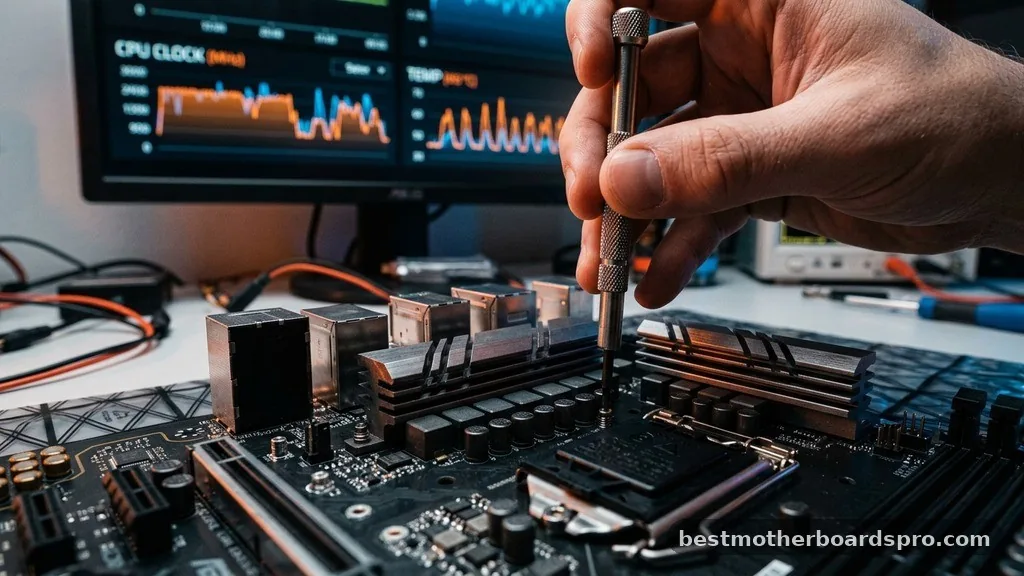
If you enjoy overclocking your CPU to squeeze out extra performance, the motherboard becomes the most important component in your build. A cheap, entry-level board often lacks the BIOS features and power phases required for stable overclocking. Without a board that can handle the increased voltage and heat, your attempts to boost clock speeds will result in system crashes or instability.
When you successfully overclock your CPU on a capable motherboard, you will see a direct increase in FPS in CPU-bound games. This is where the motherboard acts as an enabler rather than a passive piece of hardware. If you do not plan on overclocking, you can safely opt for a more modest motherboard, as the performance difference at stock settings is often non-existent between different board tiers.
Addressing Topical Gaps: Why Some Boards Feel Faster
A common misconception is that a “gaming” branded motherboard is inherently faster than a “standard” office board. In reality, these brands often differ in aesthetic features, built-in RGB controllers, and audio quality rather than raw processing speed. However, some boards come pre-configured with aggressive power management settings.
These settings might allow the CPU to stay at its turbo frequency for longer durations out of the box. This can lead to a slight performance advantage in benchmarks compared to a board that strictly follows the manufacturer’s base power guidelines.
It isn’t that the board is “faster”; it is simply more permissive with power limits. If you are comparing two systems and one feels snappier, it is usually due to these BIOS-level optimizations rather than the physical design of the motherboard itself.
Memory and Storage Bottlenecks
Beyond the CPU and GPU, the motherboard handles the speed of your storage devices. If your board only supports SATA speeds for your SSD, you will see longer load times.
While load times aren’t strictly FPS, the way assets stream into a game can impact frame pacing. If the system struggles to load textures, you might experience stuttering or “hitching” during gameplay.
High-quality boards with multiple M.2 slots often provide better cooling for NVMe drives. Keeping your storage cool is vital for maintaining consistent read/write speeds. If your game assets are stored on a drive that is constantly overheating due to poor airflow or lack of heatsinks on the motherboard, you may encounter micro-stuttering that makes your game feel less smooth, even if your average FPS remains high.
Common Myths About Motherboard Performance
There is a persistent belief that upgrading your motherboard will magically grant you 20 extra frames per second. This is rarely the case unless your previous board was severely underpowered or faulty. Most of the time, the performance delta between a budget board and a flagship board is within the margin of error for gaming.
Separating Fact from Fiction
* Myth: “Expensive motherboards have faster buses that increase data transfer speeds.”
* Fact: Data transfer speeds are defined by the chipset and the CPU, not the price of the board.
* Myth: “A better motherboard makes my GPU work harder.”
* Fact: Your GPU is limited by its own clock speed and cooling, not the motherboard it sits on.
* Myth: “Motherboards have a direct impact on graphical fidelity.”
* Fact: Graphical fidelity is determined by the GPU and your settings; the motherboard has zero impact here.
How to Choose the Right Motherboard for Your Build
When selecting a motherboard, focus on the features that matter to your specific use case. If you are building a budget gaming PC, prioritize a board that offers stable power delivery and support for your chosen CPU. Don’t waste money on features you won’t use, like excessive RGB headers or premium networking chips, if those funds could be better spent on a faster GPU or more RAM.
If you are building a high-end system, look for boards with strong VRM cooling and robust BIOS support. These boards provide the stability needed to keep your premium components running at their peak for years to come. Always check for compatibility with your CPU socket and ensure the board supports the RAM speeds you intend to use.
Frequently Asked Questions
Do motherboards matter for FPS?
Motherboards generally have a minimal impact on FPS, provided they are compatible with your other components. They only affect gaming performance indirectly by managing power delivery, thermal stability, and memory speeds. A high-quality board ensures your CPU and GPU can maintain peak performance without throttling due to overheating.
Can the motherboard affect gaming performance?
Yes, but mostly through thermal and power constraints. If a motherboard has poor VRM cooling, your CPU may throttle its clock speeds during intense gaming, causing frame rate drops. Additionally, if the board lacks support for high-speed RAM or the correct PCIe lanes, it can create a system bottleneck.
Does upgrading the motherboard increase FPS?
Upgrading your motherboard will not increase FPS unless your previous board was causing thermal throttling, stability issues, or preventing your other hardware from reaching its intended speed. For most users, the money spent on a new motherboard would yield much better performance gains if put toward a better GPU.
What are signs of a bad motherboard?
Common signs of a failing motherboard include random system crashes, blue screens, failure to boot, or components like USB ports and audio jacks stopping work. In gaming, if you experience sudden, severe performance drops that coincide with high temperatures on the board’s VRM area, your motherboard may be struggling.
Conclusion
Ultimately, the question of does motherboard affect fps is best answered by looking at the entire system as a cohesive unit. While a motherboard does not directly render graphics, it acts as the essential foundation that allows your hardware to perform at its peak. Choosing a board that provides stable power and proper cooling is vital, but don’t fall into the trap of overspending on a motherboard when those resources could be better allocated to your GPU or CPU.
Focus on building a balanced system where each component is supported by a reliable foundation. By prioritizing stability and compatibility, you ensure that your gaming rig delivers the smooth, high-frame-rate experience you expect.
If you are currently experiencing performance issues, check your temperatures and power delivery before assuming your motherboard is the problem. With the right setup, you can confidently enjoy your favorite games without worrying about your hardware holding you back.



