

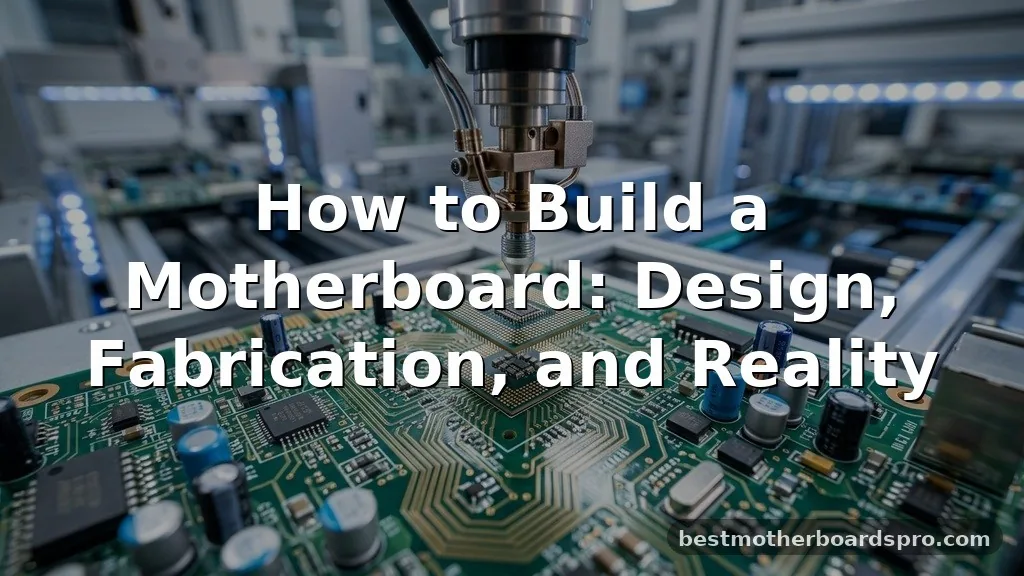
Building a motherboard from scratch is arguably the most complex challenge a hardware enthusiast can undertake. While most people simply purchase a pre-made board, understanding how to build a motherboard involves mastering everything from electrical engineering to precision manufacturing. You are essentially creating the central nervous system of a computer, requiring a deep dive into circuit design, signal routing, and multi-layer board fabrication.
This process moves far beyond basic soldering; it requires specialized software, industrial-grade equipment, and a rigorous understanding of how high-speed digital signals travel across a substrate. If you have ever wondered why your PC’s mainboard is so expensive or how it actually functions, this look into the manufacturing process will clarify the reality behind the silicon.
The Reality of Manufacturing a Motherboard

It is important to address the elephant in the room immediately: you cannot “build” a modern consumer motherboard in your garage. While hobbyists often design simple microcontroller boards, a modern, high-performance motherboard is a multi-layered masterpiece of engineering. These boards typically consist of 6 to 12 layers of fiberglass and copper, requiring precision that manual labor simply cannot achieve.
When you look at the industry standards for how companies approach the task of building a motherboard, you see a reliance on automated high-speed production lines. The complexity of the traces and the density of the components mean that even a single microscopic error in the wiring—what engineers call signal integrity—would render the entire board useless. If you are interested in this field, your goal is likely to design a custom PCB for a specific embedded project rather than replacing an Intel or AMD board.
Phase One: Schematic Capture and Design
Before you ever touch a piece of hardware, you must master the digital design environment. Professional engineers use Electronic Design Automation (EDA) tools to map out every connection on the board. This phase is where the board’s logic is born.
Using software like Altium Designer or the open-source alternative KiCad, you begin by defining your schematic. You must identify every component, from the CPU socket to the smallest capacitor. You are creating a roadmap for the electricity.
Key Design Considerations
- Chipset Architecture: You must determine how the CPU communicates with the RAM, storage, and expansion slots.
- PCIe Lanes: Routing these requires strict adherence to length-matching requirements to ensure data reaches its destination simultaneously.
- Voltage Regulator Module (VRM): This is the heart of power delivery; it must be designed to handle massive current fluctuations without overheating.
- Impedance Matching: High-speed signals are sensitive to the width and spacing of copper traces; you must calculate these precisely to avoid signal reflection.
The Role of the Multilayer Substrate
A modern motherboard is a multilayer substrate. You cannot fit the thousands of connections required for a modern processor onto a single flat sheet of copper. Instead, you stack layers of insulating material with copper traces sandwiched between them.
The inner layers are usually dedicated to power and ground planes, which provide stable electricity and help reduce electromagnetic interference. The outer layers are reserved for signal routing.
When you design these layers, you must ensure that the “vias”—the tiny holes that connect one layer to another—are placed perfectly. If you are designing your own board, you will export these designs as Gerber files, which are the industry-standard instructions for PCB fabrication houses.
Fabrication and SMT Assembly
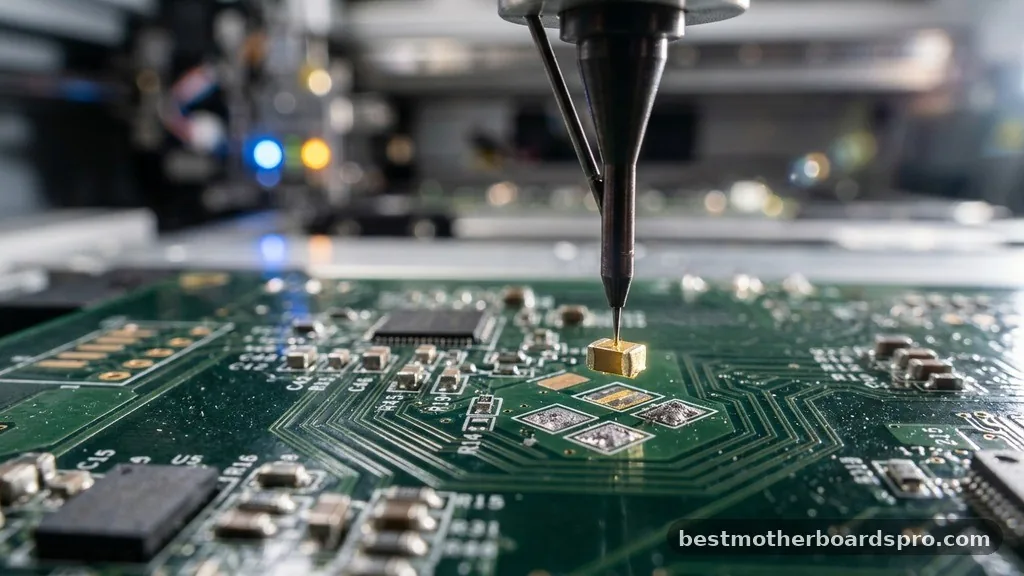
Once your design is finalized and your Gerber files are sent to a manufacturer, the physical board is created. This process involves layering sheets of fiberglass (FR4) and copper, then etching away the excess metal using chemical baths.
After the bare board is produced, you move to assembly. This is where Surface Mount Technology (SMT) comes into play. You don’t use through-hole components for most of the board; instead, you apply solder paste to the pads and use a pick-and-place machine to set chips, resistors, and capacitors onto the board.
| Component Type | Assembly Method | Primary Function |
|---|---|---|
| SMT Components | Reflow Oven | Data processing and logic |
| Through-hole Headers | Wave Soldering | External connectivity and power |
| BGA Chips (CPU/Chipset) | Reflow Oven | Core computing tasks |
The board is then passed through a reflow oven. The heat melts the solder paste, creating permanent electrical and mechanical bonds. This is a delicate stage; if the temperature profile is incorrect, the thermal expansion can cause the board to warp or the delicate chips to crack.
Thermal Management and Signal Integrity
A motherboard isn’t just about connections; it’s about managing the physics of heat and electricity. As you learn how to build a motherboard, you will realize that thermal management is a design constraint, not an afterthought.
High-current components like the VRM generate immense heat. If you don’t design adequate copper pours to act as heat sinks, or if you don’t plan for mounting holes for active cooling, the board will throttle its performance or fail entirely. Furthermore, signal integrity is a constant battle.
High-frequency signals can act like radio waves, interfering with neighboring traces. Engineers use “differential pairs” and specific routing patterns to ensure that the ones and zeros of your data arrive without corruption.
Firmware: The Software Soul of Hardware
Even after the physical board is assembled and powered on, it is essentially a brick. You must write or configure the BIOS firmware. This is the low-level code that initializes the hardware, checks the RAM, and tells the CPU how to talk to the rest of the system components.
Without the correct firmware, the processor doesn’t know how to access the storage or display an image on your monitor. This is why motherboard design is so deeply tied to software engineering. You aren’t just building a circuit; you are building an interface between raw electricity and human-readable code.
Addressing Common Misconceptions
Many newcomers assume they can “build” a motherboard by hand-soldering components onto a pre-made blank board. While you can solder generic components, the PCB itself is the hurdle.
You cannot manually etch a board with the density required for modern CPU sockets like an LGA socket. The traces are simply too fine.
Another common question is whether you can use cardboard or simple breadboards. The answer is a hard no for anything beyond a simple 8-bit project.
High-speed digital signals require specific dielectric constants found only in professional-grade PCB materials. If you try to build a modern PC motherboard on a breadboard, the capacitance and resistance of the wires will prevent the CPU from ever completing a single clock cycle.
FAQ
Can I build a motherboard for a modern CPU at home?
No, you cannot build a functional modern motherboard at home. The complexity of high-speed signal routing, multi-layer PCB fabrication, and the precision required for LGA sockets and BGA chip mounting requires industrial-grade machinery, such as automated pick-and-place lines and high-temperature reflow ovens, which are not available to hobbyists.
What is the most difficult part of designing a motherboard?
The most challenging aspect is ensuring signal integrity and impedance matching across multiple layers. High-speed data signals are extremely sensitive to interference and trace length. Even a millimeter of difference in trace length can cause data timing errors, leading to system instability or a complete failure to boot.
How do I start learning about PCB design?
Begin by downloading KiCad, which is a free and powerful EDA tool. Start with simple projects, such as designing a breakout board for a microcontroller like an Arduino or a simple LED driver. This allows you to learn schematic capture and PCB layout without the extreme difficulty of high-speed motherboard design.
Is it worth trying to build a custom motherboard?
If your goal is to learn electrical engineering, it is an incredibly rewarding process. However, if your goal is to save money or gain performance, it is not worth it. Commercial motherboards benefit from massive economies of scale and decades of R&D, making them far more reliable and cheaper than any custom board.
Final Thoughts
Designing and understanding the complexity of a motherboard provides a profound appreciation for the invisible engineering that powers our digital lives. While the dream of building a motherboard in a home workshop is limited by the laws of physics and the requirements of modern high-speed electronics, the journey into PCB design remains the most effective way to master hardware engineering. You start by learning the basics of schematic capture, move to the intricacies of multilayer routing, and eventually understand how data flows through copper.
If you decide to pursue this path, focus on smaller, manageable projects that teach you the core principles of signal integrity and power delivery. Every professional engineer began by designing their first simple board, and that experience is the vital first step toward mastering the hardware that defines our era.



