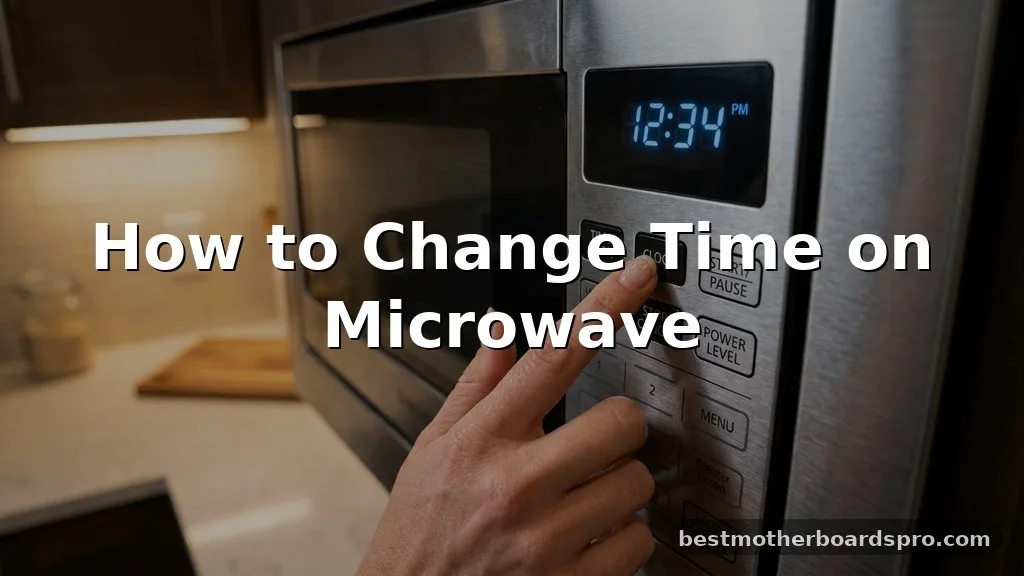
Finding yourself staring at a blinking microwave clock that shows the wrong time is a common household annoyance. Whether you’ve just experienced a power flicker or finished daylight savings, knowing how to change time on microwave settings is a simple skill that saves you from doing mental math every time you heat up leftovers.
Most modern appliances use a standard interface, though the specific sequence can vary depending on your brand and the age of your unit. Getting your kitchen clock back in sync is usually a matter of finding the right button combination and entering the digits correctly.
Locating the Clock Controls
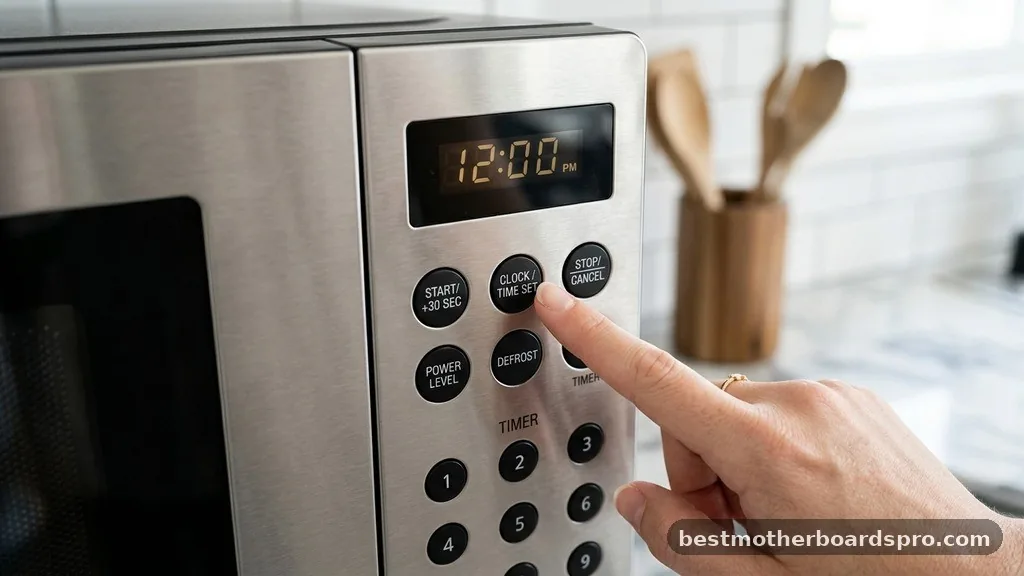
Before you start pressing random buttons, take a moment to examine the control panel. Most manufacturers place the function near the top or bottom of the keypad.
Look for a button labeled “Clock,” “Clock/Timer,” or “Settings.” If you don’t see a dedicated button, the feature might be hidden as a secondary function on another key.
On many units, you may need to hold down a button like “Stop/Clear” or “Power Level” for three seconds to enter the time-setting mode. If your unit has a “Settings” button, press it once or twice until the display asks for the time. Once the display begins to blink or shows “0:00,” the appliance is ready for your input.
Entering the Correct Time
Once the display is ready, use the number pad to enter the current hour and minutes. For instance, if it is 1:30, you should press the numbers 1, 3, and 0 in that order. Some older models require you to enter four digits, such as 0-1-3-0 for 1:30, while others might ask you to select AM or PM.
After punching in the digits, look for a “Clock” or “Start” button to confirm the entry. The display should stop blinking and remain solid, indicating that the new time is locked in. If the display keeps flashing, it usually means the microwave is waiting for you to press the final confirmation key to finalize the change.
Dealing with Dial-Based Interfaces
Some newer or high-end models have replaced the traditional number pad with a rotating dial. When you need to adjust the clock on these machines, the process is slightly more tactile. You will typically press the “Clock” button, then turn the dial to scroll through the hours.
After selecting the correct hour, press the dial or the “Clock” button again to switch to the minutes. Rotate the dial until the correct minutes appear on the screen, then press the dial one final time to save the change. This method is often faster than hunting for specific numbers on a flat membrane keypad.
Common Variations by Brand
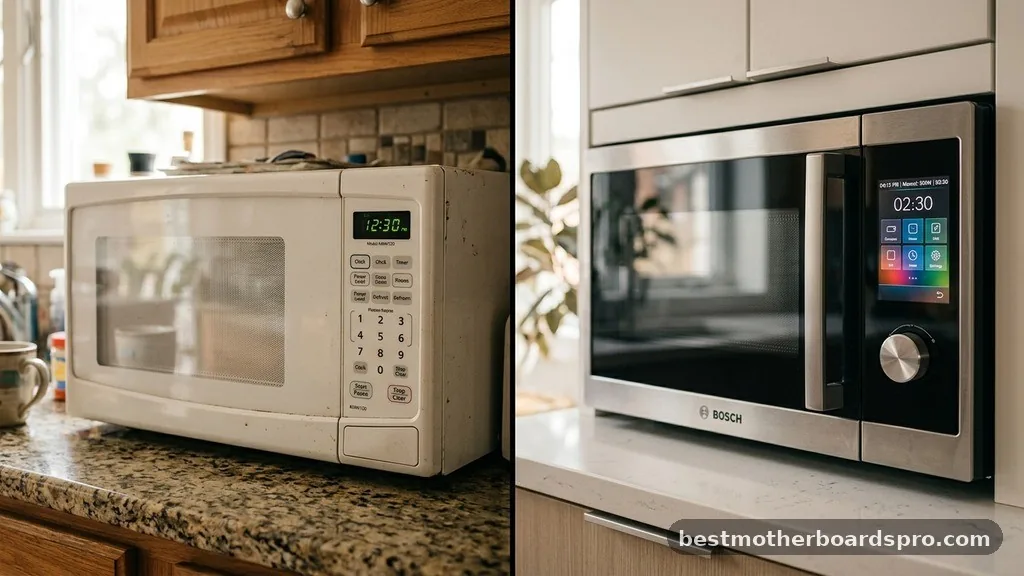
Different manufacturers often have their own proprietary way of handling internal settings. While the core logic remains similar, the specific button labels can change.
- Samsung: Often requires holding the “Clock” button for three seconds until the colon flashes.
- Whirlpool: Frequently uses a “Clock” button that must be pressed twice before entering the time.
- GE: Sometimes hides the clock function inside a “Setup” or “Options” menu.
- LG: Frequently relies on a dedicated “Clock” button followed by the “Start” key.
- Frigidaire: Usually requires pressing the “Clock” button once, entering the time, and pressing “Clock” again to lock it.
Troubleshooting Display Issues
If you find that the display refuses to change or remains blank, there are a few things to check. A common culprit is a temporary glitch caused by a power surge.
Try unplugging the microwave from the wall outlet for at least 60 seconds. This “hard reset” clears the internal memory and allows you to start the clock setup process from a clean slate.
If the display is still unresponsive, check to see if the unit is in “Demo Mode” or “Child Lock.” These modes often disable the clock display or prevent input. Consult your owner’s manual to see if you need to hold down a specific button for five seconds to disable these restrictive modes.
| Issue | Potential Solution |
|---|---|
| Display is completely blank | Check the power source or reset the circuit breaker. |
| Clock won’t stop blinking | Ensure you pressed the “Start” or “Clock” button to save. |
| Digits won’t register | Check if “Child Lock” is active and unlock the keypad. |
| Display is dim | Look for a “Display Brightness” or “Eco Mode” setting. |
Addressing Common Configuration Gaps
One frequent point of confusion involves microwaves that lack a physical “Clock” button. In these instances, the functionality is often integrated into the “User Preferences” or “Options” menu. You may need to press a button labeled “Options” or “Setup” and navigate through the menu using the number pad or the dial.
Another gap is the inability to switch between 12-hour and 24-hour formats. If your clock is showing military time and you prefer standard time, look for a toggle option within the same settings menu used to update the time. Many manufacturers include this as a secondary step immediately after you confirm the current time.
Frequently Asked Questions
How do I set the clock on a microwave that has no clock button?
If your appliance lacks a dedicated button, try holding down the “Start,” “Stop,” or “Options” button for three to five seconds. Often, the manufacturer hides the clock setting within a secondary menu accessible only by long-pressing one of the primary control keys on the display panel.
Why does my microwave clock keep resetting to 12:00?
This usually indicates that the unit is losing power momentarily. Check that the plug is fully seated in the wall outlet. If the issue persists during normal use, the internal capacitor may be failing, or your home’s circuit breaker might be tripping due to a loose wire connection.
Can I turn off the microwave clock display entirely?
Yes, many modern models feature an “Eco Mode” or “Display Off” setting. You can typically activate this by holding down the “0” button or the “Cancel” button for several seconds. This saves a small amount of electricity and prevents the display from glowing brightly in your kitchen at night.
Does the microwave clock affect the heating performance?
No, the clock is an independent feature and does not influence the magnetron or the cooking power of the device. Changing the time or leaving it incorrect will have no impact on how evenly your food heats, so you can safely ignore the clock if you prefer not to fix it.
Final Thoughts on Clock Maintenance
Mastering the process of changing time on microwave interfaces is a minor but helpful task that keeps your kitchen running smoothly. While the buttons may differ from one brand to the next, the underlying logic of selecting a mode, inputting digits, and confirming the selection is consistent across almost all digital kitchen appliances. If you ever find yourself stuck, remember that a quick power cycle usually clears out any software hang-ups, and your user manual is the best resource for brand-specific shortcuts.
Keeping your clock accurate ensures your kitchen remains a functional, well-organized space for your daily cooking needs. If you find your specific model is particularly stubborn, check the manufacturer’s website for a digital copy of your manual, which often contains hidden menu codes.