


Deciding whether you need to swap out your mainboard is one of the most frustrating parts of PC maintenance because it rarely feels like a simple task. Many users wonder when they should upgrade their motherboard because they assume it’s the primary way to boost performance, but that isn’t always the case. In reality, your board is the foundation that dictates what other parts you can install, rather than a direct speed booster.
If you find yourself hitting walls with component compatibility or missing out on modern features, it might finally be time for a change. Understanding the specific signals that point toward a necessary replacement will save you hours of troubleshooting and unnecessary expense.
Recognizing the Need for a New Foundation
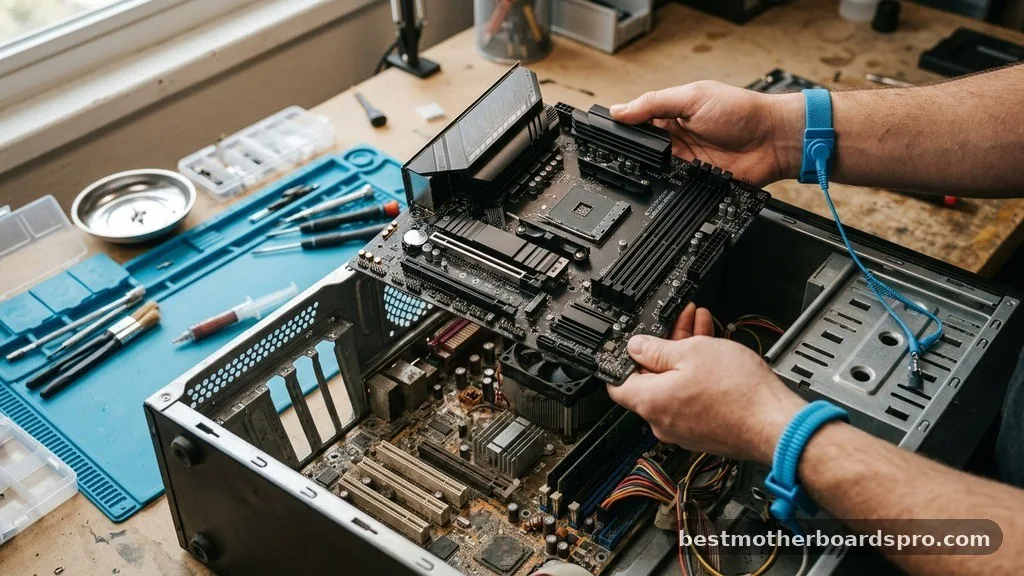
Most people start thinking about a motherboard replacement when they realize their current hardware is holding back a new component. If your processor is several generations old, the chances are high that your board lacks the necessary socket compatibility to host a modern chip.
Manufacturers change sockets frequently, and sticking with an outdated board often forces you into a dead-end upgrade path. You cannot simply drop a current-gen CPU into a board built for a chip from five years ago.
Beyond the CPU, you should examine your connectivity requirements. If you find yourself constantly reaching for USB hubs because your back panel is full, or if you’ve run out of internal M.2 NVMe slots for your growing storage needs, your board is effectively obsolete.
Modern workflows often demand faster data transfer speeds and more expansion room. If your current hardware lacks the PCIe lanes to support high-speed capture cards or multiple high-bandwidth drives, you are effectively bottlenecking your entire system’s potential.
The Role of Chipset and Processor Compatibility
The CPU chipset acts as the traffic controller for your computer, and it is usually the single biggest factor in determining your upgrade timeline. A chipset determines which processors the motherboard can talk to and what features it can unlock. If you are looking to move from an entry-level processor to a high-end enthusiast model, your current chipset might not have the power delivery or the features to support it.
Why VRM Cooling Matters
When you upgrade your processor, you must consider the power delivery system of the board. High-end CPUs draw significantly more power, which creates massive heat in the voltage regulator modules (VRMs).
If your current motherboard lacks adequate VRM cooling, it will cause thermal throttling. This forces your CPU to slow down to prevent damage, effectively negating the performance gains you bought the new chip for in the first place.
Memory Standards and RAM Generation
The shift from DDR4 to DDR5 memory is a major hardware transition that often necessitates a new board. Motherboards are physically wired for specific memory generations; you cannot slot DDR5 sticks into a DDR4-only board. If your primary goal is to increase system bandwidth for heavy multitasking or creative work, you are effectively locked into your current memory generation unless you replace the entire motherboard.
| Feature | Budget/Legacy Board | Modern Enthusiast Board |
|---|---|---|
| Socket Compatibility | Single Generation | Multi-Generation/Future-Proof |
| Memory Slots | DDR4 (Limited) | DDR5 (High Frequency) |
| Expansion | Limited PCIe/SATA | Multiple M.2 NVMe/PCIe 5.0 |
| Power Delivery | Standard VRMs | Advanced Heatsinks/High Phase |
Addressing System Stability and BIOS Limitations
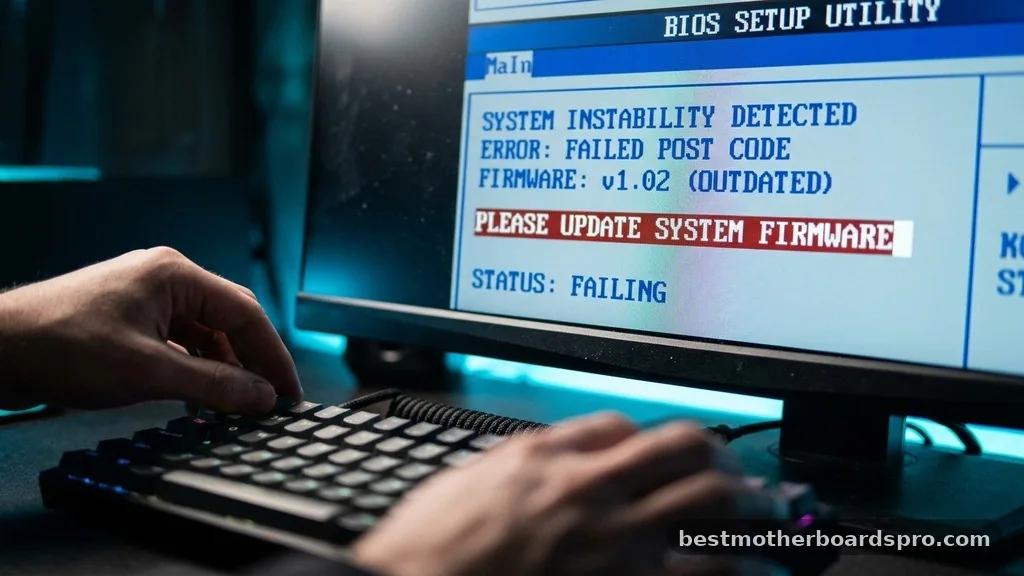
Sometimes, your motherboard isn’t just old; it’s failing. If you experience random crashes, boot loops, or USB ports that sporadically drop connection, your board might be reaching the end of its hardware lifecycle.
Before you assume the worst, check if your BIOS firmware is up to date. Manufacturers release updates to fix compatibility bugs and improve stability, but there comes a point where even the best BIOS update cannot save a board from physical degradation.
If you find that your system is prone to freezing during high loads, it could be a sign of failing capacitors or dying traces. Replacing the CMOS battery is a quick, cheap fix for time-reset issues, but if the board continues to exhibit erratic behavior after a clean OS install and updated drivers, it is time to cut your losses. A motherboard replacement is often the most reliable way to restore system stability and peace of mind.
Form Factor and Case Constraints
When you decide to upgrade, you must consider your physical space. The form factor of your motherboard dictates what kind of case you need.
If you are moving from a standard ATX board to a compact Micro-ATX or ITX setup, you might need to buy a new case as well. Conversely, if you have a massive full-tower case, a tiny board might look awkward and offer fewer expansion slots than your chassis can handle.
- Check the mounting points to ensure compatibility with your current case.
- Verify that your power supply cables have enough length to reach the new board layout.
- Ensure your CPU cooler clearance is sufficient, especially if you move to a smaller board with tighter component spacing.
- Consider the number of fan headers available for your cooling setup.
Topical Gaps: When Is It Actually Worth the Effort?
A common misconception is that a motherboard upgrade provides a performance boost on its own. It does not. A motherboard is a passive component; it facilitates communication between parts but doesn’t process data itself.
Therefore, you should only upgrade your motherboard if you have a specific, functional reason to do so. These reasons include:
* New CPU requirements: You are buying a processor that requires a different socket.
* Connectivity upgrades: You need more M.2 slots, faster USB connectivity, or Wi-Fi 6E/7 support.
* Overclocking potential: You want to push your CPU or RAM further, and your current board lacks the power phases or BIOS options to handle the voltage.
* Hardware failure: Your current board has physical damage or persistent, unfixable stability issues.
If your current system meets all your needs and supports your current CPU, there is zero benefit to upgrading the motherboard. Unlike a GPU or SSD, which offer tangible speed differences, a motherboard upgrade is purely about enabling other components. If you aren’t adding a new, faster processor or more capable storage, your money is better spent elsewhere.
Common Questions About Motherboard Upgrades
How do I know when to upgrade my motherboard?
You should consider a motherboard upgrade when your current board prevents you from installing a better CPU, lacks the necessary slots for modern high-speed storage, or suffers from hardware failure. If your system is stable and handles your current tasks well, there is no technical reason to replace it.
What is the average lifespan of a motherboard?
Most motherboards are designed to last five to ten years under normal operating conditions. However, their functional lifespan is often shorter due to rapid advancements in CPU sockets and memory standards. Many users choose to upgrade after four or five years to gain access to newer, faster technologies.
Is it worth upgrading your motherboard for gaming?
Upgrading a motherboard alone provides no gaming performance boost. It is only worth the investment if it allows you to install a significantly faster CPU or faster RAM. If your current board supports your hardware well, you should prioritize upgrading your graphics card or processor instead.
Do I need to upgrade my motherboard for a new GPU?
Generally, no. Most modern graphics cards use the PCIe x16 slot, which has been standard for many years. As long as your motherboard has a PCIe slot and your power supply can handle the GPU’s wattage, you can install a new graphics card without replacing the motherboard.
Final Thoughts on Hardware Lifecycle
Navigating the decision of when you should upgrade your motherboard requires a clear look at your goals. If you are chasing the latest CPU performance, you will inevitably face the reality of socket changes and the need for a fresh board. However, if your current rig is serving you well, don’t feel pressured to keep up with the latest marketing trends.
Focus on the components that directly impact your workload, such as your processor, RAM, and storage. When the time comes to swap your board, ensure you pick one that offers enough expansion room for your future needs.
Upgrading is a strategic move, not a routine maintenance task. If you have questions about your specific build, feel free to reach out and share your current specs.



