

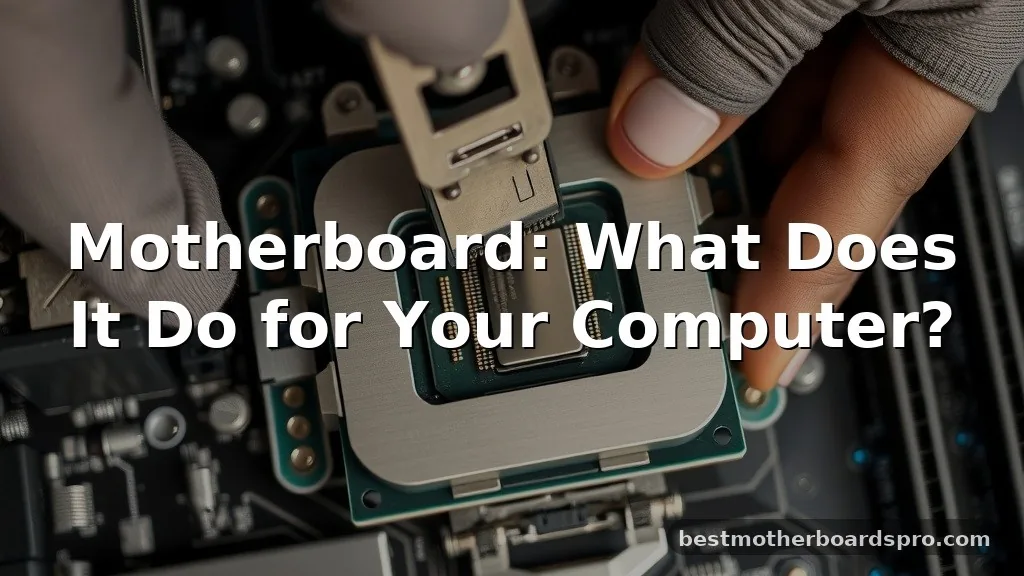
If you have ever cracked open a desktop PC, the large green or black circuit board you see is the heart of the system. Understanding a motherboard, what does it do exactly, is the key to demystifying how your computer actually functions. At its most basic level, this piece of hardware acts as the central hub where all other parts meet to communicate.
Without this intricate web of circuitry, your processor, memory, and storage drives would have no way to share data or receive electricity. It is the silent traffic controller that keeps your digital life running without you ever having to think about it.
The Core Purpose of a Motherboard
When people ask about a motherboard, what does it do, the simplest answer is that it provides the physical and electrical foundation for the entire computer. Think of it as the nervous system of your machine. It features a complex layout of copper traces, buses, and pathways that carry information between the various hardware components.
The board hosts the CPU (Central Processing Unit) in a specific socket, allowing it to interact with the rest of the hardware. It distributes power from the supply unit to every component attached to it, ensuring that each part receives the correct voltage. By providing this infrastructure, it allows your operating system to talk to your hardware, turning raw electricity into the complex programs and games you use daily.
Key Components and Their Roles
A motherboard is not just a flat piece of plastic; it is a dense collection of specialized hardware designed to manage data flow. Every board includes several essential areas that dictate how your computer performs and what you can upgrade later.
The Processor Socket
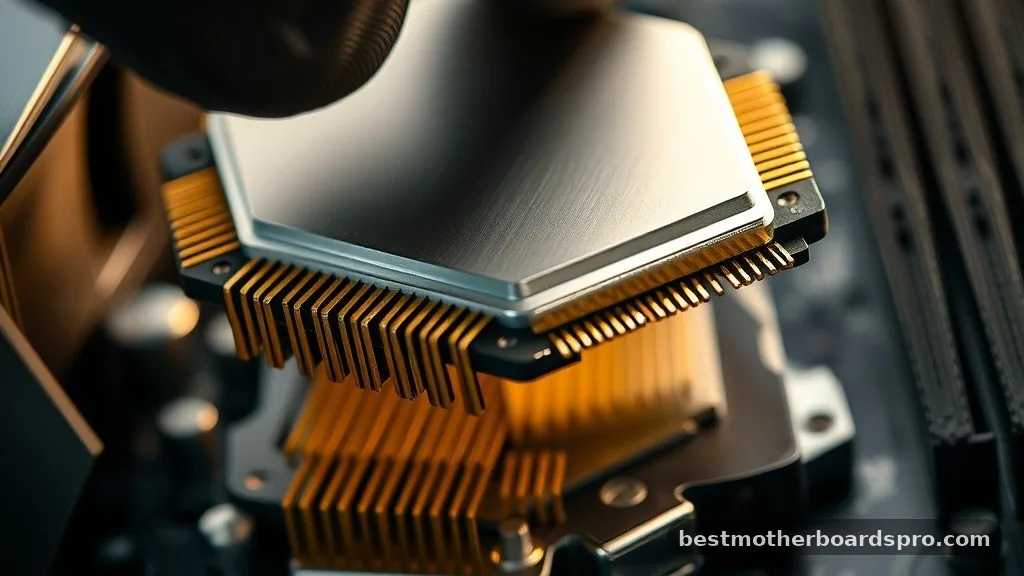
The socket is the most critical area on the board. It is the physical interface where your CPU sits. Different processors require different socket types, which is why you cannot simply swap an Intel chip into an AMD board. The socket creates a direct, high-speed connection between the brain of your computer and the memory and storage channels.
Memory Slots
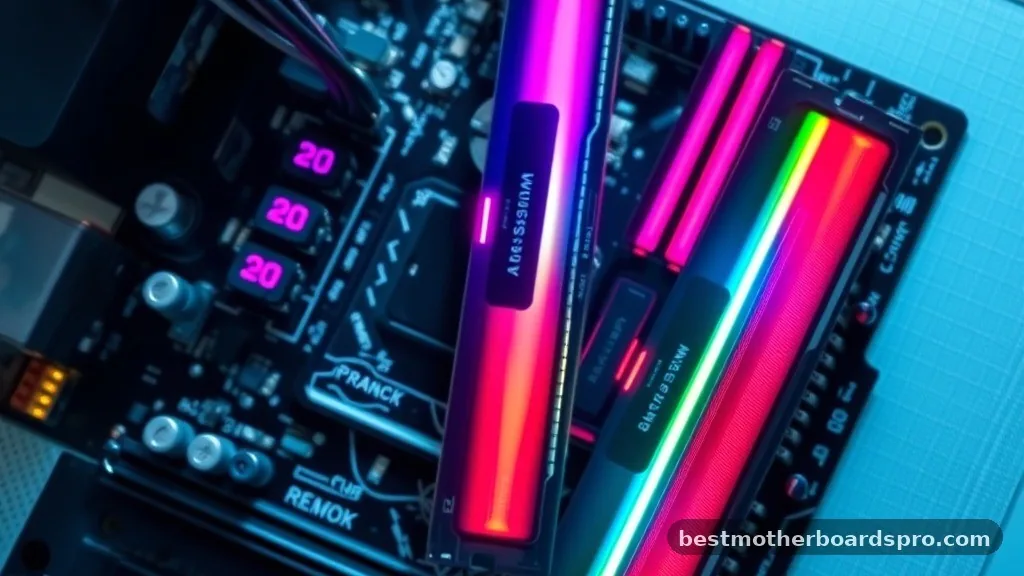
You will see several long, thin slots near the CPU area, which are specifically for your RAM or memory. These modules store temporary data that the processor needs to access instantly. The board manages the speed and timing of this data transfer, directly influencing how quickly your apps open and how smoothly your operating system runs.
Expansion Slots and PCIe
The PCIe (Peripheral Component Interconnect Express) slots are where you add extra functionality. These are the long horizontal ports where you typically install a dedicated graphics card. By using these slots, you can expand your system’s capabilities, adding high-speed networking, sound cards, or additional storage controllers.
Common Form Factors Explained
Not all boards are the same size or shape. The form factor defines the physical dimensions of the board and the layout of the mounting holes. This ensures that the hardware fits inside a standard computer case and aligns with the power supply connectors.
| Form Factor | Typical Use Case | Size (Approx.) |
|---|---|---|
| ATX | Standard Desktop PCs | 12 x 9.6 inches |
| Micro-ATX | Compact/Budget Builds | 9.6 x 9.6 inches |
| Mini-ITX | Small Form Factor (SFF) | 6.7 x 6.7 inches |
The ATX standard is the most common, offering the most room for expansion and cooling. Smaller boards like Mini-ITX are excellent for space-saving builds, though they often have fewer slots for additional hardware.
How Data Travels Across the Board
The magic of a motherboard happens through the chipset. This is a group of integrated circuits that manage the flow of data between the processor, memory, and external devices. You can think of the chipset as the supervisor of the board.
- It manages communication between high-speed components like the GPU and the CPU.
- It handles input and output operations for USB ports, SATA drives, and network controllers.
- It regulates thermal sensors to ensure the system doesn’t overheat during heavy tasks.
- It stores the BIOS or UEFI firmware, which tells the computer how to start up.
Because the chipset is soldered directly to the board, you cannot upgrade it. When you choose a motherboard, you are essentially choosing the feature set—like the number of USB ports or the speed of your storage—that your system will have for its entire life.
Addressing Common Misconceptions
Many users wonder if a more expensive board makes their computer faster. The truth is, while a high-end board provides more features and better stability for overclocking, it doesn’t inherently increase the raw speed of your CPU or RAM. A premium board is more about reliability and the ability to handle more complex or power-hungry hardware setups.
Another common gap in knowledge involves the BIOS. People often forget that the board itself runs a small, low-level piece of software.
This code is what checks your hardware when you press the power button, a process known as POST (Power-On Self-Test). If your computer fails to boot, the board often provides diagnostic lights or beeps to tell you exactly which component is failing.
FAQ
What is the main function of a motherboard?
The main function is to act as the central communication hub for your computer. It provides the electrical pathways and physical connections required for the CPU, RAM, and storage drives to interact, while also distributing power from the power supply unit to every connected hardware component.
Does a PC need a motherboard?
Yes, every computer requires one. Without it, the processor would have no way to communicate with your memory or storage, and there would be no way to distribute power to your components. It is the essential foundation that holds the entire system together and allows it to function.
What happens if a motherboard goes bad?
If the board fails, the computer will typically stop working entirely. You might experience random restarts, blue screens, or a total inability to turn the power on. Because the board connects everything, a fault here often results in a “dead” system that cannot process any data or signals.
Is it worth replacing a motherboard?
Replacing one is often a complex task that requires disassembling the entire computer. It is generally only worth the effort if your current processor and RAM are still modern and high-performing. If your system is several years old, it is usually more cost-effective to build a new machine.
Final Thoughts
Understanding the motherboard, what does it do for your machine, is essential for anyone interested in hardware maintenance or building a custom PC. It is far more than just a mounting surface; it is the orchestrator of every instruction your computer executes. By managing power distribution, coordinating data traffic between chips, and providing the physical interface for your peripherals, it ensures your system remains stable and responsive.
When choosing your next upgrade, remember that the board defines the ceiling for your future performance. Whether you are aiming for a high-end gaming rig or a reliable office workstation, the quality of your board dictates how well your components work together. If you ever feel stuck, look at your board’s manual—it is the ultimate map for understanding the specific capabilities of your unique system.



