If you have ever been startled by a piercing beep in the middle of the night while sneaking a snack, you know exactly why learning how to silence a microwave is a common household priority. Most modern appliances are designed with loud alerts to ensure you do not leave food behind, but these high-pitched tones can be disruptive in open-plan homes or small apartments.
While not every unit offers a simple “mute” button, many manufacturers include hidden commands within the control panel that allow you to toggle the audio feedback. By identifying the specific interface of your device, you can reclaim your kitchen’s peace and quiet without sacrificing any functionality.
Navigating Your Appliance Settings
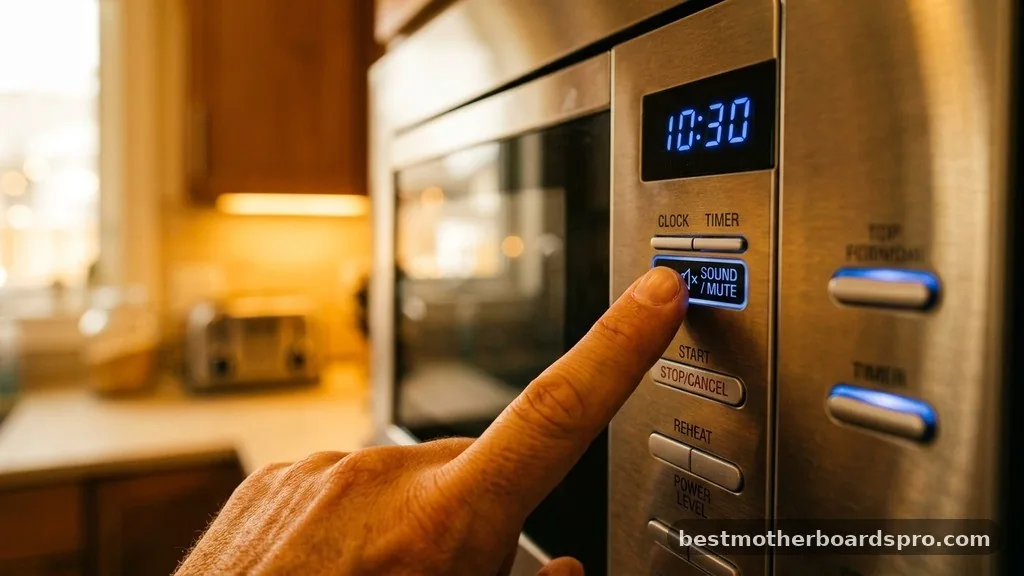
The first step in silencing your microwave involves consulting the user manual, as manufacturers often hide audio controls within secondary menus. If you have misplaced the physical booklet, you can usually find a digital version on the manufacturer’s website by searching for your specific model number. Many newer appliances feature a dedicated sound button or a secondary function labeled on the keypad, often requiring a long press to activate or deactivate the buzzer.
When you look at your control panel, check for labels printed in small text near the numbers or the start button. Sometimes, the mute function is mapped to the number keys, such as pressing and holding the “0” or “1” key for three to five seconds.
If your unit relies on a touch interface rather than physical buttons, the settings are often tucked away under a “User Preferences” or “Options” menu. Accessing these menus typically involves holding down the “Cancel” or “Stop” button for a few seconds until the display prompts you to adjust the volume.
Brand-Specific Methods for Muting
Because every manufacturer designs their software differently, the process for silencing a microwave varies significantly between brands. Below is a breakdown of how some of the most common appliance companies handle audio alerts.
- GE: Many models allow you to turn off the sound by pressing and holding the “0” key for three seconds. If that fails, look for a “Sound” or “Volume” button located near the timer settings.
- Samsung: These units often have a dedicated “Sound” button. You can typically toggle the alarm by pressing “Sound” and then selecting “Off” using the dial or the number pad.
- Panasonic: Look for a “Program” button or a “Sound” indicator. On many models, holding the “Start” button or the “Stop/Reset” button for several seconds will disable the audible beeps.
- Whirlpool: Often, you can silence these by pressing and holding the “Cancel” button for three seconds. Some models may require you to enter the “Options” menu to find the buzzer settings.
- Frigidaire: Check for a “User Pref” button. If your model lacks this, try holding the “Stop” button for five seconds to see if the display confirms the change.
Comparing Sound Control Features
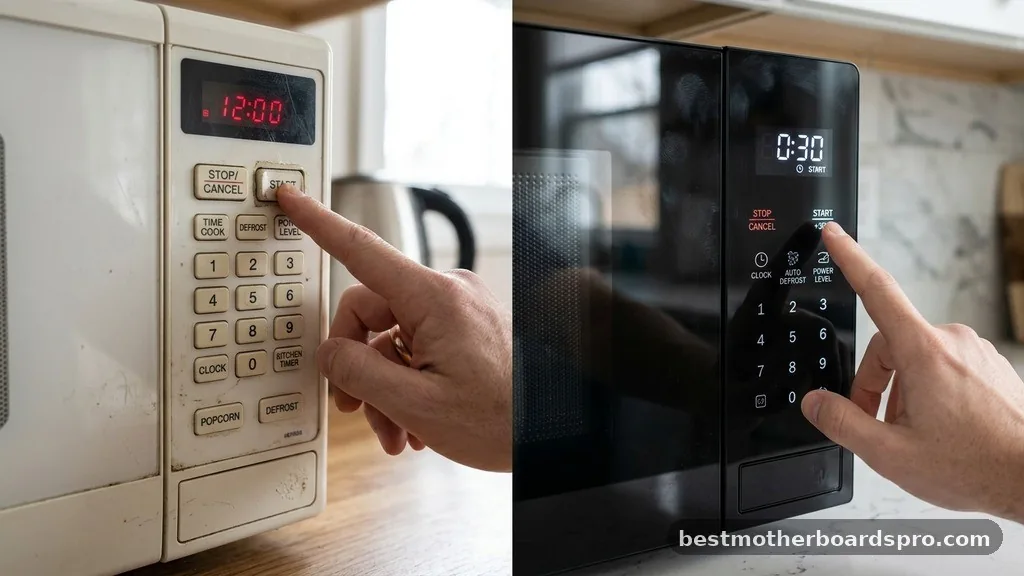
Understanding the limitations of your hardware is essential, as some entry-level models simply do not have a software-based mute function. The table below highlights the differences between common microwave control types regarding their ability to be silenced.
| Interface Type | Common Mute Method | Effectiveness |
|---|---|---|
| Dedicated Sound Button | Press once or hold | High |
| Secondary Keypad Function | Hold 0, 1, or Stop | Moderate |
| Menu-Driven Settings | Navigate to “System” | High |
| Basic Analog Dials | None (Hardware Only) | Low |
Addressing Common Troubleshooting Gaps
Sometimes, even after attempting the standard mute commands, you might find that your microwave continues to beep. This usually happens because the appliance has entered a specific state or requires a different input sequence.
A common issue is the “Express Cook” feature, which often bypasses standard volume settings. If you use the express cook buttons, the machine might default to its loudest alert to ensure safety, regardless of your global sound settings.
Another potential hurdle is the control lock feature. If the control lock is active, the microwave will ignore almost all button presses, including those intended to silence the unit. Always ensure the lock is disengaged before attempting to modify the buzzer settings.
If you suspect your appliance is glitching, a factory reset might be necessary. This is usually achieved by unplugging the microwave for at least 60 seconds, which allows the internal capacitors to discharge and the software to reboot. If the beeping persists after a reset and you have exhausted all menu options, it is possible that the internal speaker is hard-wired to the power circuit, meaning it cannot be silenced through software.
Understanding Internal Hardware Limitations
If your microwave lacks a software mute function, you are dealing with a hardware-level design. In these instances, the internal speaker is a physical component soldered onto the control board.
While some DIY enthusiasts attempt to physically disconnect the buzzer, this is generally discouraged for the average user. Opening the casing of a microwave is hazardous due to the presence of high-voltage capacitors that can hold a dangerous electrical charge even when the unit is unplugged.
If you are determined to dampen the sound, you can sometimes place a heavy cloth or a rubber mat over the unit, though this is not a permanent fix and can interfere with ventilation. The most practical solution for a loud, un-mutable microwave is to accept the audible feedback as a safety feature. Many manufacturers implement these beeps specifically to notify users that the cooking cycle has finished, preventing food from being forgotten, which could lead to fire hazards or bacterial growth.
FAQ
Why does my microwave keep beeping after the timer ends?
Most microwaves are programmed with a “reminder” feature. If you do not open the door after the cooking cycle finishes, the appliance will periodically beep to alert you that your food is ready. This is a safety feature and cannot be disabled on most standard models.
Can I permanently remove the internal speaker?
Technically yes, but it is extremely dangerous. Microwaves contain high-voltage capacitors that can cause severe injury or death even when the device is unplugged. Never attempt to open the casing or modify the internal electronics yourself unless you are a qualified appliance repair technician.
Will a factory reset delete my saved power level settings?
Yes, performing a factory reset will revert all custom configurations, including saved power level settings, clock time, and volume preferences, back to their original out-of-the-box state. You will need to re-program your preferred settings manually once the microwave has successfully rebooted after being unplugged.
What should I do if my microwave’s touch interface is unresponsive?
An unresponsive touch interface often indicates a dirty control panel or a software hang. Clean the surface with a dry, lint-free cloth to ensure there is no grime interfering with the sensors. If it remains unresponsive, perform a power cycle by unplugging the unit for one full minute.
Final Thoughts on Appliance Silence
Achieving a quieter kitchen is often a matter of finding the right combination of button presses on your specific model. Whether you are using a GE, Samsung, or a simple Whirlpool unit, the ability to modify the acoustic feedback is usually hidden in plain sight. Always prioritize safety by checking your user manual first and avoiding any internal hardware modifications that could compromise the appliance.
If your specific model does not support a silent mode, try to minimize the annoyance by being present when the timer ends. Successfully silencing a microwave can make your morning routine significantly more peaceful, allowing you to enjoy your coffee without the jarring interruption of a loud alarm. If you find your current unit is simply too noisy for your lifestyle, you might consider upgrading to a newer model that features customizable volume controls as a standard setting.