

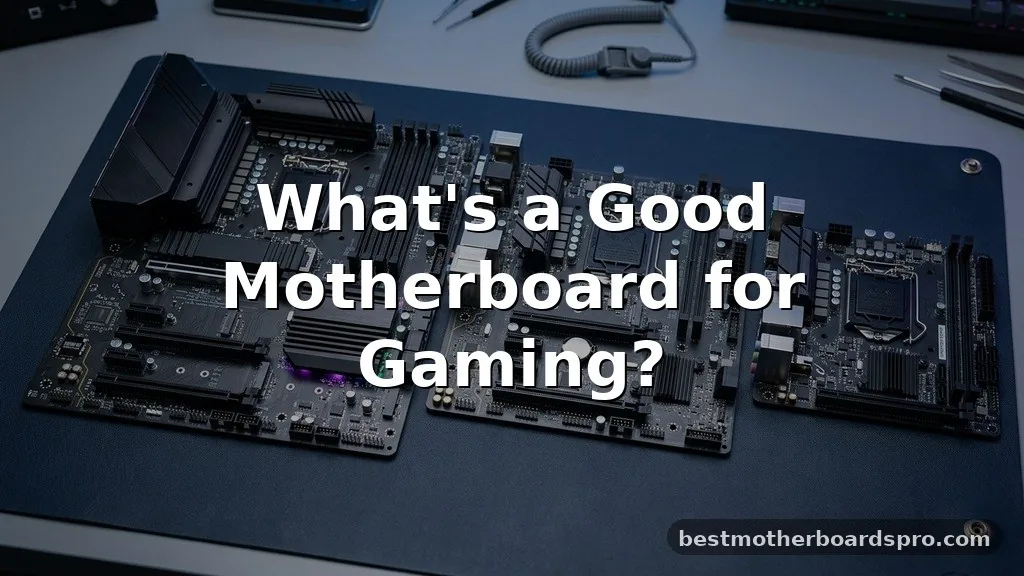
Choosing the right hardware for your custom build often leaves builders wondering what’s a good motherboard for gaming when faced with dozens of confusing model names. Your choice of mainboard dictates your upgrade path, the number of peripherals you can connect, and the overall stability of your system during intense sessions. While flashy aesthetics often grab the most attention, the real value lies in the power delivery, thermal management, and connectivity options provided by the board.
By focusing on these core technical aspects rather than just branding, you ensure your PC remains relevant for years to come. This article breaks down exactly how to identify components that provide the best performance for your specific setup.
Understanding Motherboard Form Factors
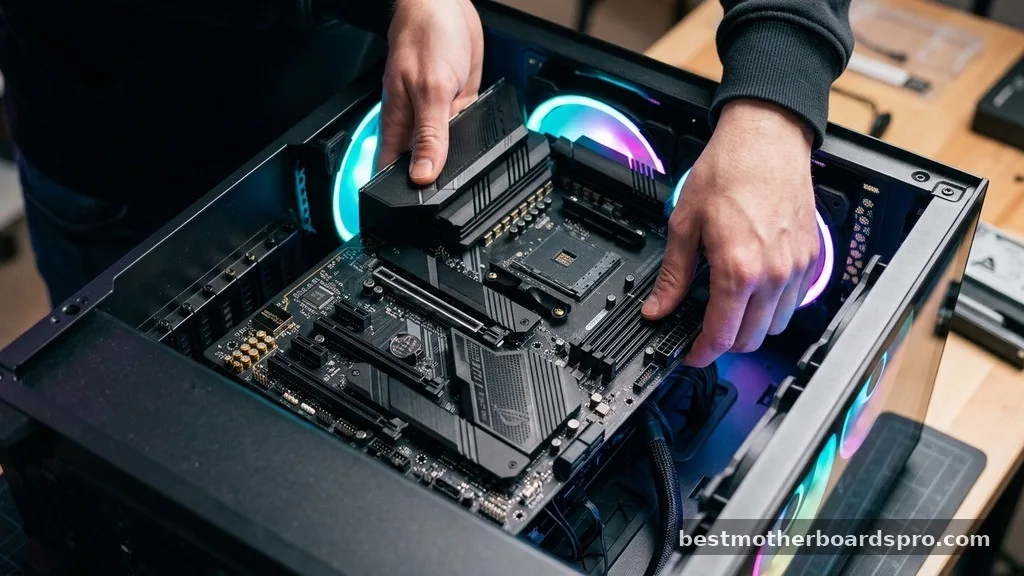
The physical size of your board is the first decision you have to make because it determines which computer case you can use. Most gamers gravitate toward the ATX motherboard because it offers the most expansion slots and cooling headers. If you are building a smaller, more compact machine, you might look at Micro-ATX or Mini-ITX options.
Mini-ITX boards are excellent for minimalist desk setups, but they come with significant trade-offs. You typically lose out on multiple PCIe slots and extra RAM DIMM slots.
Before purchasing, verify that your chosen case supports the form factor you have selected. A mismatch here is the most common reason for stalled PC builds.
Power Delivery and Thermal Management
The power delivery system, often referred to as the VRM (Voltage Regulator Module), is the engine room of your motherboard. When you run demanding processors, the VRM converts electricity from your power supply into a stable voltage for the CPU. A high-quality VRM ensures that your processor maintains its boost clock speeds without thermal throttling.
Look for boards that include integrated heatsinks over the VRMs. These metal blocks dissipate heat away from the sensitive components, preventing the board from becoming a bottleneck during extended gaming sessions.
If you plan on overclocking your CPU, this feature is non-negotiable. Cheap boards often omit these heatsinks, which can lead to instability when you push your hardware to its limits.
Connectivity and Expansion Slots
Modern gaming requires a variety of high-speed connections for storage and peripherals. When evaluating what’s a good motherboard for gaming, count the available PCIe Gen slots and M.2 NVMe storage ports. PCIe Gen 4 or Gen 5 support is increasingly important for modern graphics cards and high-speed SSDs.
USB ports are another area where users often feel short-changed after building. Check the rear I/O panel to ensure you have enough ports for your mouse, keyboard, microphone, and external drives. Having a dedicated USB-C port is also a smart move for future-proofing your peripherals.
| Feature | Entry-Level Board | High-End Gaming Board |
|---|---|---|
| VRM Cooling | Minimal or None | Heavy Heatsinks |
| M.2 Slots | 1-2 | 3-4+ |
| PCIe Version | Gen 3 or 4 | Gen 5 |
| Networking | 1Gb LAN | 2.5Gb LAN + Wi-Fi 6E/7 |
Networking and Integrated Audio
Reliable internet is the backbone of any online gaming experience. Most modern boards include built-in Wi-Fi, which is incredibly convenient if you cannot run a dedicated Ethernet cable to your router. If you prefer a wired connection, look for a board that features a 2.5Gb LAN port rather than the standard 1Gb port.
Audio quality is another overlooked aspect of motherboard selection. Manufacturers often highlight their proprietary audio chipsets, which can provide clearer sound and better spatial awareness in competitive shooters. While a dedicated sound card or external DAC is always superior, a high-quality integrated audio solution is more than enough for most players.
Addressing Compatibility Concerns
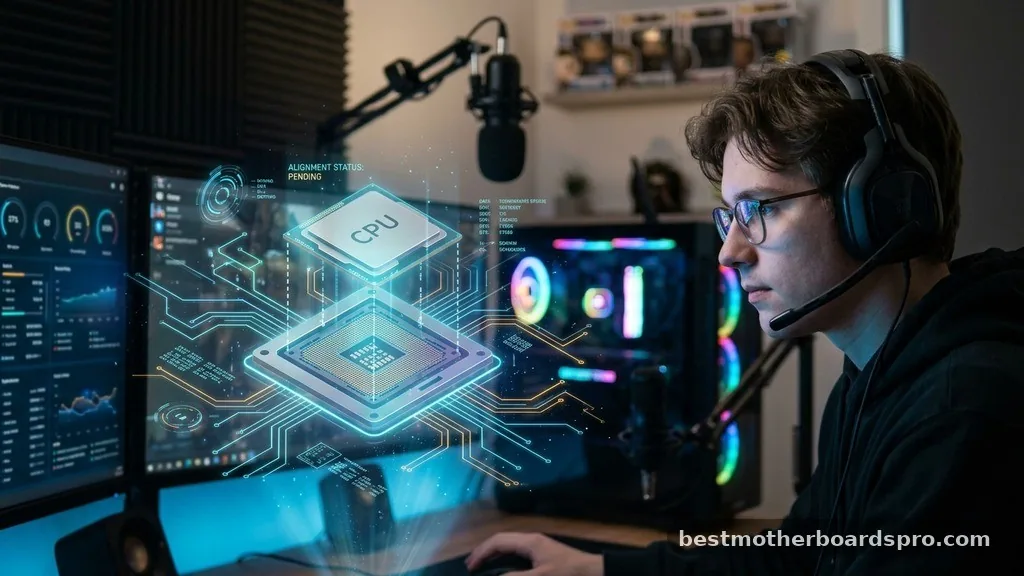
System builders frequently face issues regarding DDR memory compatibility and processor socket types. You must ensure that the board you select matches the socket of your CPU. For example, modern AMD Ryzen processors require AM5 sockets, while Intel chips have their own specific LGA requirements.
- Check the CPU socket type to ensure physical compatibility.
- Verify the RAM generation, as DDR4 and DDR5 are not interchangeable.
- Ensure your case has enough clearance for the specific board size.
- Confirm that the BIOS version supports your specific CPU generation.
- Look for boards with BIOS Flashback buttons for easier updates.
The Role of Chipsets in Performance
The chipset acts as the traffic controller for your motherboard, managing communication between the processor, RAM, and storage devices. AMD and Intel offer different tiers of chipsets, ranging from budget-friendly versions to enthusiast-grade options. If you are aiming for a balanced gaming machine, mid-range chipsets usually provide the best value.
High-end chipsets often include extra features like more PCIe lanes and better support for multi-GPU setups or extreme overclocking. However, for a single graphics card setup, these premium chipsets rarely provide a meaningful increase in frame rates. Spend your budget on a better GPU instead of an overly expensive motherboard.
Evaluating Brand Reliability
When you search for what’s a good motherboard for gaming, you will consistently see names like ASUS and MSI at the top of the lists. These manufacturers have refined their BIOS interfaces and software suites over many years. A user-friendly BIOS makes it significantly easier to enable XMP profiles for your RAM or monitor system temperatures.
Software ecosystems also play a role in your experience. Controlling your RGB lighting, updating drivers, and managing fan curves should be straightforward.
While all major brands are capable of producing excellent boards, some users prefer the specific interface style of one manufacturer over another. It is often worth sticking with a brand you are already familiar with to minimize your learning curve.
Finding the Right Price Point
It is easy to overspend on features you will never use. Many luxury boards include excessive aesthetic additions like custom OLED screens or excessive metal plating that do nothing for performance. A practical approach is to define your “must-have” list first, such as Wi-Fi, enough storage slots, and a specific form factor.
Once you have your list, look for boards that meet those criteria without adding unnecessary fluff. Often, a board priced in the mid-range will perform identically to a board that costs twice as much in real-world gaming scenarios. Your money is almost always better spent on a faster graphics card or a more efficient power supply.
FAQ
Is a more expensive motherboard better for gaming performance?
Not necessarily. While high-end boards offer better overclocking potential and more connectivity, they do not directly increase your frame rates. As long as your board supports your CPU and GPU properly, the extra cost of a premium model usually pays for features you likely won’t utilize.
Do I need Wi-Fi built into my motherboard?
If you have an Ethernet cable available, a wired connection is always preferred for stability and lower latency. However, built-in Wi-Fi is essential if your router is in another room or if you move your PC between locations frequently, making it a highly recommended feature for most users.
How do I know if my motherboard is compatible with my CPU?
You must check the motherboard’s official product page for its CPU Support List. This list tells you exactly which processors are compatible. Furthermore, ensure the motherboard socket matches your CPU socket, such as AM5 for the latest AMD chips or the current LGA standard for Intel.
Is DDR5 memory required for modern gaming boards?
DDR5 is the current standard for high-performance builds and offers better bandwidth than older DDR4 memory. While some budget boards still support DDR4, moving to a DDR5-compatible board is a smart decision for anyone looking to build a system that will remain relevant for the next few years.
Conclusion
Selecting a motherboard is about balancing your current needs with your future expansion plans. By focusing on the quality of power delivery, the necessary number of expansion slots, and reliable networking, you can easily filter out the noise. When people ask what’s a good motherboard for gaming, the best answer is one that fits your specific CPU and budget without sacrificing the stability required for long gaming sessions.
Take your time to compare the technical specifications of a few models that catch your eye. Remember that the board is the foundation of your entire PC, so choose one that provides a solid base for your components. Once you have your board, you can focus on the more exciting parts of your build, confident that your system is built on a reliable and efficient foundation.



