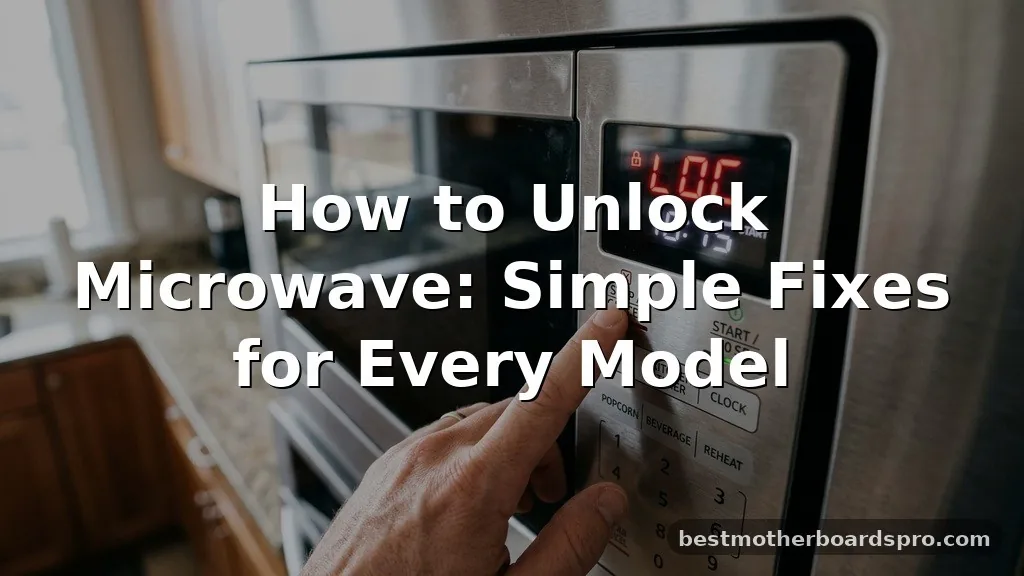
Finding your kitchen appliance unresponsive or stuck in a specific mode can be incredibly frustrating when you are ready to prepare a meal. If you have been struggling with how to unlock microwave controls, you are likely dealing with the child lock feature, which is a standard safety inclusion on most modern kitchen units.
This setting is designed to prevent accidental operation, but it often confuses users who aren’t familiar with the specific button sequence required to disable it. You will find that most systems use a simple, consistent method to restore full functionality to your device, allowing you to get back to your routine without calling a technician.
Identifying the Child Lock Status
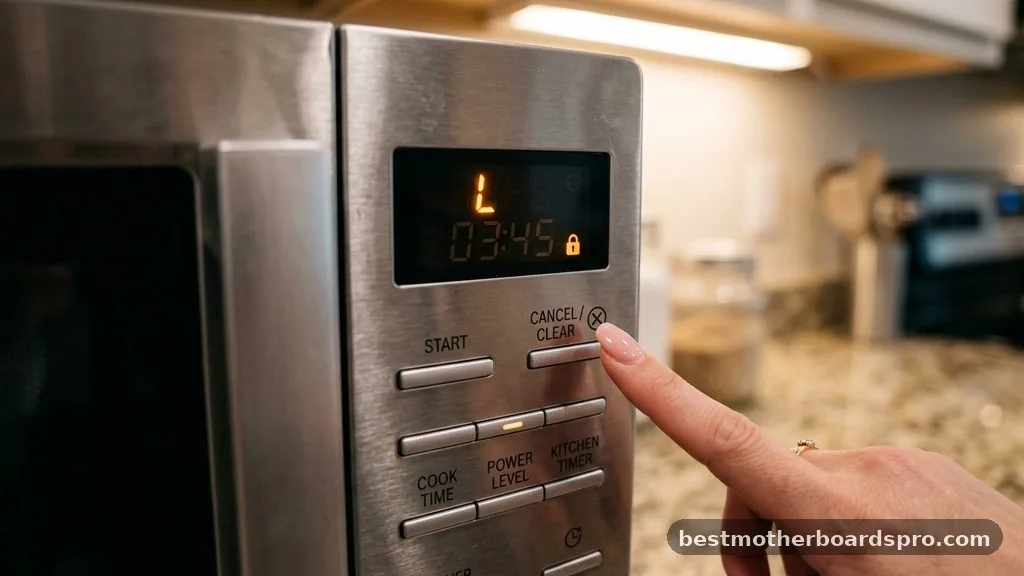
Most modern microwave ovens are equipped with a dedicated lock function to ensure user safety. When this mode is active, the display might show a small icon—often a padlock symbol—or the word “LOCKED” or “L” might appear on the screen. If you press a button and nothing happens, or if the display flashes, the unit is almost certainly in this protective state.
Recognizing the signs of a locked unit is the first step toward resolution. You might notice that the clock is visible, but the start button remains unresponsive.
This behavior is intentional, as it prevents children from inadvertently starting the appliance when it is empty. Because the specific button note or combination to release this state can vary by manufacturer, it is helpful to look for visual cues on the control panel itself.
Common Methods to Unlock Your Microwave
The process for disabling the security mode is usually straightforward, though the exact sequence depends on your specific appliance. Manufacturers often use a long-press interaction to prevent accidental activation or deactivation.
- Locate the Stop/Clear button and hold it down for three to five seconds.
- Look for a dedicated “Lock” or “Child Lock” button on the interface.
- Try pressing and holding the number “0” key if your model lacks a dedicated button.
- Check if the Start button has a secondary function labeled “Lock” beneath it.
If you are dealing with a touch-sensitive panel, ensure your hands are clean and dry, as moisture can interfere with the sensor’s ability to register a long press. Once you perform the correct action, the screen should beep or flash to indicate the system has returned to its standard operating mode.
Handling Brand-Specific Lock Sequences
Since the process to unlock door and control panel settings will vary model to model, it helps to know how major brands handle these configurations. Some brands utilize a dedicated physical button, while others rely on a combination of existing keys.
| Brand | Common Unlock Method |
|---|---|
| GE | Hold the “Cancel/Off” or “Clear” button for 3 seconds. |
| Samsung | Press and hold “Child Lock” or the “Stop/Clear” button. |
| Panasonic | Hold the “Stop/Reset” button and press “Start” three times. |
| Whirlpool | Hold the “Control Lock” or “Cancel” button for 5 seconds. |
When your device requires a specific sequence, such as the Panasonic method, the timing is critical. If you do not perform the steps in quick succession, the software may reset the timer, preventing the unit from exiting the locked state. Always listen for a confirmation beep, as this is the most reliable indicator that your input was successful.
Addressing Power-Related Lock Issues
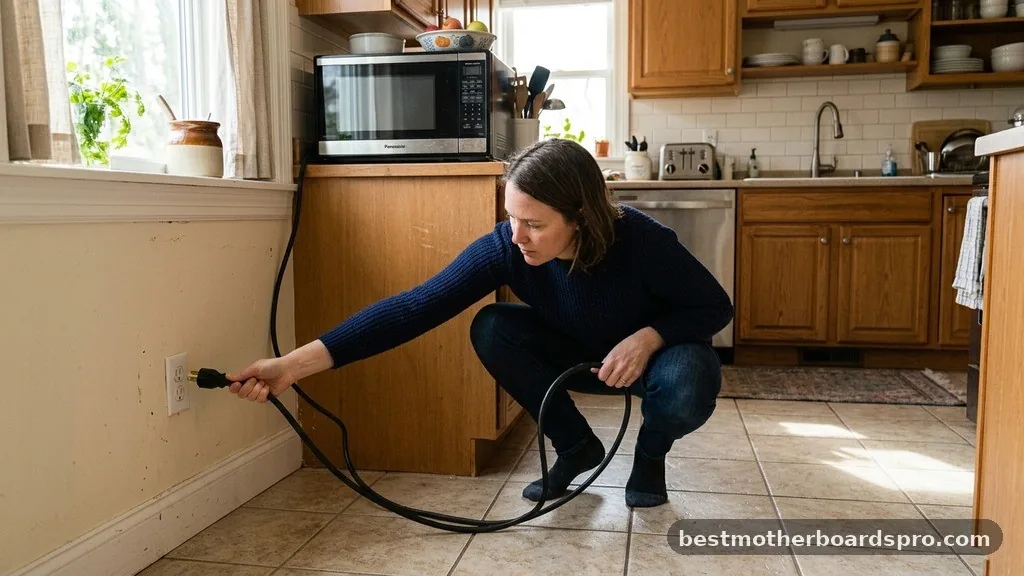
Sometimes, a unit might appear to be locked when it is actually experiencing a power-related glitch. If you have tried the standard button sequences and the interface remains unresponsive, a power cycle might be necessary. This process effectively resets the onboard computer, which can clear temporary software errors that might mimic a locked state.
To perform a hard reset, unplug the appliance from the wall outlet completely. Leave it disconnected for at least one full minute to allow any residual energy to dissipate from the internal capacitors. Once you plug it back in, the system will reboot.
In many cases, the display will return to a default state, and you will be able to operate the unit normally. If the issue persists, the internal control board might be faulty, which would require professional maintenance or a replacement unit.
Troubleshooting Persistent Lock Problems
If you find that the unit returns to a locked state shortly after cooking, you may have a setting enabled that defaults to safety mode. Some premium models are programmed to engage the security feature automatically after a period of inactivity. Check your user manual for “Auto-Lock” or “Demo Mode” settings, as these can be disabled through the menu options on the display.
Another factor to consider is the door latch assembly. If the door sensor is failing, the microwave might refuse to start because it cannot verify that the door is closed.
This is different from a software lock, but it often manifests as a non-responsive start button. You can verify this by checking the door alignment; if the door feels loose or does not click shut firmly, the safety interlock switch may be preventing the appliance from drawing power.
Understanding Safety and Design Intent
The integration of these features is a direct response to the need for home safety. By making it difficult for younger children to operate high-heat appliances, manufacturers reduce the risk of accidental burns or fires. Understanding how to manage these functions is an essential part of owning modern kitchen technology.
When you find that you cannot get the unit to respond, avoid using excessive force on the buttons. Modern touch-capacitive panels are delicate and can be damaged by aggressive pressure. If you are struggling, return to the basics: ensure the unit is receiving power, verify the door is properly latched, and try the manufacturer’s specific long-press command one more time.
FAQ
Why does my microwave lock automatically?
Many modern units are designed to engage a child safety feature after a period of inactivity to prevent accidental use. If yours does this, check the settings menu for an “Auto-Lock” or “Child Safety” option that can be toggled off to keep the unit ready for immediate use.
What if my microwave has no lock button?
If your control panel lacks a dedicated lock key, the function is usually tied to the “Stop/Clear” or “Start” buttons. Try holding the “Stop/Clear” button for three to five seconds. Alternatively, check if a small padlock icon is illuminated on your display, indicating the mode is active.
Can a power outage cause the lock to engage?
Yes, a power surge or a sudden outage can sometimes cause the internal software to revert to its default state, which may include the lock feature. If your microwave is unresponsive after power is restored, perform a manual reset by unplugging the unit for one minute before plugging it back in.
How do I know if the door latch is the problem?
If you have successfully disabled the software lock but the unit still won’t start, the door latch may be at fault. If the display shows no error codes but ignores your commands, the safety switch inside the door frame might be failing to register that the door is closed.
Conclusion
Mastering the process of managing your appliance’s security settings ensures that your kitchen remains both safe and functional. Whether you are dealing with a standard child lock or a more complex menu-based setting, the solution usually involves a simple, sustained input on your control panel. By understanding how to properly unlock microwave features, you eliminate the frustration of an unresponsive interface and maintain full control over your cooking environment.
If you continue to face issues after following these steps, checking your specific model’s manual remains the best path forward. Should you have any other questions regarding your kitchen appliances, feel free to reach out and explore more troubleshooting tips to keep your home running smoothly.