Choosing the right foundation for your PC is a balancing act between future-proofing your hardware and staying within your budget. Many builders fixate on the CPU or GPU, but understanding exactly what to look for in a motherboard ensures your components communicate effectively and perform at their peak.
A poorly matched board can bottleneck your processor or limit your ability to add storage, while a premium model might offer features you never actually use. By focusing on the critical technical specifications, you can build a reliable system that meets your specific computing needs without overspending on unnecessary extras.
Determining the Correct Form Factor
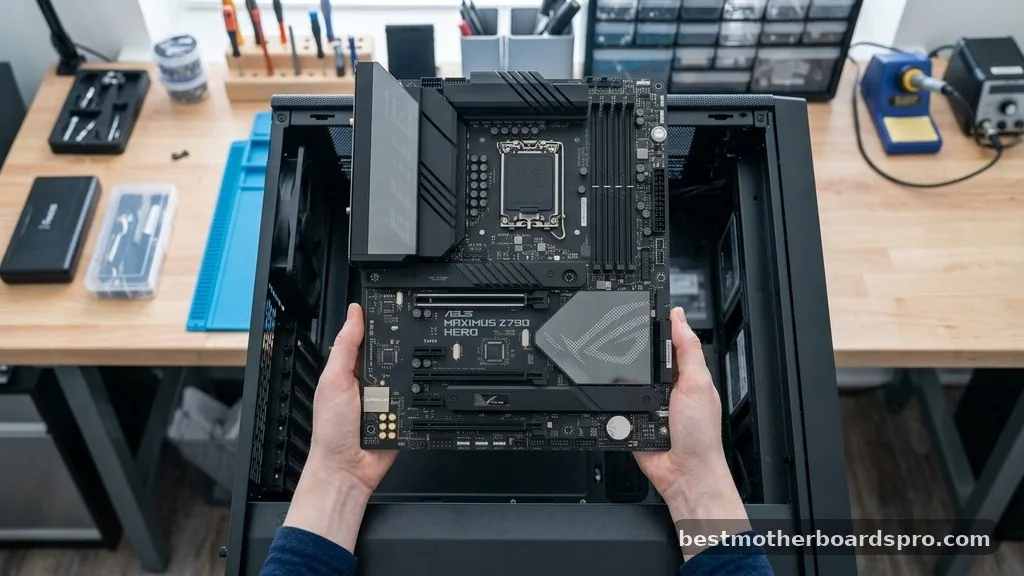
Before diving into specs, you must decide on the physical size of your board. The form factor dictates which computer cases your motherboard will fit into and how many expansion options you have available.
The most common size is ATX, which provides the best balance of expansion slots, M.2 slots, and overall connectivity. If you want a more compact build, Micro-ATX (mATX) is a popular middle ground, though it often sacrifices a few PCIe slots.
For those aiming for a minimalist desk setup, Mini-ITX boards are incredibly small, but they are limited to a single PCIe slot and usually only two DIMM slots for RAM. Always verify your case supports your chosen size before purchasing.
Selecting the Right CPU Socket and Chipset
Your motherboard must physically and electronically support your processor. The CPU socket is the specific interface on the board that matches your processor’s footprint. If you have an Intel chip, you need a board with an LGA socket; if you are using an AMD processor, you need an AM4 or AM5 socket.
Beyond the physical fit, the chipset determines the motherboard’s feature set. It acts as the traffic controller for your data, managing communication between the CPU, RAM, and peripherals.
High-end chipsets typically offer more PCIe lanes, more overclocking headroom, and extra high-speed USB ports. Entry-level chipsets are perfectly fine for basic office tasks, but they often restrict your ability to push your CPU performance or add multiple high-speed storage drives.
Understanding Power Delivery and VRM Cooling
Reliable performance depends heavily on how the motherboard manages power. The power delivery system, specifically the Voltage Regulator Module (VRM), converts electricity from your power supply into a stable voltage for the CPU.
If you are using a high-performance processor, you need a board with a robust VRM design. Look for boards that feature substantial heat sinks covering the power delivery components.
Without adequate VRM cooling, the board can overheat under heavy loads, causing the CPU to downclock and lose performance. If you aren’t planning to overclock, you don’t need the most extreme power stage configuration, but you should still ensure the area around the CPU socket doesn’t look barren or unprotected.
Evaluating Connectivity and Internal Headers
A motherboard is the central hub for your entire system, so connectivity is paramount. You need to account for both your current hardware and your potential future upgrades.
Internal Headers and Storage
- M.2 slots: Look for at least one or two slots for fast NVMe SSDs, ideally supporting PCIe Gen4 or Gen5.
- SATA ports: Essential for legacy hard drives or 2.5-inch SSDs; four to six ports are standard for most users.
- Fan headers: Check that the board has enough 4-pin PWM headers to handle your case fans and CPU cooler.
- Front panel headers: Ensure the board has USB-C and USB 3.0 headers that match the ports on your chosen case.
Rear I/O and Networking
The back of your motherboard provides the primary interface for your peripherals and internet connection. Always check the rear panel for the number of USB ports, especially if you have several high-speed devices like external drives or high-polling-rate mice. For networking, prioritize a board with a high-quality LAN controller that supports at least 2.5Gbps speeds if you have a fast home network. If you don’t have an ethernet cable running to your desk, make sure the board comes with integrated Wi-Fi and Bluetooth.
RAM Compatibility and Performance
Memory support is a critical factor in system stability. You need to check the RAM compatibility lists—often called a QVL (Qualified Vendor List)—provided on the manufacturer’s website. These lists confirm which specific memory kits have been tested to work at their advertised speeds on that board.
Most modern boards use DDR5, while older or budget-oriented systems still rely on DDR4. Keep in mind that you cannot mix the two types. Furthermore, pay attention to the number of DIMM slots.
While four slots are standard, two are often sufficient for most users. If you plan to upgrade your memory capacity later, look for a board with four slots so you can add more sticks without replacing your existing ones.
Additional Features for Builders
Some features don’t affect raw performance but make the building and troubleshooting process much smoother. These additions are especially helpful for first-time builders.
| Feature | Benefit |
|---|---|
| Debug LED | Helps identify hardware failures quickly during startup. |
| Onboard Diagnostics | Provides visual or audio cues to explain boot-up issues. |
| Pre-installed I/O Shield | Simplifies installation and prevents lost parts. |
| BIOS Flashback | Allows for firmware updates without needing a CPU installed. |
The BIOS interface is another area worth checking. Some manufacturers offer much more intuitive, user-friendly menus than others, which makes adjusting fan curves or enabling XMP profiles for your RAM significantly easier. If you are an enthusiast, look for a board that supports easy firmware updates via a dedicated USB button on the back.
Addressing Common Gaps in Motherboard Selection
Many builders overlook the audio codec, assuming all onboard sound is the same. While most users are fine with standard integrated audio, those who use high-impedance headphones may want a board with a dedicated amplifier or a higher-quality DAC (Digital-to-Analog Converter).
Another frequently ignored aspect is the physical layout of the expansion slots. If you intend to use a large air cooler or a massive triple-slot graphics card, ensure the PCIe layout doesn’t result in components physically blocking each other. A crowded board makes cable management difficult and can negatively impact airflow, leading to higher temperatures across your entire system.
How do I tell if a motherboard is good?
A good motherboard offers a stable power delivery system, sufficient cooling for the VRMs, and enough connectivity for your current and future needs. Look for high-quality components, a reputable brand, and positive reviews regarding BIOS stability. It should match your CPU socket and provide adequate expansion slots.
What is the average lifespan of a motherboard?
Most motherboards can last between five to ten years if they are kept clean and not subjected to extreme power fluctuations. Since they contain capacitors and delicate circuits, their lifespan is often dictated by the quality of the power supply used and the environmental conditions of the room.
What should I look for in a motherboard for gaming?
For gaming, prioritize a board with a robust VRM for stable performance, sufficient M.2 slots for fast game storage, and high-speed networking options. Ensure it has enough PCIe lanes for your GPU and good audio quality, as these directly impact your gaming experience and long-term upgrade path.
Is it worth buying a more expensive motherboard?
You only need an expensive motherboard if you require specific features like extra PCIe lanes, advanced overclocking tools, or premium integrated audio. For most standard gaming or productivity builds, a mid-range board provides excellent performance and reliability without the high cost of enthusiast-grade, feature-heavy models.
Conclusion
Selecting the right foundation for your PC comes down to matching your specific hardware requirements with the correct physical and electronic specifications. Whether you are prioritizing expansion or aiming for a compact build, knowing what to look for in a motherboard prevents common pitfalls like component incompatibility or thermal throttling. Focus on the core pillars of power delivery, connectivity, and socket support first, then look for the quality-of-life features that make your build process easier.
Once you have a solid board in place, your system will be well-equipped to handle current demands while remaining ready for future upgrades. Take your time to compare the available options, and you will end up with a machine that performs reliably for years to come.