


The VRM on motherboard architecture acts as the heart of your computer’s power delivery system. If you have ever wondered why some boards cost significantly more than others, the answer often lies hidden under those aluminum heat sinks surrounding your processor.
These modules perform the critical task of converting the high-voltage electricity supplied by your power supply into the precise, low-voltage current that your CPU requires to function stably. Understanding how these components work helps you make better decisions when building or upgrading your system, especially if you plan on pushing your hardware to its absolute limits during heavy workloads or high-end gaming.
Defining the Voltage Regulator Module
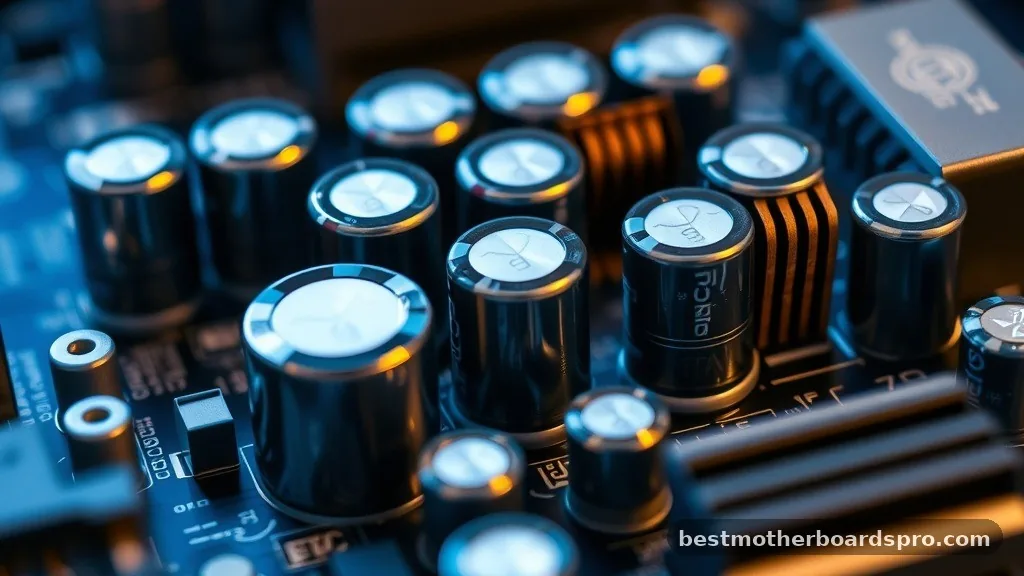
At its simplest, a voltage regulator module is a specialized circuit that steps down the 12V electricity coming from your power supply unit to a range typically between 1V and 1.5V for the processor. CPUs are incredibly sensitive to voltage fluctuations.
If the power delivered is unstable, your system will crash, freeze, or suffer from thermal throttling. The VRM ensures that the electricity is clean, consistent, and perfectly timed to match the demands of your processor, whether it is idling on the desktop or running a multi-threaded render.
The architecture of these modules consists of several core components working in unison. You will primarily see a collection of chokes, capacitors, and MOSFETs arranged in rows.
These parts are responsible for filtering noise and smoothing out the current before it reaches the CPU. Without this conversion process, a modern computer would be unable to operate, as the raw power provided by a standard wall outlet or power supply would instantly destroy the delicate silicon inside your chip.
The Role of Power Phases
You have likely heard enthusiasts talk about power phases when discussing motherboard quality. A single phase consists of a driver, MOSFETs, and a choke. By spreading the electrical load across multiple phases, the motherboard reduces the heat generated by any single component.
This is why high-end boards boast a higher phase count. More phases mean the load is distributed more efficiently, which allows for cooler operation and greater longevity for your hardware.
When a motherboard manufacturer advertises a “16+2” power design, they are highlighting the number of phases dedicated to the CPU versus other components like the integrated graphics or memory controller. A higher number generally suggests that the board can handle power-hungry, high-end CPUs without the cooling system becoming overwhelmed.
| Feature | Budget Motherboard | High-End Motherboard |
|---|---|---|
| Phase Count | 4 to 6 phases | 12 to 20+ phases |
| Component Quality | Standard capacitors | Premium, high-durability chokes |
| Heat Management | Often lacks heat sinks | Large, finned heat sinks |
| Overclocking | Limited or discouraged | Highly stable for enthusiasts |
Why Component Quality Matters
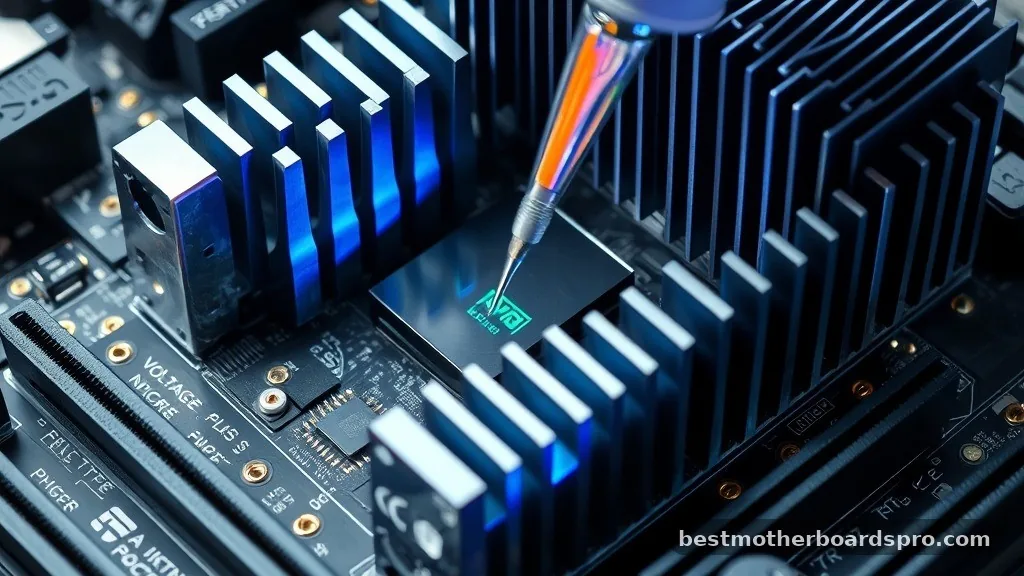
The performance of your VRM is not just about the count of phases; it is about the quality of the individual parts. MOSFETs are the primary transistors that handle the switching of power. Cheaper MOSFETs have higher internal resistance, which leads to increased heat production.
When these components get too hot, they become less efficient, which forces the motherboard to pull even more current to maintain the target voltage. This creates a vicious cycle of heat and inefficiency.
Top-tier motherboards use “DrMOS” or integrated power stages that combine the driver and MOSFETs into a single package. These modern designs are significantly more efficient than older, discrete setups.
When you are looking at the latest boards, pay attention to the advertised current rating of the power stages. A board with fewer phases but higher-quality power stages can often outperform a board with a high phase count using subpar components.
Thermal Management and Heat Sinks
Because these circuits handle significant amounts of electricity, they inevitably generate heat. This is exactly why you see large metal blocks sitting on top of the VRMs on most modern boards. These heat sinks are designed to pull heat away from the sensitive electrical components and dissipate it into the airflow inside your case.
If you are running a high-wattage processor, your thermal management setup becomes a critical point of failure. If the heat sinks are too small or the airflow in your case is stagnant, the temperature of the power circuitry can spike.
Most modern motherboards include thermal sensors that monitor this. If the temperatures reach a critical threshold, the system will trigger thermal throttling, drastically reducing your CPU’s clock speed to prevent permanent damage to the board.
Addressing Topical Gaps: VRMs and Modern CPUs

Many users ask if they need a “beefy” power delivery system for a standard office PC. The truth is that CPU power requirements vary wildly.
If you are using a low-power processor, you rarely need to worry about the specific design of your power regulation. However, if you are planning to pair a high-end, unlocked processor with your motherboard, the quality of these components becomes the most important factor in your build.
- Low-end CPUs: Standard 4-phase designs are perfectly adequate for daily tasks.
- Mid-range Gaming: 6 to 8 phases provide enough headroom for gaming and light productivity.
- Workstation/Overclocking: 12+ phases are recommended to ensure stability under sustained, heavy loads.
- Future-proofing: Investing in better components now allows for easier CPU upgrades later.
Another common misconception is that a higher phase count is the only metric for success. Some manufacturers use “doublers” to inflate the number of phases reported on the box.
While this can help distribute heat, it does not provide the same electrical accuracy as a board with true, independent phases. Always look for reviews that perform thermal testing rather than just counting the chokes on the board.
The Impact of PWM Controllers
The PWM (Pulse Width Modulation) controller acts as the brain of the entire power delivery system. It tells the power stages exactly when to turn on and off to maintain the requested voltage. A high-quality controller can react to changes in CPU demand in nanoseconds.
If the controller is slow or inconsistent, you will see “voltage droop,” where the voltage drops significantly under load. This instability is a common cause of blue screens and system crashes during intensive tasks like video rendering or gaming.
Frequently Asked Questions
Is a higher phase count always better for performance?
Not necessarily. While more phases help distribute heat and current, the quality of the individual components like MOSFETs and chokes is equally important. A motherboard with fewer high-quality phases can often outperform a board with many low-quality phases that rely on component doubling for marketing purposes.
Do I need to worry about VRM temperatures while gaming?
Generally, no. Most modern motherboards are designed to handle the power draw of gaming sessions without reaching dangerous temperatures. However, if you are using an entry-level board with a high-end, power-hungry processor, monitoring your temperatures is a smart way to ensure your system stays stable.
Can a faulty power delivery system damage my CPU?
It is possible but rare. If a component fails or the voltage regulation becomes completely erratic, it could potentially send a voltage spike to the processor. However, most modern boards have built-in safety features that cut power instantly if the output exceeds safe operating parameters for the silicon.
How can I check if my board has good power delivery?
The best way is to look for professional reviews that include infrared thermal imaging or stress tests for specific motherboard models. These tests show how the board handles high-wattage processors over time. Avoid relying solely on the marketing images provided by manufacturers, as they can be misleading.
Final Thoughts on Motherboard Power
The VRM on motherboard architecture is a fundamental component that dictates the stability and longevity of your entire system. By converting raw power into the precise energy your CPU needs, these circuits allow for the high-performance computing we rely on today. Whether you are building a budget-friendly machine or an enthusiast-grade workstation, paying attention to the quality of the power delivery system ensures that your processor operates at its peak potential without unnecessary throttling or instability.
If you are currently planning a build, prioritize boards that feature robust heat sinks and reputable power stages. While it might be tempting to save money on the motherboard, the power delivery system is one area where quality directly impacts your daily experience.
If you have questions about your specific hardware or need help interpreting component specs, feel free to dive deeper into the technical documentation provided by your motherboard manufacturer. Building a reliable PC starts with understanding the hidden components that keep everything running smoothly.



