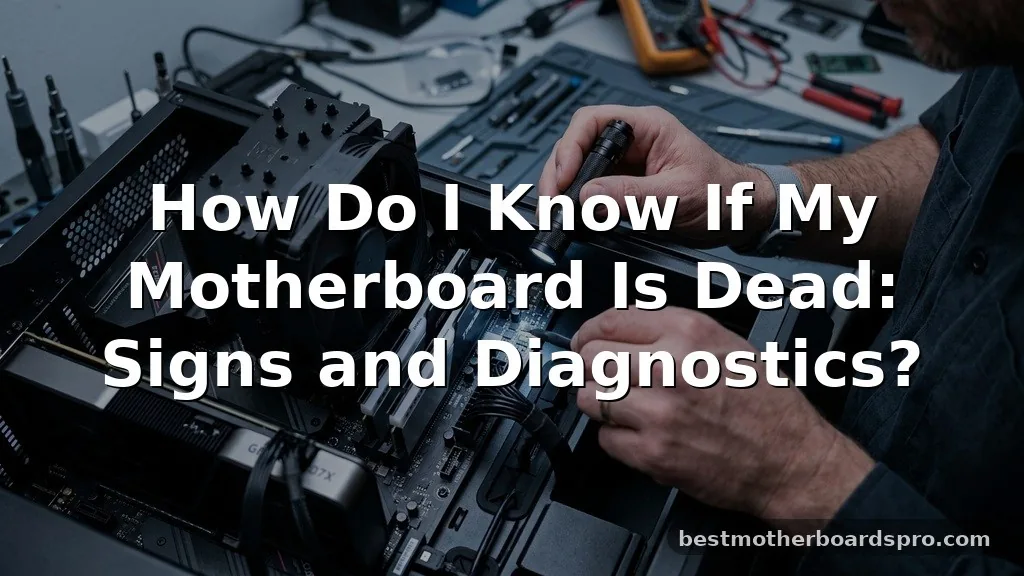
Staring at a blank screen after pressing the power button is a frustrating experience for any user. When your computer fails to show signs of life, you might wonder how do I know if my motherboard is dead, or if another component is simply failing to communicate.
Because the motherboard serves as the central nervous system for your entire hardware setup, a total failure often mimics other issues like a broken power supply or a loose cable. By methodically isolating each part, you can determine whether your mainboard has truly reached the end of its life or if a simpler fix will get you back up and running.
Initial Physical Inspection and Power Indicators
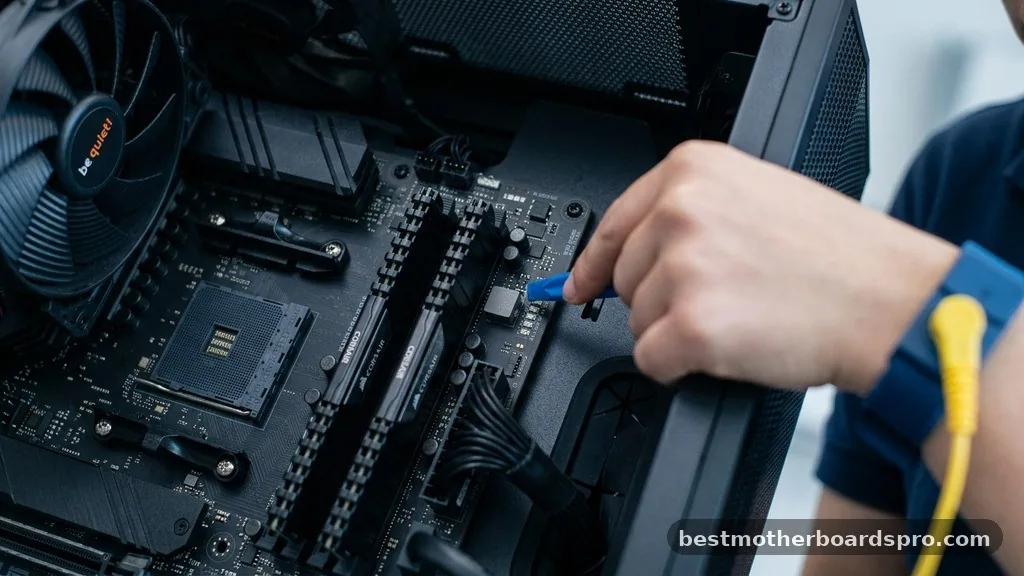
The first step in diagnosing a potential motherboard failure is observing the most basic physical signs of life. If you hit the power button and absolutely nothing happens—no fans spin, no lights flicker, and there is no audible sound—you are likely looking at a power delivery issue. However, if the fans spin for a split second and then stop, or if you see status LEDs glowing on the board, the system is receiving electricity but failing to complete the boot process.
Check the interior of your case to see if any diagnostic LEDs are illuminated. Many modern boards feature a set of small lights labeled CPU, DRAM, VGA, and BOOT.
If one of these remains lit, it often indicates exactly where the system is hanging. If the board is completely dark, perform a paperclip test on your power supply unit (PSU) to rule it out before assuming the motherboard is the culprit.
Interpreting Beep Codes and Diagnostic Lights
Before you write off your hardware as deceased, listen for the computer’s built-in communication system. Older machines use a small internal speaker to emit beep codes that signal specific hardware errors. A long, continuous beep or a series of short, rhythmic chirps often points toward memory or GPU issues rather than a dead board.
If your system is newer and lacks an internal speaker, look for the Q-LED indicators mentioned earlier. These are much more reliable than guesswork. If you have no lights and no beeps, even after ensuring the power supply is functional, the internal circuitry of the motherboard may have suffered a fatal short or component degradation.
| Symptom | Likely Cause | Action Required |
|---|---|---|
| No power, no lights, no fans | Power Supply or Dead Board | Test PSU with a multimeter |
| Fans spin, then immediately stop | Short circuit or CPU error | Reseat RAM and check cables |
| Fans spin, but screen is black | GPU or Memory failure | Clear CMOS and test sticks |
| Continuous, repeating beeps | Memory (RAM) issues | Remove and reseat RAM modules |
Common Indicators of Motherboard Failure
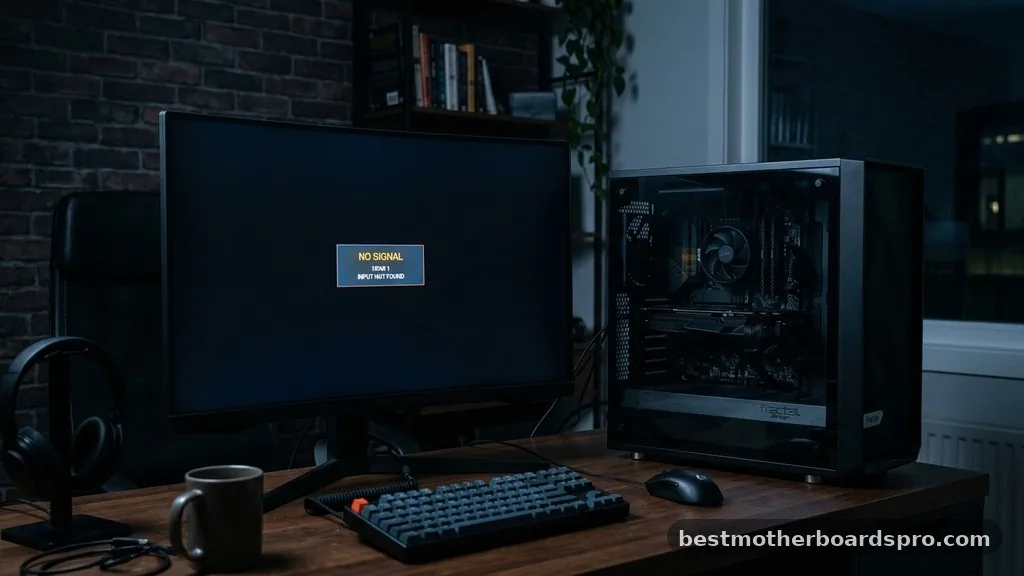
Distinguishing between a dead board and a faulty component requires a systematic approach. You should look for physical damage on the board itself, such as bulging capacitors or burnt traces.
These are classic signs of age or power surges. If the board looks clean but the system refuses to post, the BIOS might be corrupted or the chipset could have failed.
- Physical signs of damage: Look for leaking, bulging, or scorched capacitors.
- System instability: Frequent random reboots or blue screens often precede a total board failure.
- Peripheral failure: If multiple USB ports or audio jacks stop working simultaneously, the motherboard controller is likely failing.
- BIOS accessibility: If you cannot reach the BIOS setup screen, the board is likely unable to initialize the basic hardware handshake.
- Hardware mismatch: Ensure your CPU and RAM are compatible with the current BIOS version of your motherboard.
Isolating Hardware to Confirm the Fault
Sometimes the best way to determine if your motherboard is the problem is to strip the system down to its bare essentials. Remove all non-essential components, including graphics cards, extra hard drives, and all but one stick of RAM. If the computer still fails to provide any response after pressing the power button, you are narrowing the field significantly.
Try moving your remaining RAM stick to a different slot. If you have access to another compatible power supply, swap it in to confirm that the original unit wasn’t just providing insufficient voltage to the board. If the system remains unresponsive after these tests, the likelihood that the motherboard is dead increases dramatically.
Addressing Topical Gaps: When It Is Not the Motherboard
Many users assume their mainboard is toast when, in reality, a simple peripheral is causing a short. A faulty power button on your computer case can prevent the signal from reaching the motherboard entirely. You can test this by carefully shorting the two power pins on the motherboard header with a screwdriver; if the system boots, your case switch is the only broken part.
Additionally, static electricity buildup can sometimes cause a motherboard to lock up in a protective state. Disconnecting the power cable, holding the power button for thirty seconds, and then reconnecting everything can clear this state. Don’t overlook the CMOS battery either; a dead CR2032 battery can prevent a system from booting, leading many to falsely conclude the entire board is dead.
FAQ
Will a dead motherboard show any signs of life?
Usually, no. If the motherboard is completely dead, it will not respond to the power button, meaning no fans will spin and no LEDs will illuminate. However, if the board has a partial failure, you might see lights or hear fans briefly spin before the system shuts down.
Can I fix a motherboard that won’t turn on?
It depends on the cause. If the issue is a dead CMOS battery, a loose power cable, or a shorted peripheral, it is easily fixable. If the motherboard has fried VRMs or a damaged chipset, it is generally beyond repair and requires a full replacement to restore functionality.
Is it worth repairing a motherboard?
In most cases, it is not cost-effective. Professional repair shops charge significant labor fees to diagnose and solder components on a board. Unless the motherboard is a rare, high-end, or vintage model, purchasing a new, modern replacement is almost always cheaper and more reliable than attempting a repair.
How do I test my motherboard without a CPU?
Technically, you cannot perform a full boot test without a CPU, as the motherboard requires the processor to initialize. However, most boards will still provide power to fans and light up diagnostic LEDs if they are functional, even if a CPU is not installed in the socket.
Conclusion
Determining how do I know if my motherboard is dead involves a process of elimination rather than a single definitive test. By methodically checking your power supply, reseating your memory, and inspecting the board for physical damage, you can save yourself the cost of replacing perfectly functional parts. Most of the time, what feels like a catastrophic hardware failure is merely a loose connection or a depleted CMOS battery waiting for a quick fix.
Take your time during the troubleshooting process. If you have exhausted all these steps and the board remains unresponsive, it is likely time to look into a replacement.
Remember that your data usually remains safe on your storage drives, even if the motherboard stops working, so you have options for data recovery regardless of the outcome. If you need further assistance, don’t hesitate to reach out to a local technician or consult your manufacturer’s support documentation.