
Deciding which motherboard to buy is often the most confusing part of building a custom PC, yet it serves as the foundation for your entire system. When you’re trying to figure out what motherboard should I get, the process hinges on balancing your processor choice, your budget, and the specific connectivity you need for your daily tasks.
A motherboard isn’t just a slab of silicon; it’s the central nervous system that dictates how your components talk to each other. By narrowing down your requirements before you start browsing, you can avoid overspending on features you’ll never use while ensuring your machine remains stable and upgradeable for years to come.
Matching Your Socket to Your Processor
The first step in determining what motherboard should I get involves identifying your CPU manufacturer. Motherboards are not universal; they are strictly tied to either Intel or AMD platforms through a specific socket type. If you have already picked out a CPU, your motherboard options are immediately narrowed down to those that support that specific socket.
Intel and AMD change their sockets every few generations to support new technologies like faster memory or additional PCIe lanes. Always check the manufacturer’s website for the exact CPU model to ensure it is compatible with the board you are eyeing. Buying an incompatible board is the most common mistake for new builders, so double-check the chipset compatibility before checkout.
Understanding Chipset Tiers and Capabilities
Once you’ve locked in your CPU socket, you will encounter various chipset tiers. These chipsets determine the feature set of the board, such as how many USB ports you get, the quality of the power delivery, and whether you can overclock your processor.
Entry-Level Chipsets
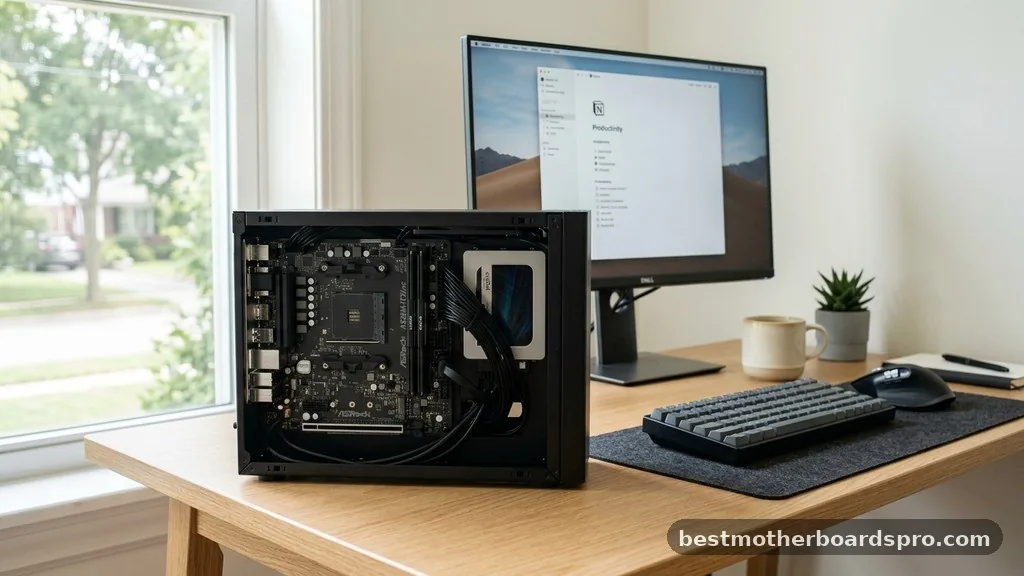
These boards are designed for budget-conscious users who need a functional machine without extra bells and whistles. They usually lack robust overclocking support and have fewer high-speed connections. They are perfect for office builds or basic home theater PCs.
Mid-Range Chipsets
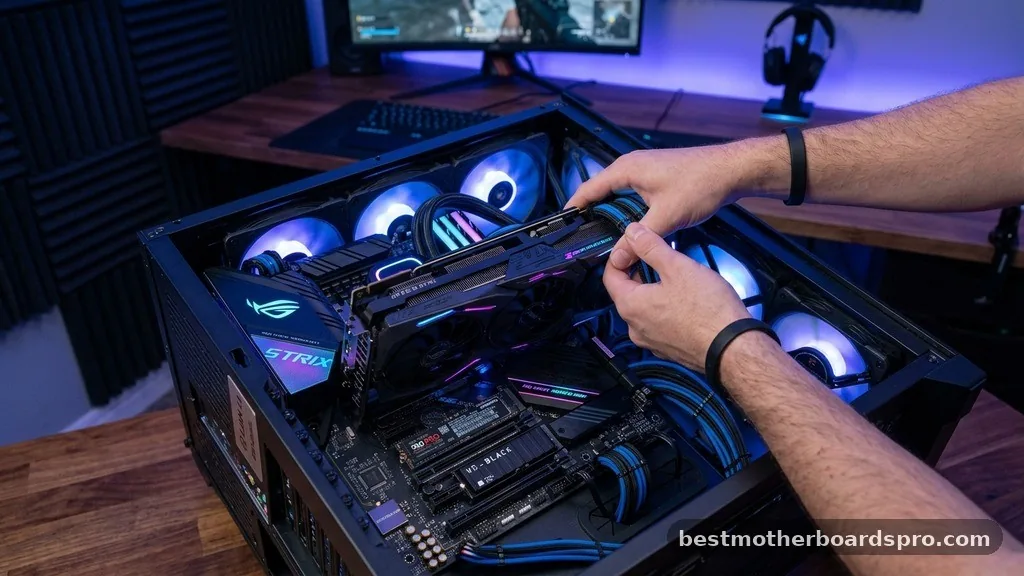
This is the sweet spot for most gamers and content creators. You get a balanced mix of features, including decent power delivery for stable performance, multiple M.2 slots for fast storage, and plenty of rear I/O connectivity. Most users find that a mid-range board provides the best value for their money.
High-End Chipsets
If you are looking to push your hardware to the absolute limit, these boards offer the best overclocking headroom and the most aggressive power delivery systems. They often feature premium aesthetics, integrated Wi-Fi 6E or 7, and the highest number of PCIe lanes for multi-GPU setups or high-speed networking cards.
Physical Size and Form Factor
The physical size of your board matters as much as its technical specs. The form factor dictates which computer case you can use and how many expansion slots you have available for future upgrades.
- ATX: The standard size for most desktop builds. It offers the most PCIe slots and memory DIMM slots.
- Micro-ATX (mATX): A smaller, more compact option that fits into smaller cases while still offering decent expansion capabilities.
- Mini-ITX: The smallest standard, perfect for ultra-compact builds. It usually limits you to one PCIe slot and two RAM slots.
If you are building a workstation or a high-end gaming rig, an ATX board is typically the safest bet. However, if you want a clean, minimalist desk setup, a well-chosen Micro-ATX board can save you space without sacrificing much performance.
Key Connectivity and Expansion Features
When evaluating what motherboard should I get, you need to look closely at the rear I/O panel and the internal headers. These connections define how you interact with your peripherals and how fast your data transfers can go.
| Feature | Why It Matters |
|---|---|
| PCIe 5.0 Slots | Future-proofs your system for high-end GPUs and NVMe SSDs. |
| Integrated Wi-Fi | Essential if you cannot run an Ethernet cable to your router. |
| USB-C Ports | Provides fast data transfer for modern external drives and devices. |
| M.2 Heatsinks | Prevents high-speed storage drives from thermal throttling. |
Pay attention to the number of USB ports available. It is easy to run out of slots once you add a keyboard, mouse, webcam, microphone, and external storage. If you rely on specialized audio equipment or external capture cards, ensure the board has the specific headers or slots required for those devices.
Power Delivery and Thermal Management
The quality of the power delivery, often referred to as the VRM (Voltage Regulator Module), is critical for high-end processors. If you are using a power-hungry CPU, you need a board with substantial heatsinks covering the VRMs to ensure they don’t overheat under load.
A board with weak power delivery might throttle your CPU performance during intense tasks like video rendering or heavy gaming. Look for reviews that specifically mention “thermal performance” or “VRM stability” for the specific model you are considering. This is one area where spending a little extra on a brand like ASRock or other reputable manufacturers pays off in long-term system stability.
Addressing Common Selection Gaps
Many buyers focus solely on the CPU and GPU, ignoring the motherboard’s role in system longevity. One common gap is the lack of BIOS flash features.
If you are buying a board that might need a firmware update to support your specific CPU, having a BIOS flashback button allows you to update the board using only a USB stick, without needing an older compatible CPU to boot it first. This is a life-saver for new builders who might accidentally receive a board with an outdated BIOS version.
Another overlooked aspect is the quality of the integrated audio codec. While most users are fine with onboard audio, those who use high-impedance headphones may find that mid-range boards don’t provide enough power or clarity. If you are an audiophile, prioritize boards that advertise shielded audio components or dedicated headphone amplifiers.
Frequently Asked Questions
How do I know if a motherboard is compatible with my processor?
You must check the CPU support list on the motherboard manufacturer’s website. Ensure the socket type matches exactly, such as AM5 for modern AMD chips or LGA 1700 for Intel. Also, verify that the board’s BIOS version supports the specific CPU generation you intend to install.
Is it worth spending extra for a high-end motherboard?
Only if you need specific features like additional M.2 slots, advanced overclocking tools, or premium integrated networking. For standard gaming or productivity, a mid-range board typically provides the same performance as a high-end one. You are mostly paying for build quality, aesthetics, and extra connectivity options.
Does the motherboard affect my gaming performance?
Directly, the motherboard has very little impact on gaming frame rates. However, it indirectly affects performance by ensuring your CPU and RAM can run at their rated speeds without thermal throttling. A high-quality board provides the stable power delivery necessary for your components to reach their maximum potential.
What is the benefit of built-in Wi-Fi?
Built-in Wi-Fi saves you from needing an extra PCIe expansion card or a USB dongle. Most modern motherboards include high-quality Wi-Fi and Bluetooth modules that are more reliable and faster than cheap external adapters. It keeps your build looking cleaner and frees up an expansion slot for other uses.
Choosing the Right Foundation
Selecting the right hardware for your custom build is an exercise in matching your actual needs with the available technology. When you take the time to evaluate what motherboard should I get, you are essentially determining the ceiling for your PC’s future expansion and stability. Focus on the socket compatibility first, then weigh the necessity of specific features like high-speed USB ports, Wi-Fi connectivity, and robust power delivery against your budget.
A well-researched choice ensures that your system remains a reliable partner for your work or leisure activities for years. Do not feel pressured to buy the most expensive option; often, a solid mid-range board offers the perfect balance of performance and value. Once you have made your decision, double-check your case compatibility, and you will be well on your way to a successful build.